48
7.5.2.4 Download
Warning: The recorder can operate without a USB flash drive, but the data stored in the
recorder will be overwritten by the next sterilization data if the recorder memory
is full. Manufacturers strongly recommend that you use a USB flash drive as a
storage medium and always back up the USB flash drive to a secure area.
If you must perform sterilization without a USB flash drive, you must follow the
steps below to download the data.
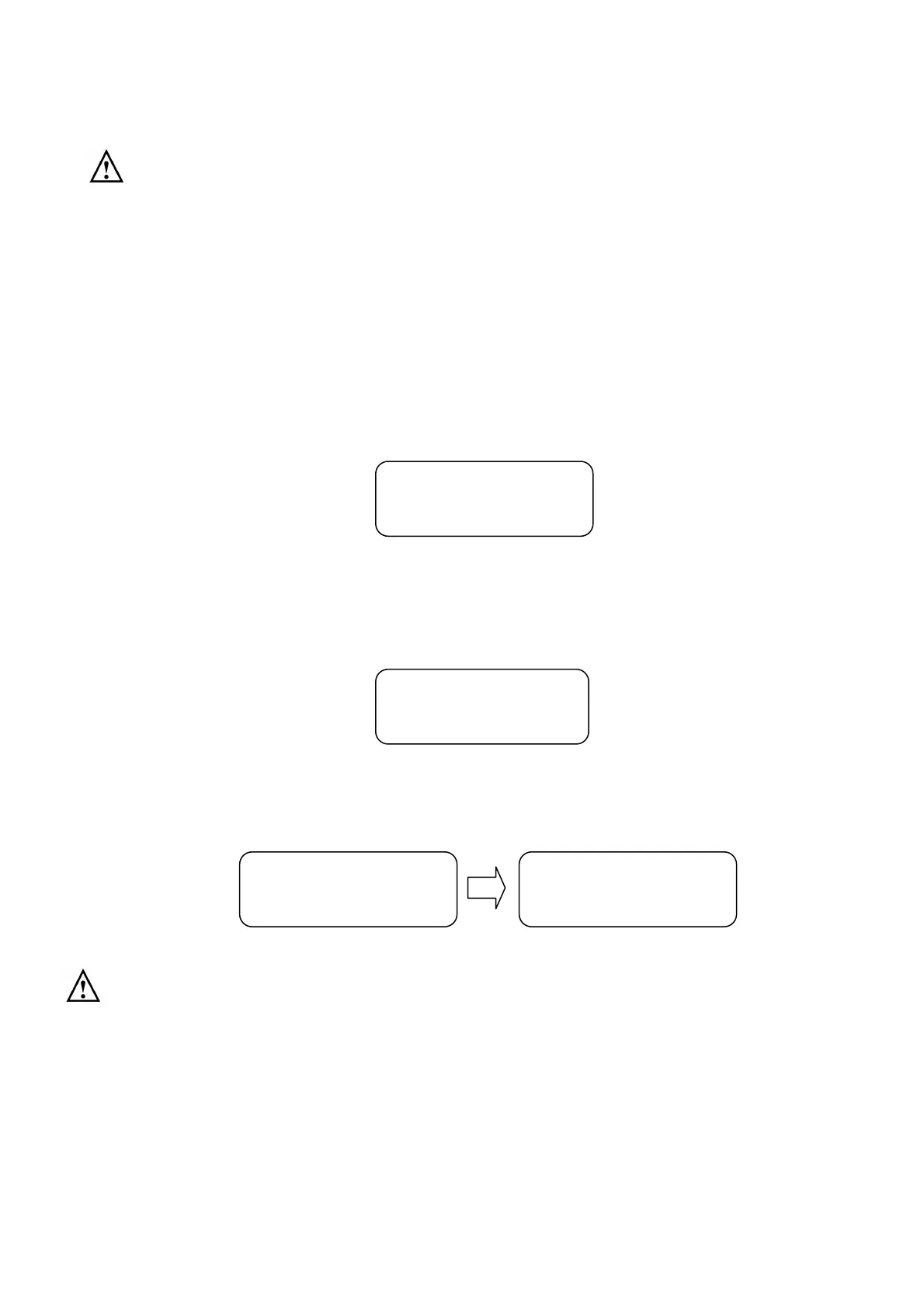
Insert a formatted USB flash drive to appropriate port as shown in. Press “SET” button in the
stand-by mode and then press increase (▲) or decrease (▼) until “4. Download” displayed
as shown in Figure 72.
Figure 72
Press the "SET" button, then press the increase (▲) or decrease (▼) to select the file to
download, as shown in Figure 73.
Figure 73
Press “SET” button, you will be prompt “Please Wait
! Data transfer.” and then followed by
“Data transfer completed” as shown in Figure 74.
Figure 74
Note: If none of the storage medium been detected, an message “E105: No USB memory” is
presented and buzzer alarmed, the recorder than returns to previous manual after
15 seconds.
7.5.2.5 Printer
Press “SET” button in the stand-by mode and then press increase (▲) or decrease (▼) until
“5. Printer” displayed as shown in Figure 75.
1.160614_142510
4. Download
Please Wait !
Data transfer.
Data transfer
Completed


 To Next Page