ARM-GZB208-E1-1
9
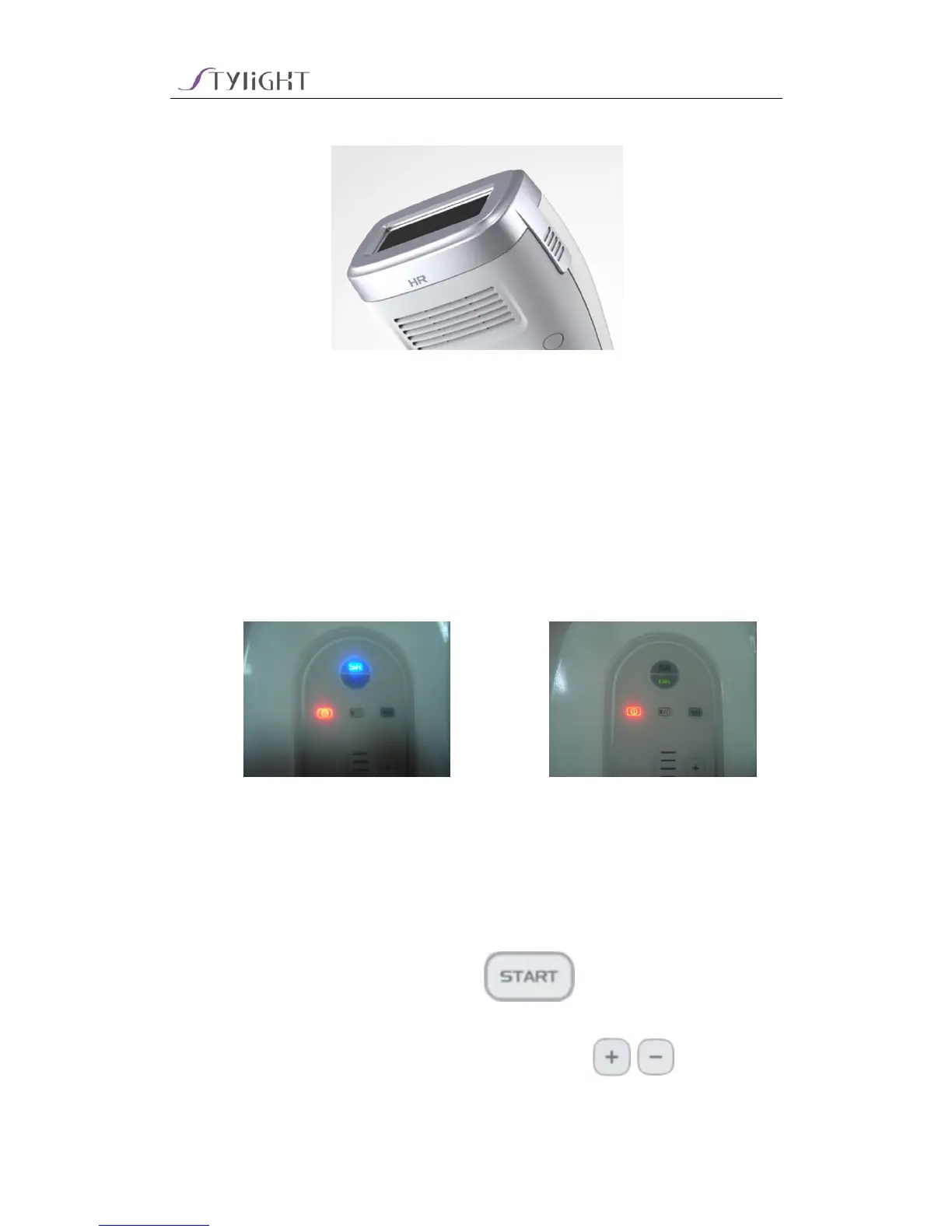
2) The change is finished (following picture)
Chapter 5 Operation
5.1 Start Device
1) Connect power supply; indictor light is red and SR or HR will start;
5.2 Operation Board
1) Mode selection: Connect different tips, the equipment will change to
relative working mode automatically (SR light means skin rejuvenation
mode,HR light means hair removal mode)
2) Standby/Ready selection:Press key to change to Standby
or Ready
3) Energy level adjustment (Ready situation):Press / key to adjust
energy level


 To Next Page