d.
FAN STATUS : ON OR OFF
UPS TEMP : NORMAL OR HIGH
e.
or
BATTERY CHARGING
[ ]
BATTERY CHARGED
[ ]
Under Various Protection Condition
I. Overload Occuring -With Buzzer Beep 2. Overload Shutdown
Occurred
a.
* ATTENTION *
OVERLOAD > 100%
b.
** REMEDY **
REDUCE SOME LOAD
c.
* PROTECTION *
OVERLOAD SHUTDOWN
d.
REDUCE LOAD AND
RESTART UPS
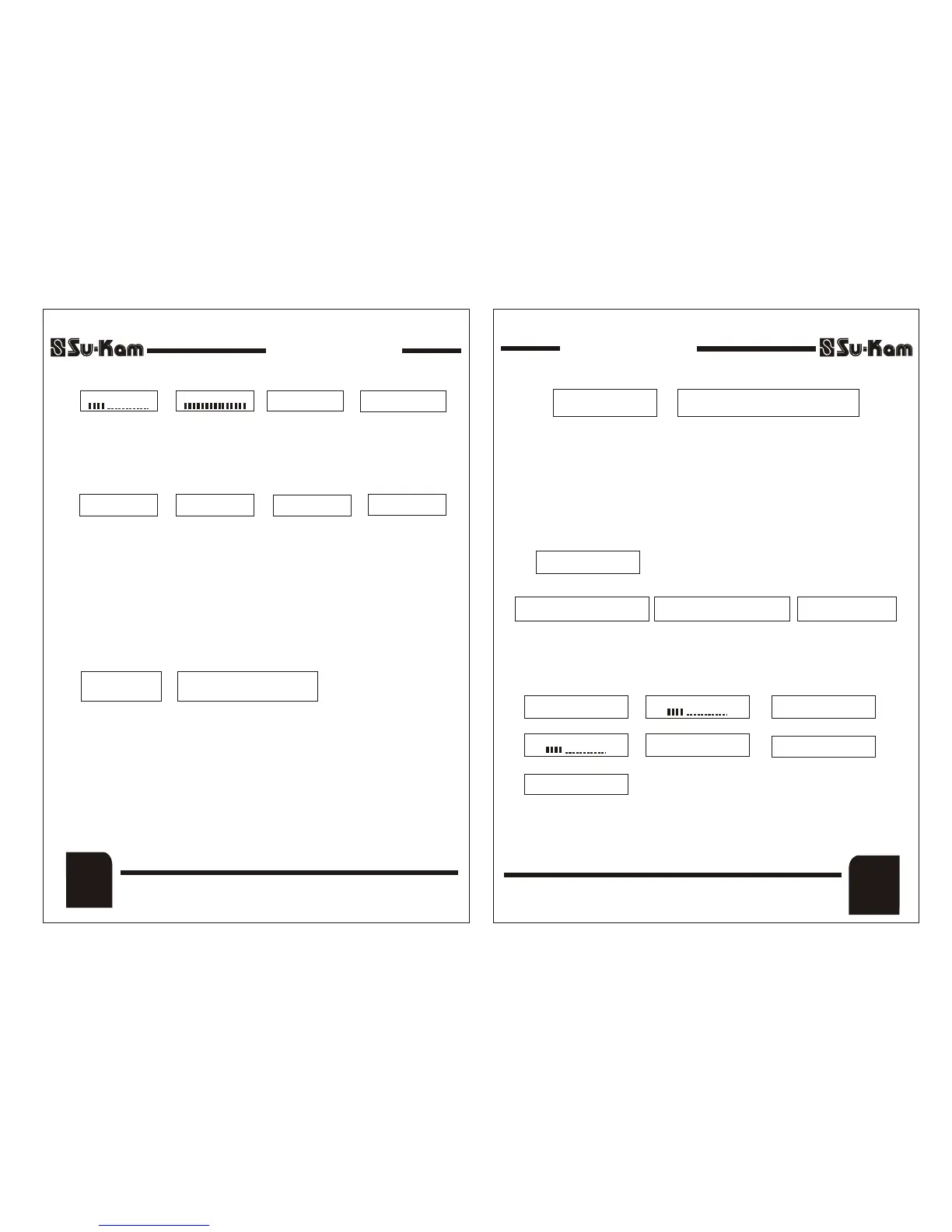
This display shows that Home UPS is in Over Load Condition (condition I,
See above), i.e., the running load (VA) on the Home UPS is above the rated
system capacity, In this case system resets itself automatically and makes 4
attempts to turn ON again. If the overload continues even after the 4th
attempts, it turns OFF permanently (condition 2 above) and will turn ON
after the switch on the front panel is turned OFF and then turned ON.
3. Short Circuit Occurred - With Buzzer Beep
This Display shows that Short Circuit has occurred in the Output and Home
UPS has gone into Shutdown immediately with continuous buzzer beep.
Switch OFF the Home UPS. Switching OFF Home UPS will stop beeping the
buzzer immediately. Now remove Short-circuit and then switch ON the
Home UPS.
Repeatedly switching ON the Home UPS when short circuit
Note : -
is present at the output may damage the Home UPS.
* PROTECTION *
SHORT CKT. / OVERLOAD
CHECK WIRING AND REDUCE LOAD AND RESTART UPS
** REMEDY **
DSP Sine Wave Home UPSDSP Sine Wave Home UPS
Front Panel
(4)
4. Low Battery Attention - With Buzzer Beep
This display is shown when battery goes down to a limit during discharge. It
will start displaying (Condition 4, See above) When battery voltage falls
below 20% of its rated capacity. The buzzer will start beeping and the Home
UPS will Shut off after few minutes. In this condition Home UPS will make
four attempts to restart again and if low battery continues, it turns off
permanently (condition 5). It will turn ON only when ON/OFF switch on the
front panel is turned OFF and then switched ON.
* ATTENTION *
BATTERY LOW
** REMEDY **
REDUCE LOAD OR SHUTDOWN UPS
6. Mains MCB Trip
This Display shows when the Mains MCB Trips.
First Switch OFF The Mains and Home UPS then Switch ON MCB and Reset
the Switch to ON.
7. Mains Low Cut (UPS Switch ON)
This display shows Mains Low cut protection. In this condition system comes
on Home UPS mode and the Mains will get cut off. The above message keep
on scrolling on the LCD panel displaying above parameters one by one till
Mains recover.
* PROTECTION *
MAINS MCB TRIP
** REMEDY **
SWITCH ON THE MCB
AT BACK PANEL
& RESET THE SWITCH
5. Low Battery Protection - Without Buzzer Beep
* PROTECTION *
BATTERY LOW
DSP Sine Wave Home UPSDSP Sine Wave Home UPS
MODE : UPS/W-UPS
f.
MAINS LOW CUT
UPS ON
O/P VOLT : ___V
O/P FREQ : ___HZ
a.
b.
c.
d.
POWER CUT TIME
HH : MM : SS
e.
FAN STATUS OFF
UPS TEMP : NORMAL / HIGH
f.
O/P LOAD : ...........%
[ ]
BATTERY : ___V
[ ]
MODE : UPS/W-UPS
g.
(5)
Front Panel
REV. 25-04-08REV. 25-04-08


 To Next Page
 Loading...