Black plate (208,1)
北米Model "A2420BE-B" EDITED: 2006/ 7/ 26
5-18 Audio
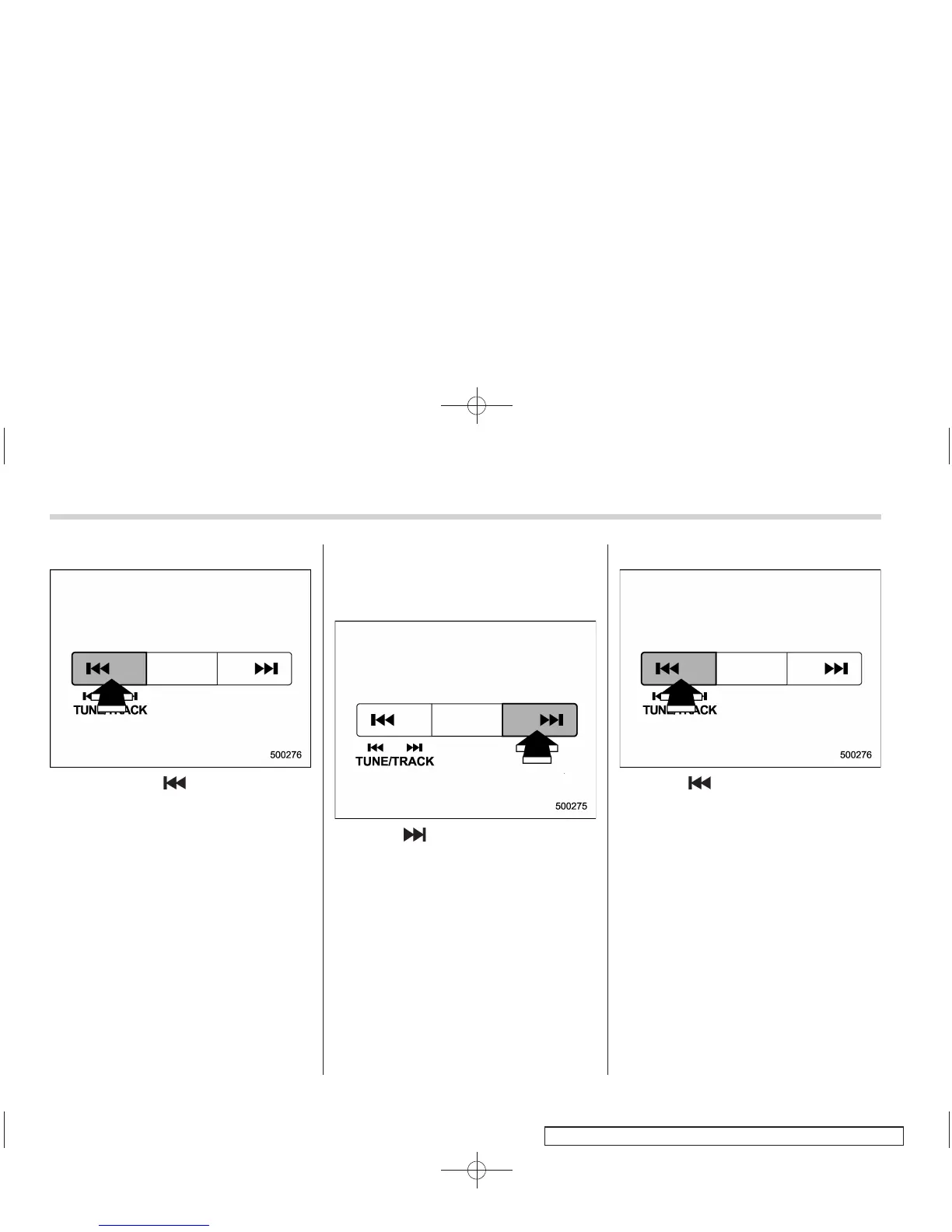
! Backward direction
Briefly press the “ ” side of the TUNE/
TRACK button to skip to the beginning of
the current track/file (track). Each time the
button is pressed, the indicated track/file
(track) number will decrease.
NOTE
In an MP3 or WMA folder, skipping past
the first track/file (track) will take you to
the last track/file (track) in the folder.
& Fast-forwarding and fast-re-
versing
! Fast-forwarding
Press the “ ” side of the TUNE/TRACK
button continuously to fast-forward the
disc/folder.
Release the button to stop fast-forwarding.
NOTE
If you fast-forward to the end of the last
track/file (track), fast-forwarding will
stop and the player will start playback
beginning with the first track/file
(track).
! Fast-reversing
Press the “ ” side of the TUNE/TRACK
button continuously to fast-reverse the
disc/folder.
Release the button to stop fast-reversing.
NOTE
If you fast-reverse to the beginning of
the first track/file (track), fast-reversing
will stop and the player will start play-
back.









 To Next Page