327
3-2. Using the audio system
3
Interior features
BRZ_EGE
Using the audio control function
■ Changing sound quality modes
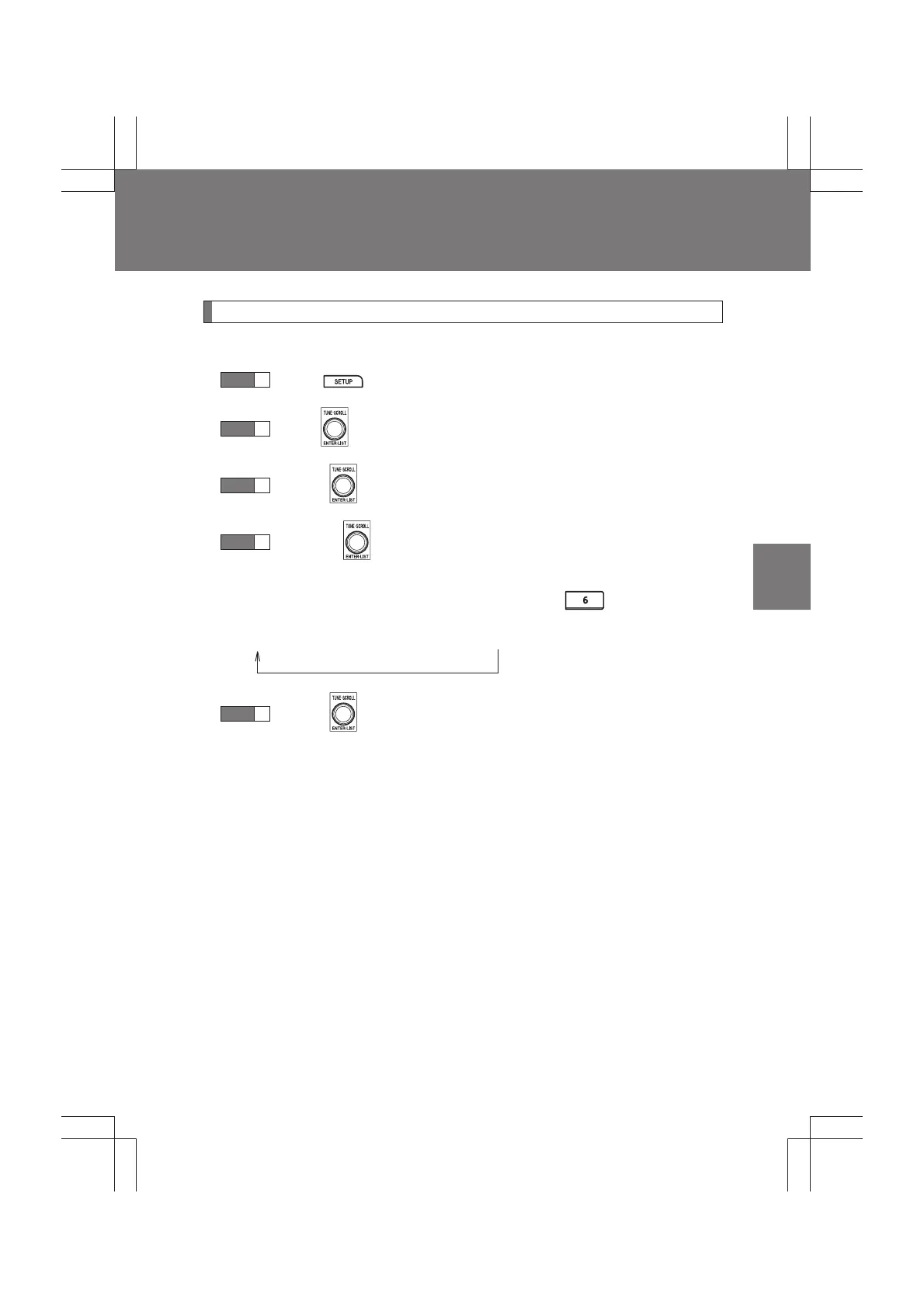
Press .
Turn to select “SOUND”.
Press .
Turning selects the mode to be changed in the follow-
ing order.
To return to the previous selection list, press .
“BAS”→“TRE”→“FAD”→“BAL”→“ASL”
Press .
STEP
1
STEP
2
STEP
3
STEP
4
STEP
5



 To Next Page