Decrease speed
Press the “SET/COAST” button,
hold until your vehicle slows to the
desired speed, and release. To
decrease the speed using the brake
pedal, press the pedal to release
cruise control temporarily. When
the speed decreases to the desired
speed, press the “SET/COAST”
button to set the speed.
27
Getting
Started
Instrument
Panel
Gauges
Personalize Controls While
Operating
Safety / In Case
of Emergency
Additional
Information
Controls
Cruise Control
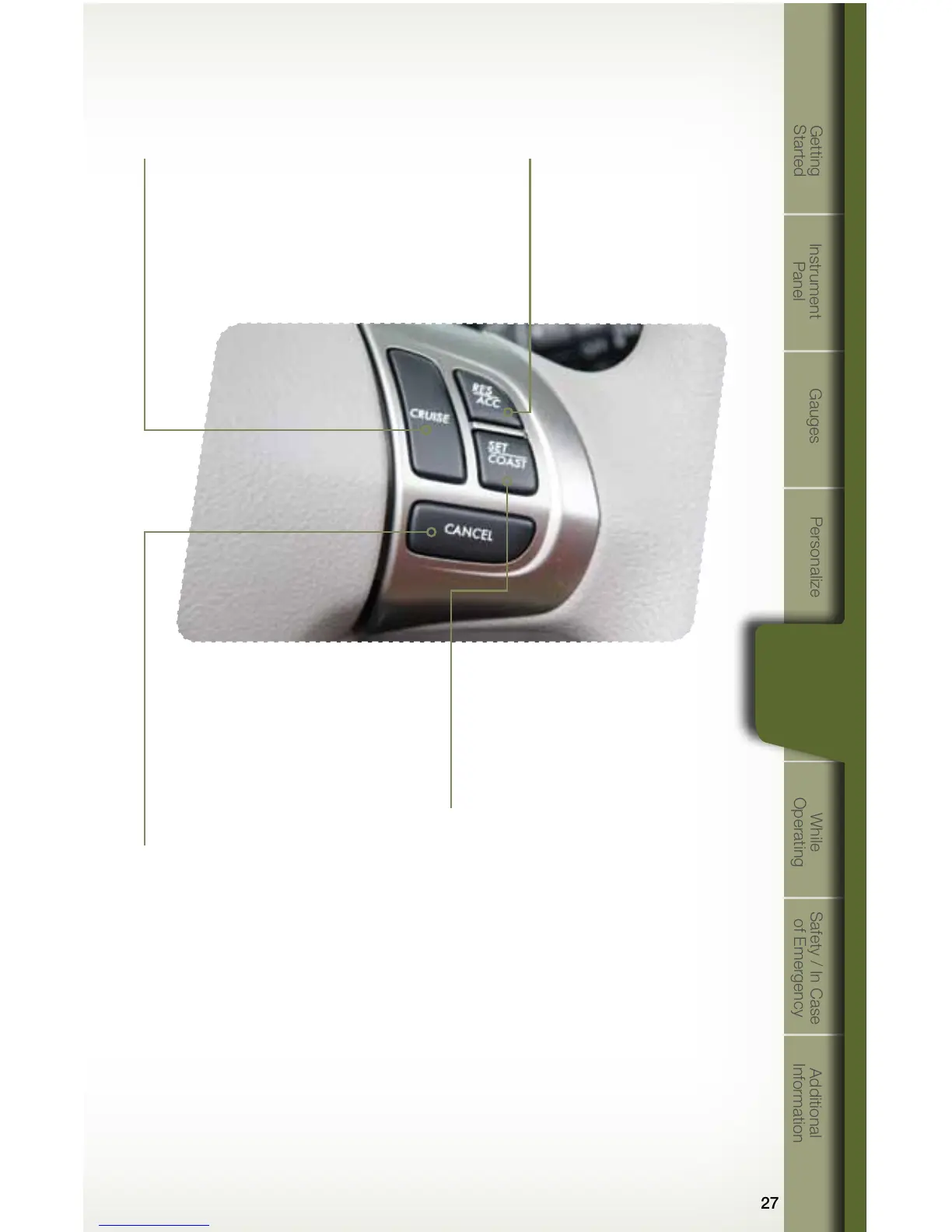
• To activate the cruise control, press the
“CRUISE” button. The “CRUISE” indicator
light on the instrument panel will turn on.
To quit cruise control, press the “CRUISE”
button again.
• Press the accelerator pedal until
your vehicle reaches the desired
speed. Press the “SET/COAST”
button. Ease off the accelerator
pedal. Your vehicle will maintain
the desired speed.
• To cancel the cruise control,
push the brake pedal or press
the “CANCEL” button. If you have
a manual transmission, you can
push in the clutch pedal or shift
the selector lever into the “N”
(Neutral) position (AT and
MT models).
• To resume your speed after
canceling, press the “RES/
ACC” button.
Increase speed
Press the “RES/ACC” button,
hold until your vehicle reaches
the desired speed, and release.
To increase speed using the
accelerator pedal, press the
pedal until you reach the desired
speed. Press the “SET/COAST”
button to set the speed.
784214_11a_Subaru_Forester_QRG_110410.indd 27 11/4/10 8:25 AM















 To Next Page