3.
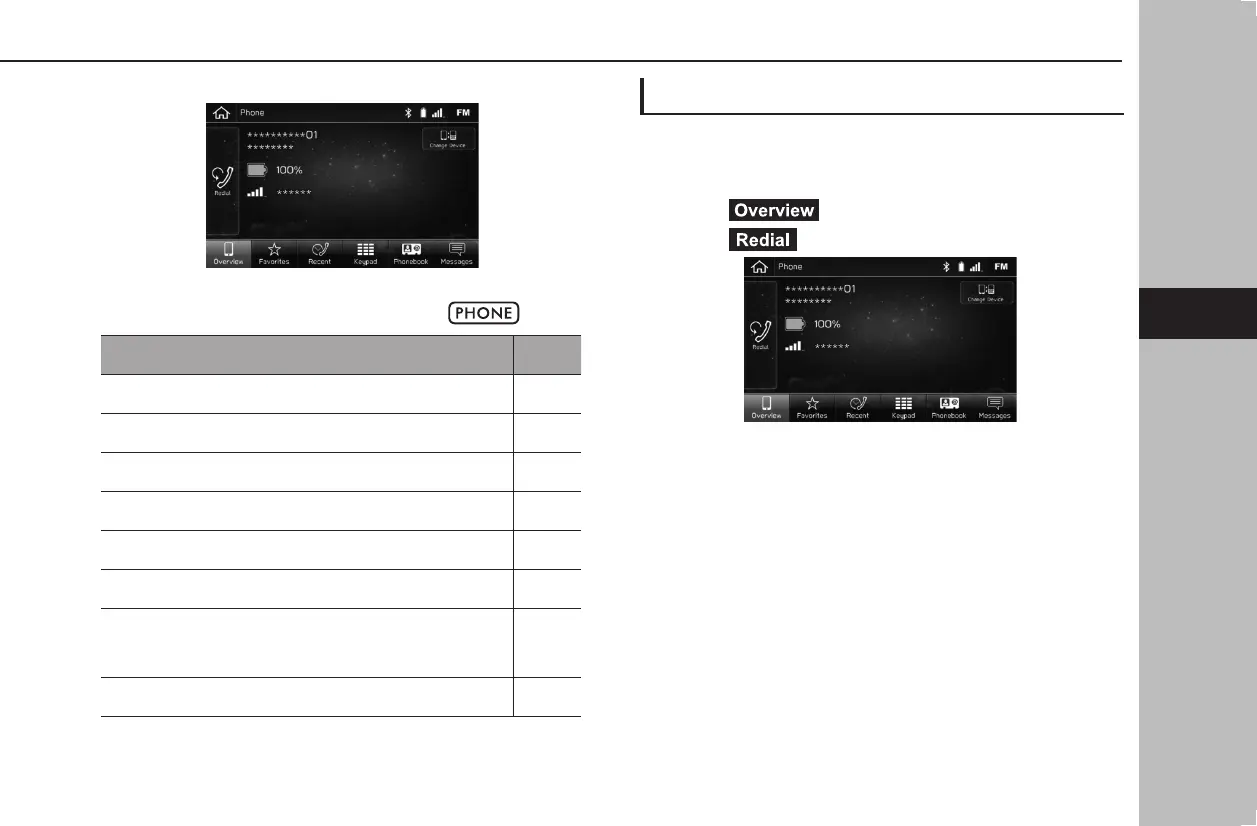
Select the desired button to call from.
● 8-inch system/6.5-inch system only: The phone
screen can be displayed by pressing
.
How to make a call list Page
By the last number 91
By favorites list 92
By recent calls list 92
By keypad*
1
93
By contacts list 93
By SMS/MMS 102
By POI call*
2
183,
184,
187
By voice recognition system 213
*
1
: The operation cannot be performed while driving.
*
2
: 8-inch with Navi system only
BY THE LAST NUMBER
Calls can be made using the latest call history item.
1.
Display the phone screen. (→P.90)
2.
Select (Overview).
3.
Select (Redial).
4.
Check that the “Calling” screen is displayed.
PHONE OPERATION (HANDS-FREE SYSTEM FOR CELLULAR PHONES)
91
Phone
docstructure.indb 91 2019/05/31 14:15:55














 To Next Page