Bluetooth PHONE MESSAGE
FUNCTION
Received messages can be forwarded from the connected
Bluetooth phone, enabling checking and replying using the
system.
Depending on the type of Bluetooth phone connected,
received messages may not be transferred to the message
inbox.
If the phone does not support the message function, this
function cannot be used.
Depending on the Bluetooth phone type, the screen
display may differ, and it may not be possible to use certain
functions.
To use this function, it is necessary to set the phonebook
download function to on. (→P.61)
l Depending on the model of your Bluetooth phone, the setting of
the connected phone may need to be changed. (ex: For iOS or
other models, the notication setting may need to be activated.)
For details, check the instructions for the connected Bluetooth
phone.
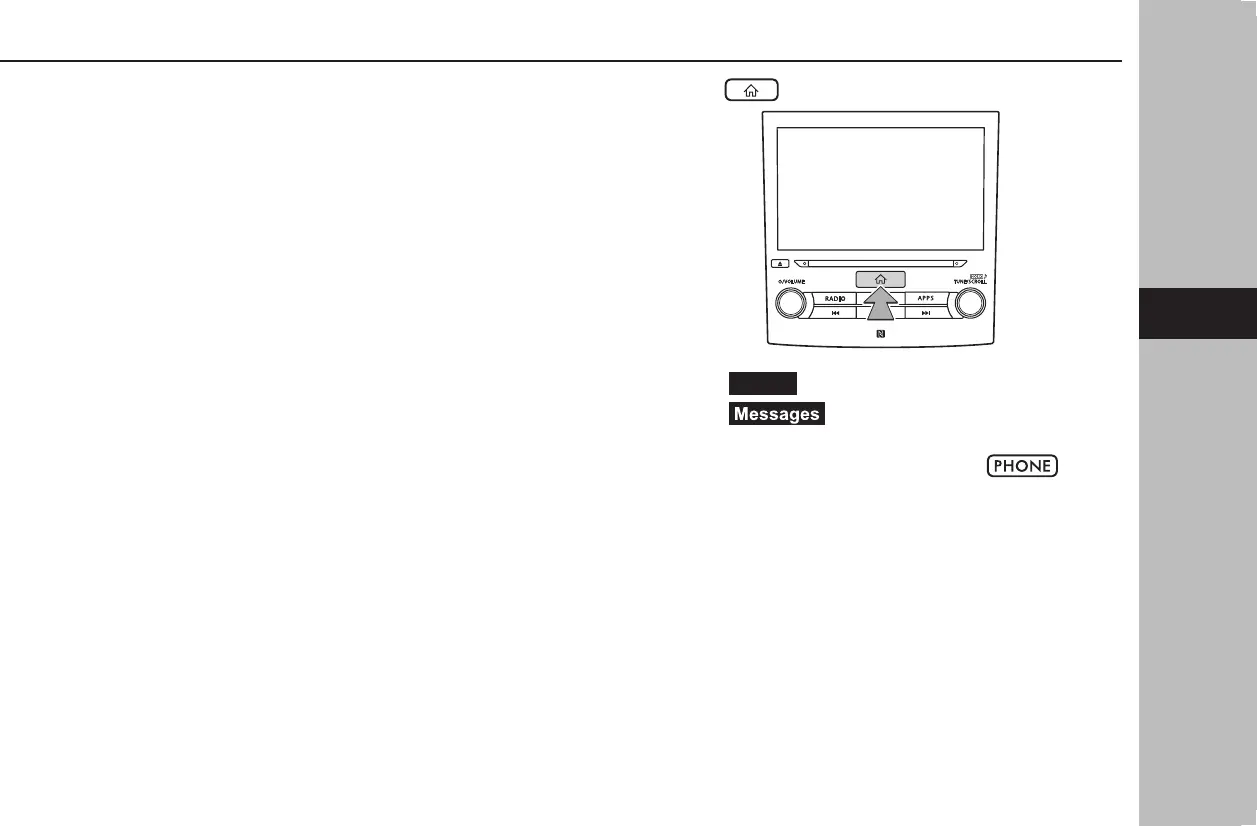
1.
Press .
2.
Select
(Phone).
3.
Select (Messages).
● 8-inch system/6.5-inch
system only: The phone
screen can be displayed by pressing
.
PHONE OPERATION (HANDS-FREE SYSTEM FOR CELLULAR PHONES)
97
Phone
4
docstructure.indb 97 2019/05/31 14:16:00















 To Next Page