Audio/Basic information before use
NOTE
. For compatible discs, refer to “CD
player and disc” F5-22.
. When inserting a disc, gently insert
it with the label facing up.
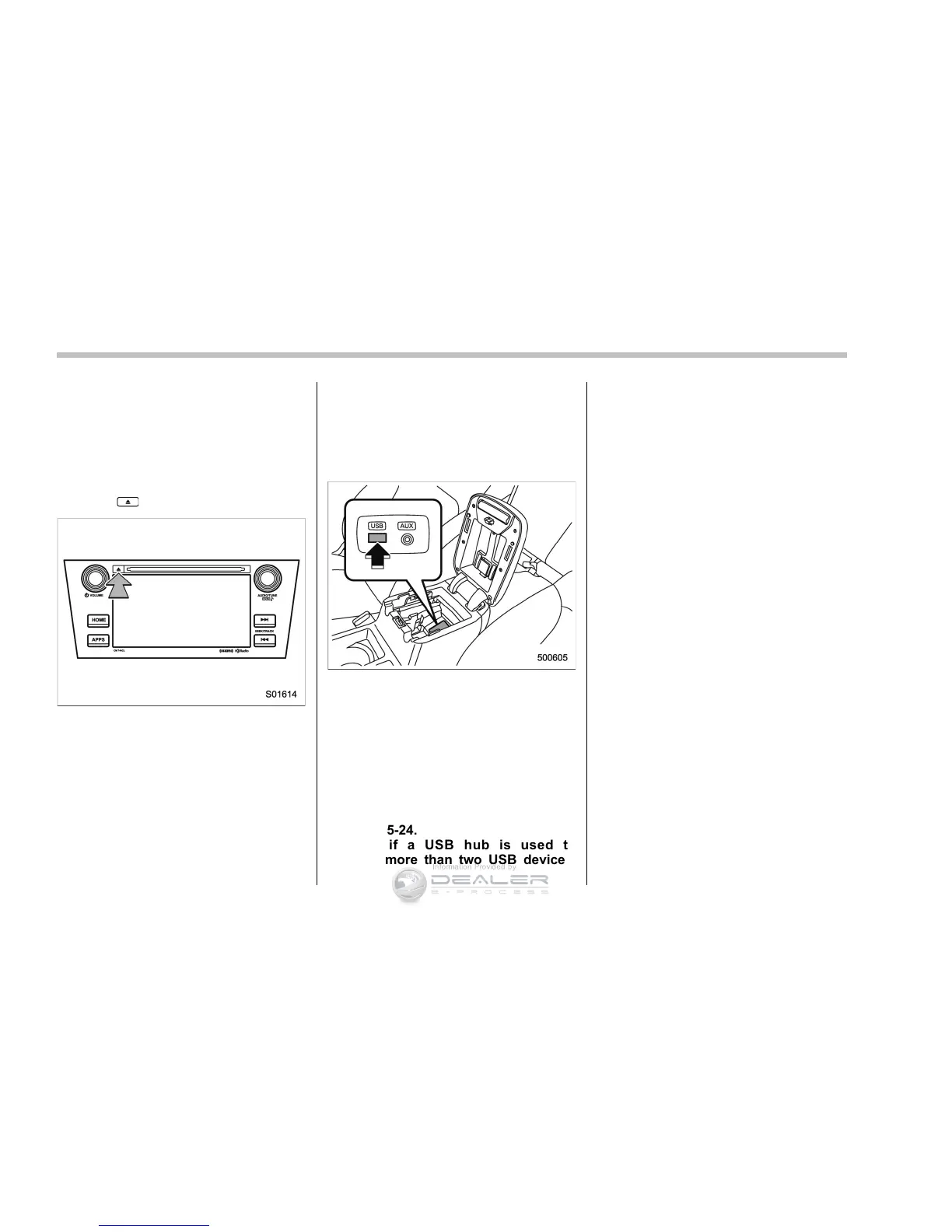
! Unloading a disc
1. Press
and remove the disc.
& Connecting and disconnect-
ing a USB memory/portable
device
! Connecting a device
Connect a device to the USB port.
Turn on the power of the device when it is
not turned on.
NOTE
. This device has a USB port for USB
memory/portable device.
. For co mpatible USB memory de-
vices, refer to “USB memory device”
F5-24.
. For compatible iPod models, refer to
“iPod” F5-24.
. Even if a USB hub is used to
connect more than two USB devices,
only the last connected device will be
recognized.
5-6










 To Next Page