EasyManua.ls Logo

Subaru WRX - User Manual

Subaru WRX
586 pages
Print Icon
To Next Page IconTo Next Page
Loading...
OWNER’S MANUAL
WRX
WRX STI
2017
2017 WRX / WRX STI Owner’s Manual
A1270BE-A
Issued March 2016
Printed in USA 03/16
2017A
FUJI HEAVY INDUSTRIES LTD.
TOKYO, JAPAN
Subaru of America, Inc., Subaru Plaza,
P.O. Box 6000, Cherry Hill, NJ 08034-6000
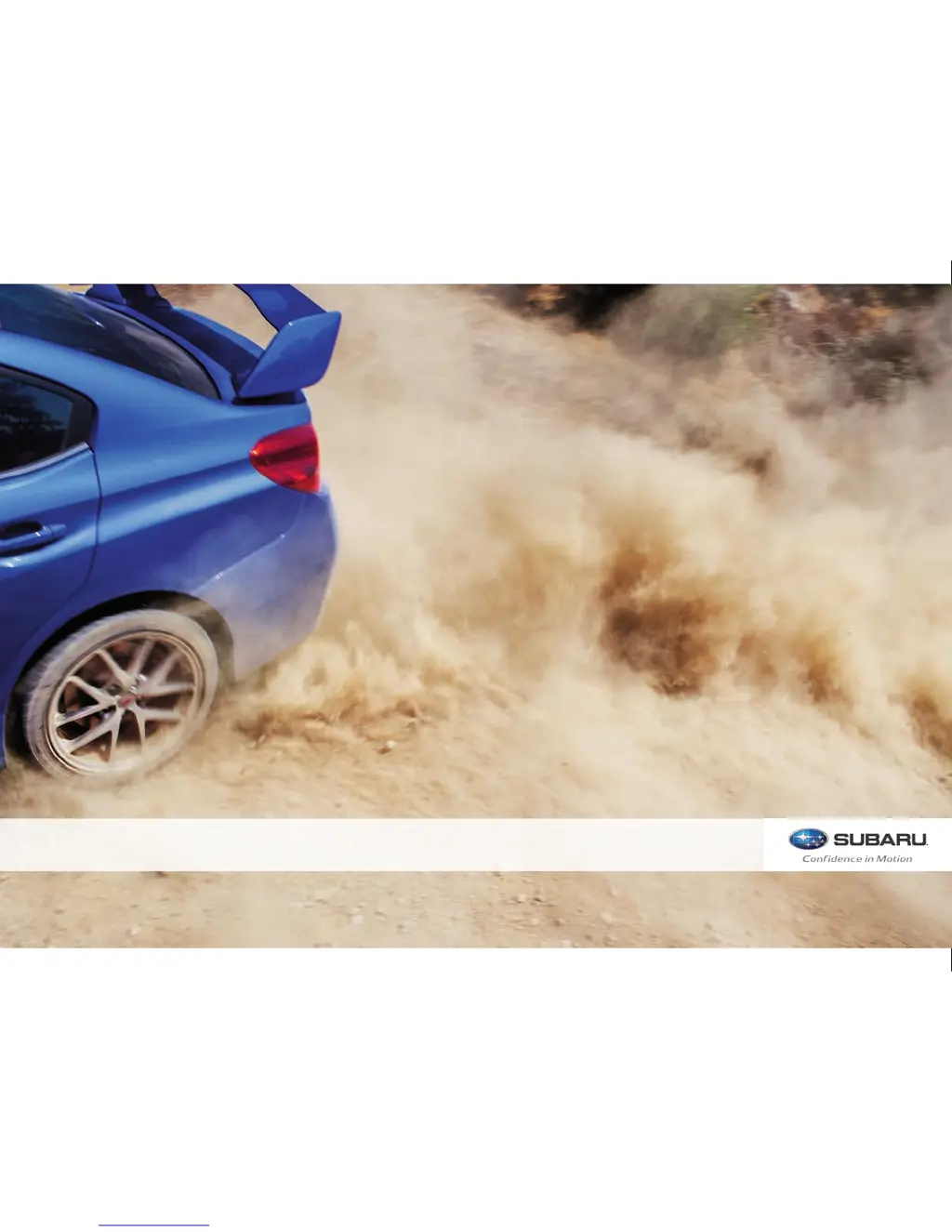
Vehicles shown on the cover of this booklet
may not be available in all markets. Please see
your Subaru dealer for a Product Brochure
detailing all currently available models.
MSA5M1705A
Love. It’s what makes a Subaru, a Subaru.
2271137_17a_WRX_STi_OM.indd 1 5/17/16 5:00 PM

Table of Contents

Other manuals for Subaru WRX

Questions and Answers

  • T
    tromanAug 3, 2025
    Why is my Subaru WRX Bluetooth device not working?
    • T
      thomasjenniferAug 3, 2025
      If the hands-free system or Bluetooth device isn't working in your Subaru Automobile, it could be due to a few reasons. First, the connected device might not be a compatible Bluetooth cell phone. For customers in the USA, visit www.subaru.com for more information. If you are outside of the USA, contact your local dealer to see if the device can be paired with the vehicle. Another reason could be that the Bluetooth version of your cell phone is older than the required version. To resolve this, use a cell phone with Bluetooth version 1.1 or higher; version 2.1 + EDR or higher is recommended.
  • P
    Paul GregoryAug 9, 2025
    What to do if a Bluetooth connection cannot be made in my Subaru WRX Automobile?
    • K
      kimberlythomasAug 9, 2025
      If you're unable to establish a Bluetooth connection in your Subaru Automobile, consider these possible causes. It could be that another Bluetooth device is already connected; if so, manually connect the cell phone you want to use to the system. Alternatively, the Bluetooth function might not be enabled on your cell phone; make sure to enable it. Finally, check if the automatic Bluetooth connection on the Subaru system is turned off. If it is, set it to 'on' when the ignition switch is in the “ACC” or “ON” position.
  • A
    Aaron MichaelAug 17, 2025
    Why can't I transfer phonebook data to my Subaru WRX?
    • M
      Michael StephensonAug 17, 2025
      If you're unable to transfer phonebook data manually in your Subaru Automobile, it might be because the profile version of your connected cell phone is not compatible. For USA customers, please visit www.subaru.com for details. Outside of the USA, contact your local dealer to arrange a demonstration to confirm device compatibility. Another reason could be that the transfer operation on the cell phone hasn't been completed. Make sure to approve the transfer operation on your phone.
  • M
    Maria RichardsonAug 25, 2025
    What to do if my Subaru WRX Automobile system still has issues after troubleshooting?
    • J
      johnmorrisAug 25, 2025
      If you've tried everything and the issue persists in your Subaru Automobile, consider these steps: Ensure your cell phone is close to the system. If that doesn't work, try turning the cell phone off, removing and reinstalling the battery pack, and then restarting the cell phone. Also, enable the cell phone’s Bluetooth connection, and stop the cell phone’s security software, closing all applications. Before using an application installed on the cell phone, carefully check its source and how its operation might affect this system.

Subaru WRX Specifications

General IconGeneral
BrandSubaru
ModelWRX
CategoryAutomobile
LanguageEnglish

Related product manuals