NOTE
. The welcome screen will disappear
when the ignition switch is turned to
the “ON” position while the welcome
screen is displayed.
. The welcome screen can be set to
on or off. For details, refer to “Bypass
screen setting” F3-79.
. For a certain period of time after the
welcome screen has once appeared, it
may not appear again even when the
driver’s door is closed again. This does
not indicate a malfunction.
& Date screen
If you have set the date and time in the
selection screen, after the welcome
screen is displayed, the current date will
be displayed for a certain period of time. If
“On/Off setting” is set to “On” in the
“Maintenance settings”, the date will be
displayed after the self-check screen.
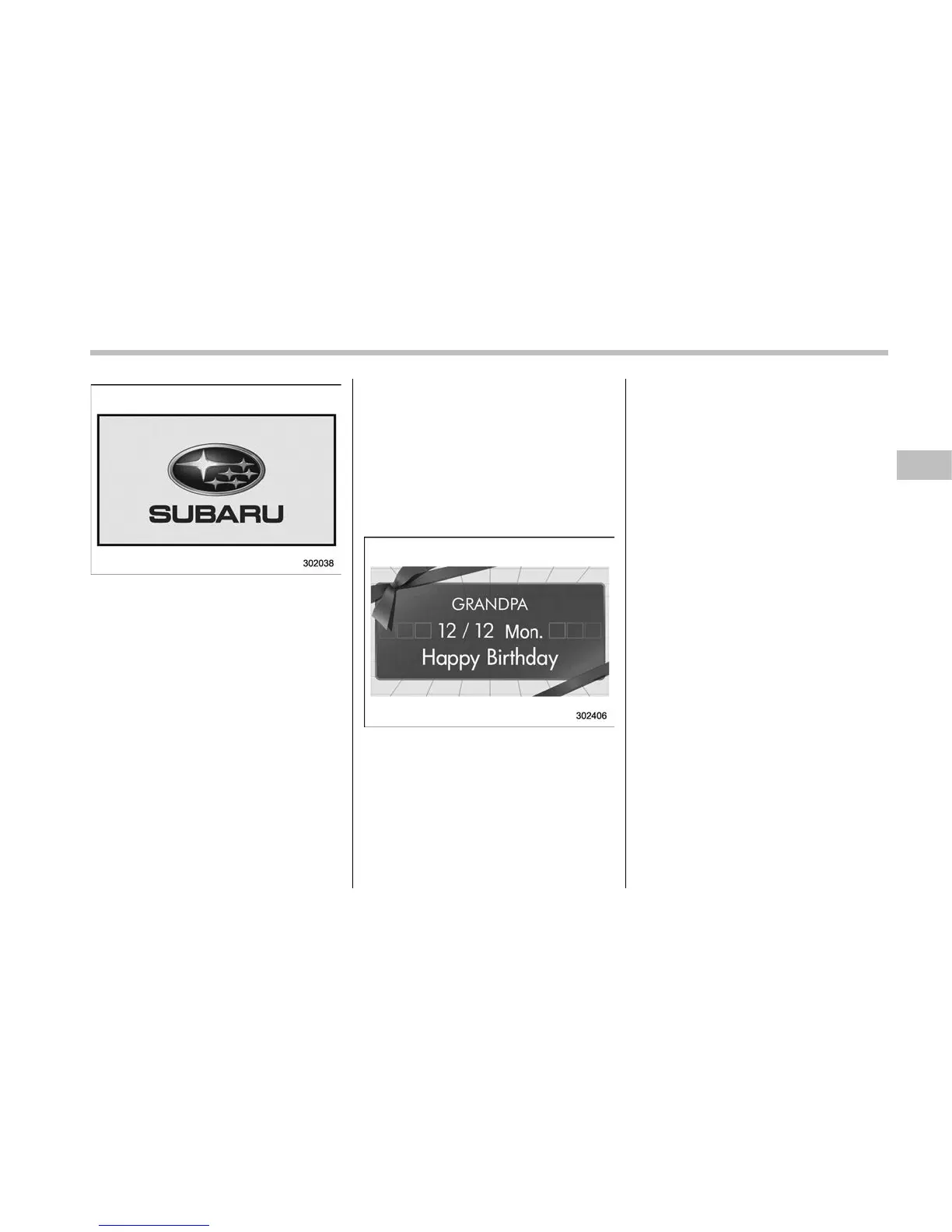
! Birthday/anniversary screen
Example of notification on an anniversary
If you have set a birthday or anniversary,
after the date screen is displayed, the
notification (reminder) will be displayed for
a certain period of time from 7 days prior
to the set date.
NOTE
. Displaying the birthday/anniversary
screen can be set to on or off. Refer to
“Bypass screen setting” F3-79.
. Up to five items can be set for
birthdays and anniversaries respec-
tively. Refer to “Selection screen” F3-
60.
& Ending screen
If “Eco Summary” is set to “On” in the
“Bypass screen setting”, the “Fuel con-
sumption results screen” will be displayed
before the screen turns off when the
ignition switch is turned to the “LOCK”/
“OFF” position.
Instruments and controls/Multi function display
– CONTINUED –
3-51











 To Next Page