Audio/Voice command system
! For PBAP incompatible but OPP
compatible Bluetooth phones
1. Select the “Download 1 Entry” key.
2. Transfer the contact data to the sys-
tem using a Bluetooth phone.
. This operation may be unnecessary
depending on the type of cell phone.
. To cancel this function, select the
“Cancel” key.
3. Check that a confirmation screen is
displayed when the operation is complete.
NOTE
To download all items, you may need to
change the settings in your cell phone
beforehand.
! Deleting the contact data
You can delete the phonebook data stored
in the audio set.
1. Display the “PHONE” screen. Refer to
“How to change the hands-free phone
system” F5-73.
2. Touch the “Contacts” key, and then
select the “Delete All” key.
3. Select the “OK” key when the con-
firmation screen appears.
NOTE
. Manual transfer operation cannot be
performed while driving.
. If your cell phone is neither PBAP
nor OPP compatible, the contacts can-
not be transferred.
. Depending on the type of Bluetooth
phone:
– It may be necessary to perform
additional steps on the phone when
transferring contact data.
Voice command system
The voice command system enables the
audio, hands-free phone system, etc. to
be operated using voice commands.
Refer to the “Command list” F5-84 for
samples of voice commands.
Voice commands can be used even when
you set the system to another language.
For details about setting language, refer to
“General settings” F5-19.
& Using the voice command
system
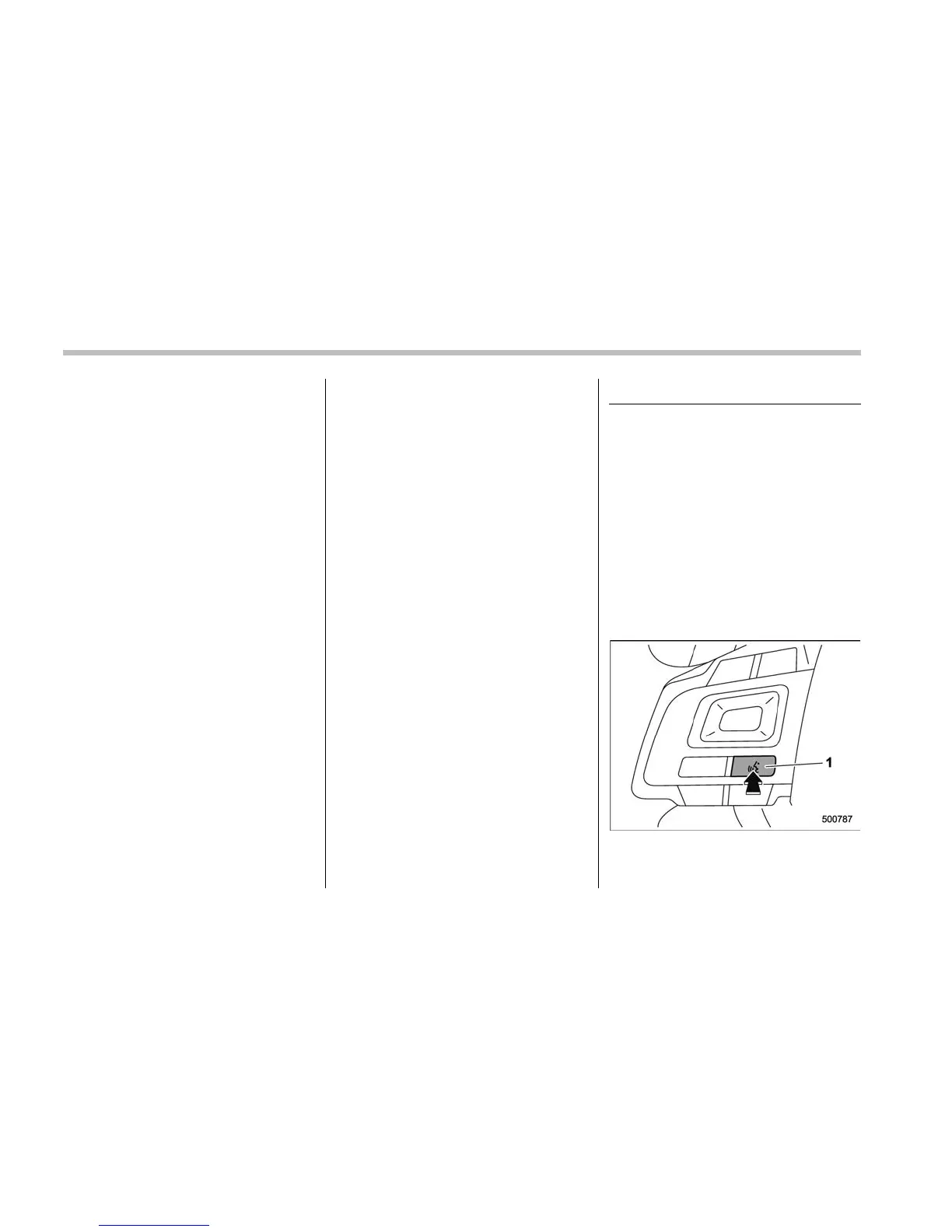
! Steering switch
1) Talk switch
5-80











 To Next Page