Owner’s Manual
®
12
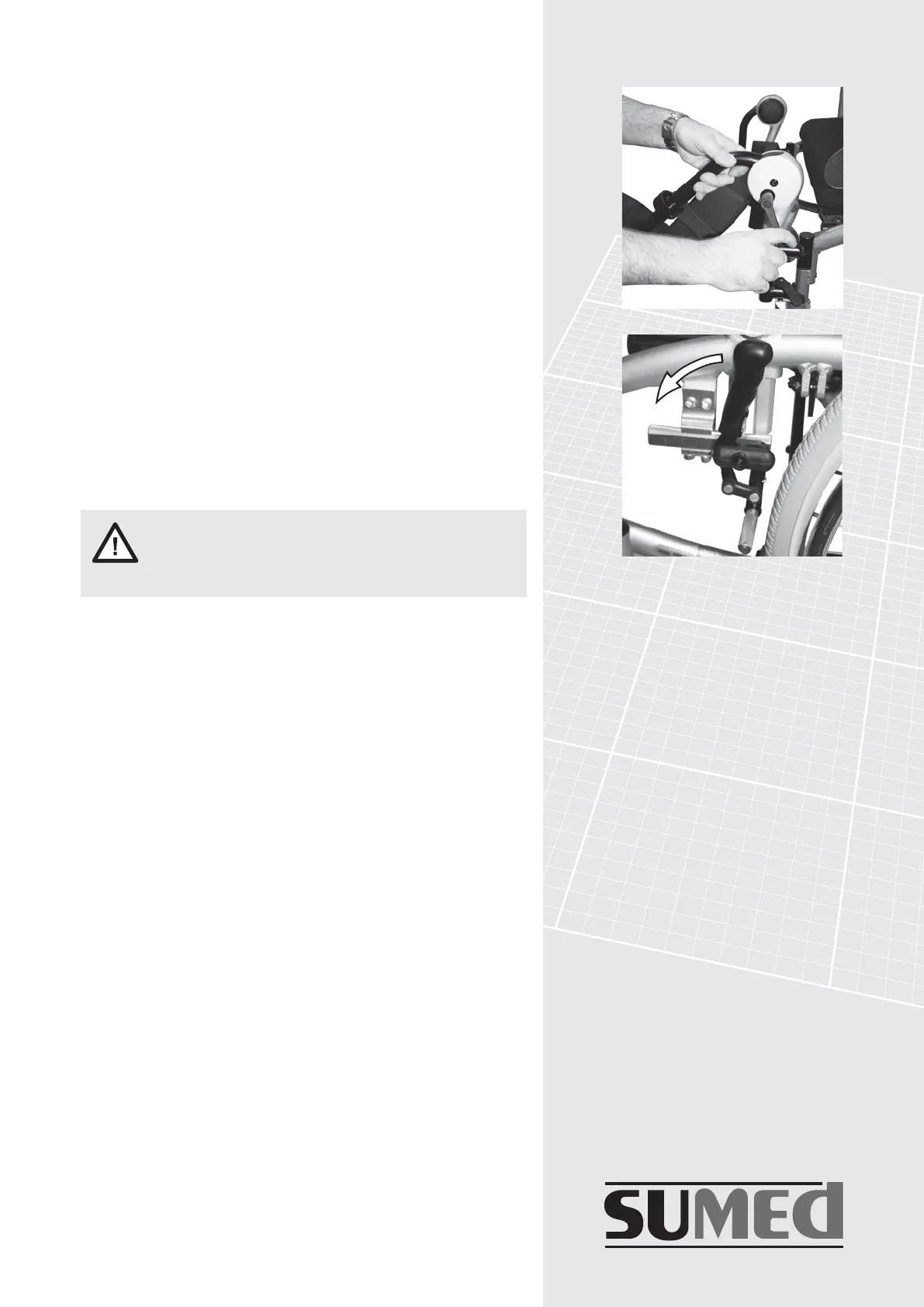
fig.15
fig.14
Care should be taken to avoid
entrapment in the mechanism when
adjusting
2.9 Setting the elevating foot rests
.
The procedure for attaching or removing elevating foot
rests is identical to that for standard foot rests.
The adjustment for setting the height and foot angles is
identical to the adjustment for standard foot rests.
Before adjusting, ensure the brakes are applied to
prevent the wheelchair rolling. With the aid of an assistant
to adjust the elevation of the leg supports, slacken the
handle (see fig. 14) at the top of the elevating foot rest.
This will allow the foot rests to be raised or lowered.
Once the desired position is achieved, tighten the handle.
A calf support can be moved up or down by slackening
the cap head bolts with a 5mm allen key. The foot
support can be easily adjusted up to 20cm by slackening
the cap head bolt and re-tightening after adjustment.
3.1 Operating the parking brake
The brakes are one of the most important safety elements
of your wheelchair. You must always make sure that they
are functioning correctly. Braking can be affected by
damaged tyre tread, wet tyres, or by a loose brake mech-
anism. To operate the parking brake press both brake
levers forward to apply the brakes. To release the brakes
simply pull back on both brake levers (see fig. 15).



 To Next Page