SummaSign Pro T-series Cutters User’s Manual
Contour Cutting 5.2
NOTE : The scaling can only be adjusted by a few percent.
à Any combination of the three above irregularities can be handled too.
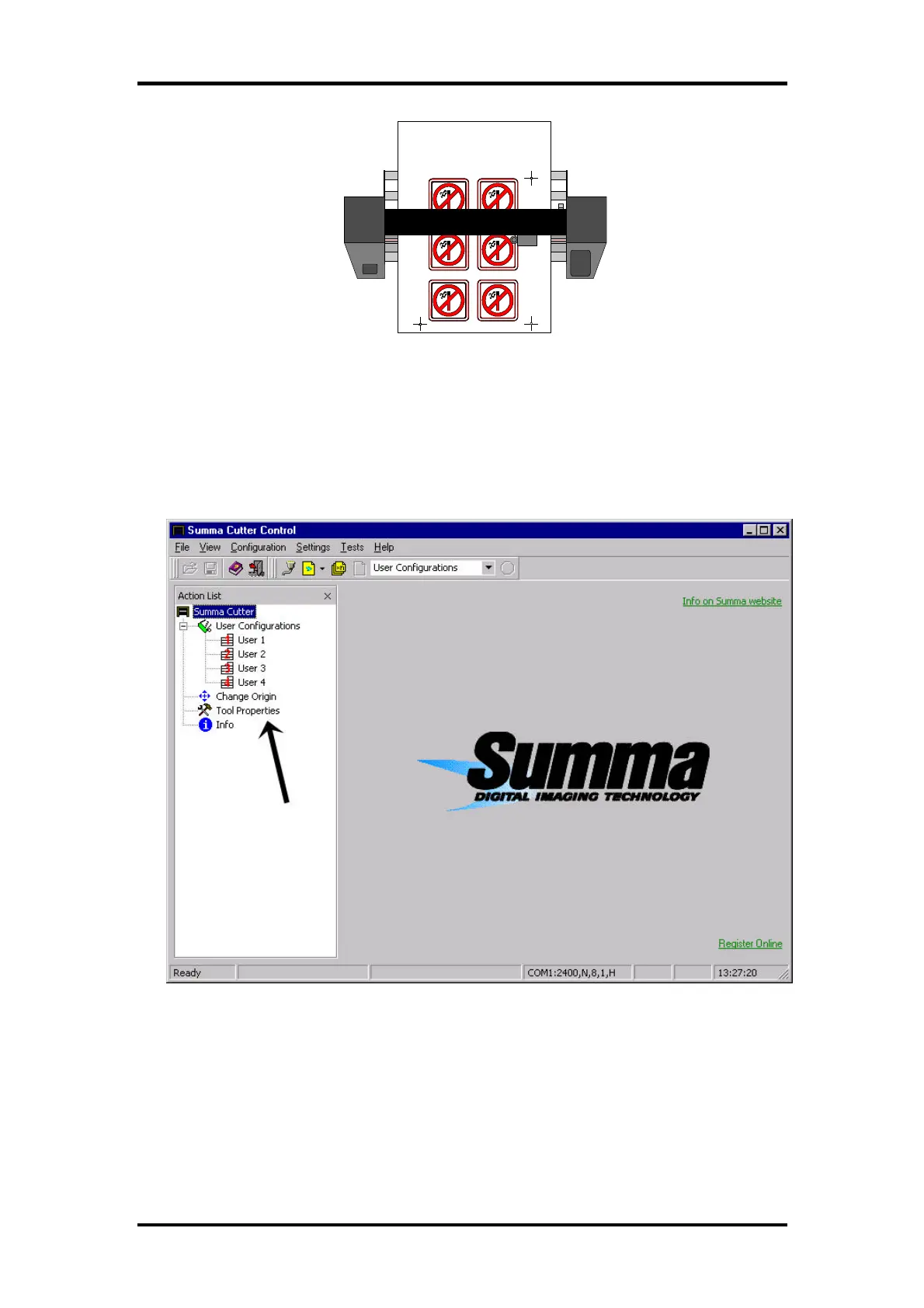
The parameter SPECIAL_LOAD in the user configuration menu determines
which alignment method is used. This parameter can be changed with
Summa Cutter Control or with the control panel.
• Using Summa Cutter Control to select the desired alignment method:



 To Next Page