EasyManua.ls Logo

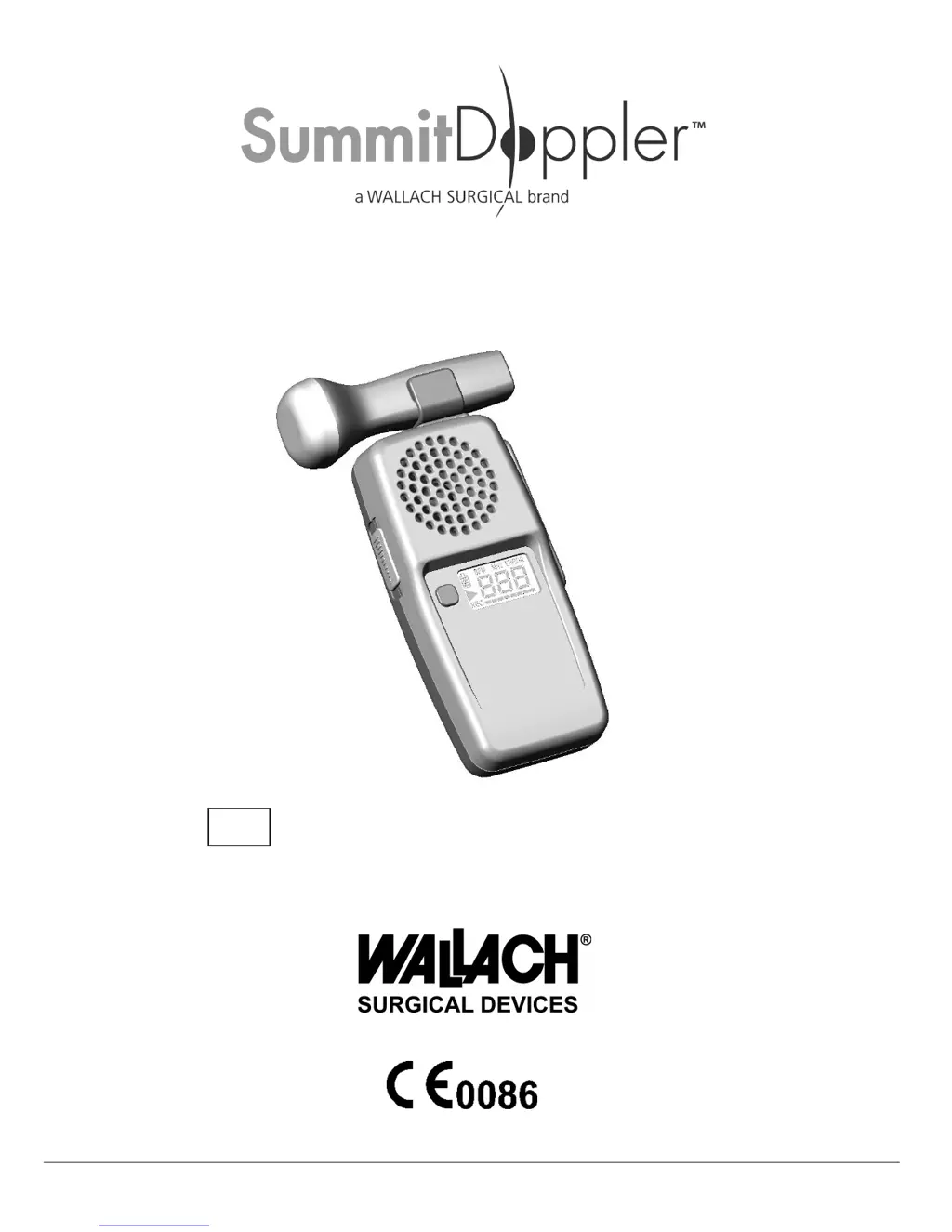
Summit Doppler LifeDop L250 Series - User Manual

Default Icon
23 pages
Print Icon
To Next Page IconTo Next Page
Loading...
MAN0001-DFU • Rev. A • 11/12 Wallach Surgical Devices
User Manual for LifeDop
®
L150 Series (Handheld Doppler without Display)
L250 Series (Handheld Doppler with Display)
L150, L150A, L150R, L250, L250AR, L250R,
MC150, MC150R, MC250, MC250R
REF

Questions and Answers

  • M
    Michael MejiaAug 5, 2025
    What to do if there is radio frequency interference with Summit Doppler Medical Equipment?
    • G
      gaineskennethAug 5, 2025
      If you experience radio frequency interference with your Summit Doppler Medical Equipment, try increasing the distance between the LifeDop and the source of the interference.
  • R
    rbrownAug 9, 2025
    Why is the heart rate inaccurate on my Summit Doppler Medical Equipment?
    • D
      Danielle MurilloAug 9, 2025
      If the heart rate displayed on your Summit Doppler Medical Equipment is inaccurate, relocate the probe for a better signal. For OB applications, make sure that maternal sounds are not mixing with fetal sounds. Also, manually count to ensure the rate is between 50 and 220 BPM.
  • G
    Gwendolyn PriceAug 13, 2025
    Why doesn't my Summit Doppler Medical Equipment rechargeable unit hold a charge?
    • J
      John JacobsAug 14, 2025
      If your Summit Doppler Medical Equipment rechargeable unit does not hold a charge, first verify that you are using the correct recharge adapter, specifically Wallach Surgical Devices products. If the batteries are old, refer to the Maintenance Section.
  • A
    Angela VasquezAug 17, 2025
    Why is the recharge indicator flashing on my Summit Doppler Medical Equipment?
    • R
      Russell VegaAug 17, 2025
      If the recharge indicator is flashing on your Summit Doppler Medical Equipment, it means the recharge cycle is complete or the batteries didn’t require recharge.
  • A
    Adam StarkAug 22, 2025
    How to improve poor sound quality on Summit Doppler Medical Equipment?
    • A
      annamooreAug 22, 2025
      If the sound quality of your Summit Doppler Medical Equipment is poor, relocate the probe for a better signal. Refer to the Signal Strength Indicator.
  • B
    Brittany CortezAug 27, 2025
    What to do if probe frequency does not match the connected probe on Summit Doppler Medical Equipment?
    • D
      Dr. Joshua RobinsonAug 27, 2025
      If the probe frequency does not match the connected probe on your Summit Doppler Medical Equipment, check that the attached probe is the correct one and properly attached. If the correct probe is being used, contact Wallach Surgical Devices’ Service Department.
  • E
    Eugene YoderAug 30, 2025
    Why is the recharge indicator off after charging Summit Doppler Medical Equipment?
    • B
      benjamintravisAug 30, 2025
      If the recharge indicator is off after charging your Summit Doppler Medical Equipment, a battery level error has occurred. Refer to Diagnostic Codes and contact service.

Summary

Intended Use

Obstetric Use

Detect fetal heart beats for viability using 2 and 3 MHz probes.

Vascular Use

Detect blood flow in veins/arteries for vascular disease detection with 4, 5, 8 MHz probes.

Warnings and Contraindications

Safety Warnings

Probes not for fetal use, avoid eyes, use on intact skin, and avoid HF surgical equipment.

Ultrasound Safety Principles

Ultrasound Probes

Obstetrical Probes (2 & 3 MHz)

Used for fetal heart detection in early and late term pregnancies.

Vascular Probes (4, 5, 8 MHz)

Used for peripheral blood flow detection in arteries and veins.

Device Controls and Components

Battery Management

Recharging Procedure and Warnings

Instructions for recharging, warnings about incompatible adaptors or batteries.

PC Connectivity (Windows)

Connection Safety Warnings

Warnings about connecting to accessories and patient use.

Downloading Audio on Windows

Instructions for connecting and recording audio via PC Sound Recorder.

PC Connectivity (Apple Mac)

Downloading Audio on Apple Mac

Steps to connect and record audio using SimpleSound application.

Obtaining Doppler Signals

Examination Precautions

Doppler exams by trained individuals; use of coupling gel is essential.

Signal Acquisition Techniques

Obstetrical Signal Considerations

Distinguishing fetal from maternal sounds and troubleshooting.

Vascular Signal Acquisition (4, 5, 8 MHz)

Techniques for acquiring signals from peripheral arteries and veins.

Maintenance and Cleaning

Cleaning and Disinfection Warnings

Do not immerse, use approved cleaners; avoid open skin use.

Battery Replacement

Technical Specifications

Warranty and Service

Summit Doppler LifeDop L250 Series Specifications

General IconGeneral
BrandSummit Doppler
ModelLifeDop L250 Series
CategoryMedical Equipment
LanguageEnglish

Related product manuals