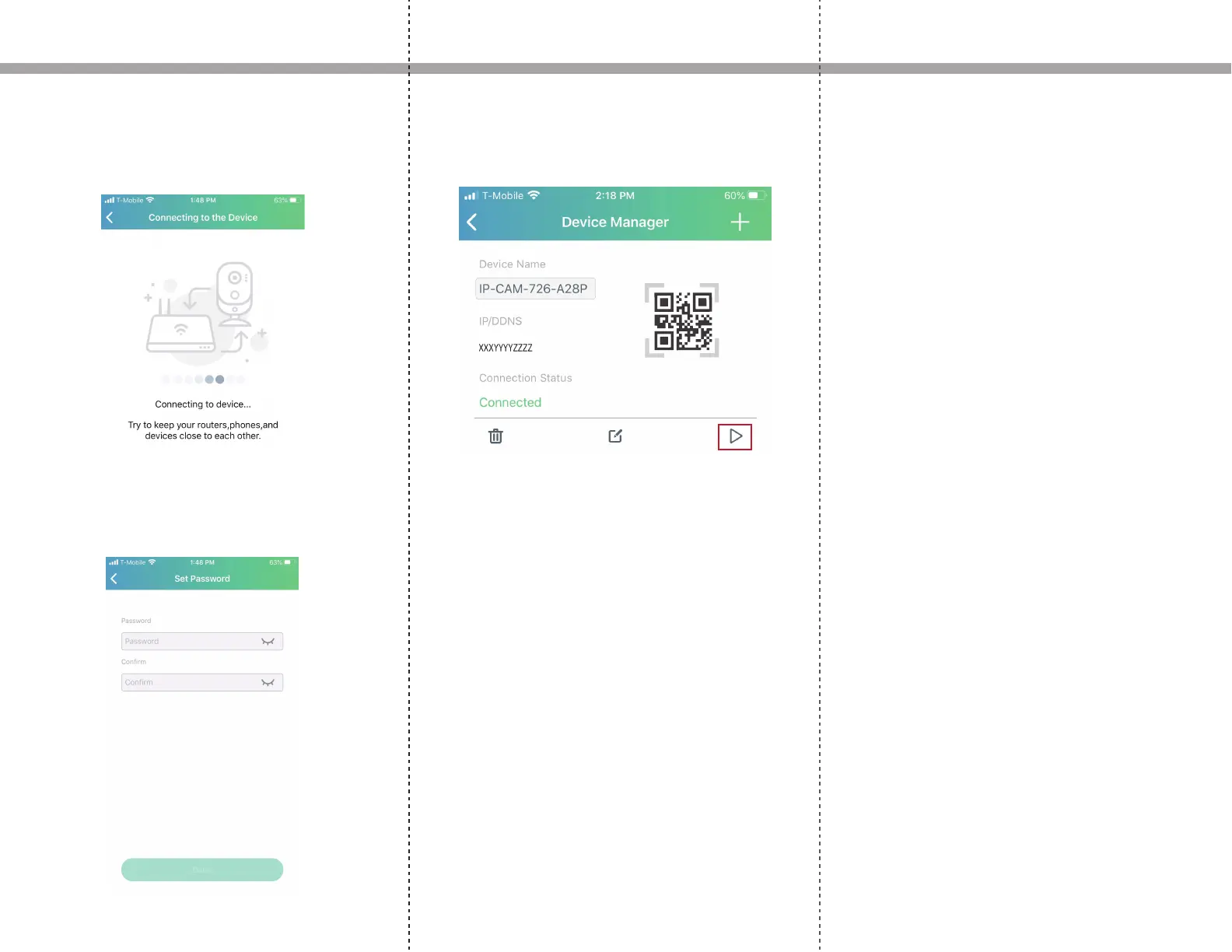
9. Wait for the IP camera to connect to the wireless
router. Note that if the SSID or password are entered
incorrectly or if the connection is unsuccessful, you will
need to go back to step 7 to setup the device again.
10. When connected successfully, you will need to set a
password for the IP camera. We recommend setting a
password that cannot be easily guessed.
Setup Instructions
11. If everything was setup correctly, on the connection
status, it will say connected. Click the play icon to start
viewing.


 To Next Page