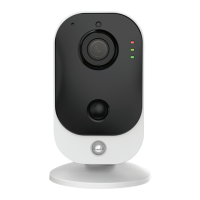
Setup Instructions
When Connected Standalone Wired
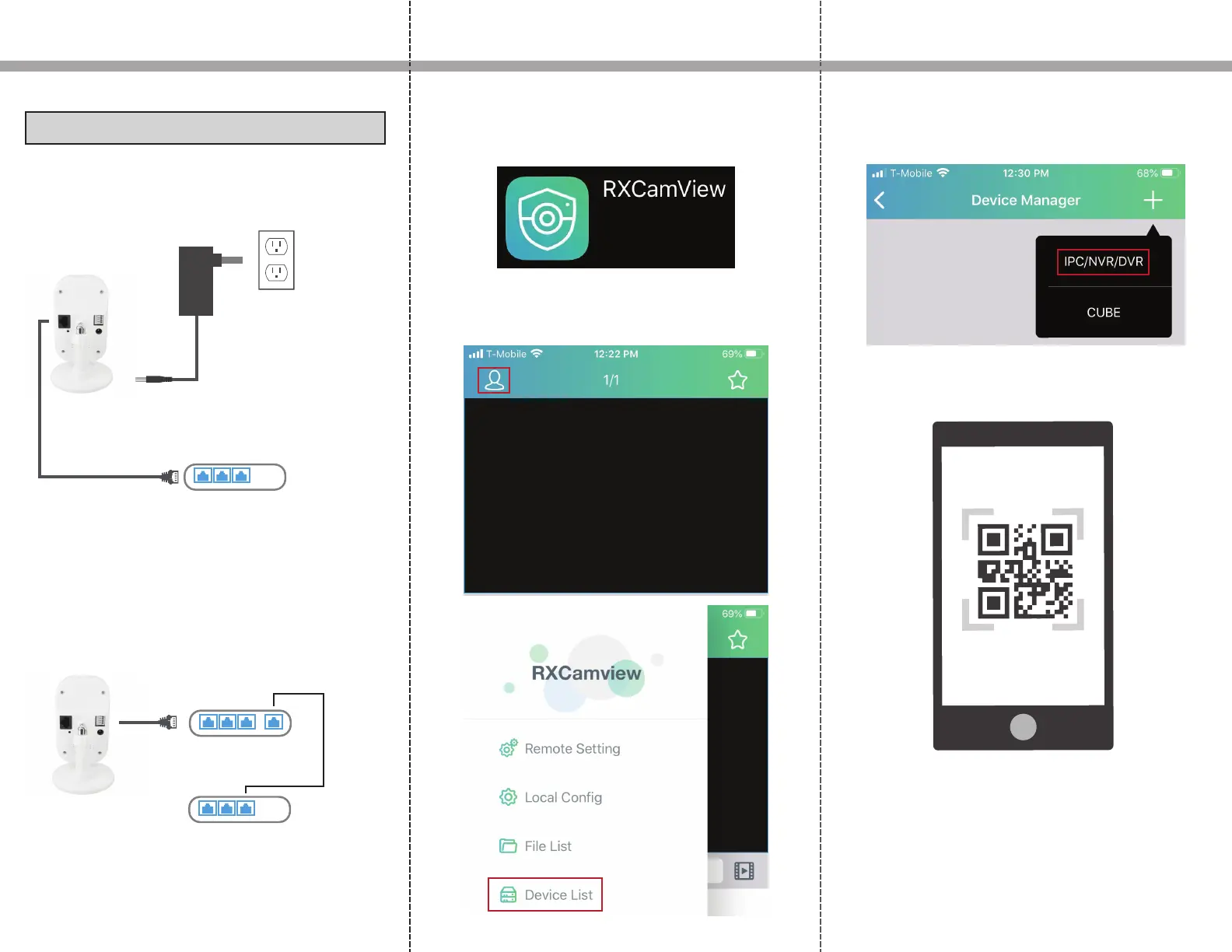
1. If connected standalone without a NVR, connect a
12V power adapter from the DC jack to an outlet and
then connect an Ethernet cable from the RJ45 jack to
the LAN port on a router
Power Adapter
3. Download and launch RXCamview from the App
Store or Play Store.
4. Click the human icon on the top left and then click
on Device List.
5. Click the + icon on the top right and click IPC/N-
VR/DVR from the dropdown.
6. The camera for the phone will open up. Scan the QR
code on the back of the IP camera.
2. Alternatively, instead of connecting to a power
adapter, you can also connect it to a PoE switch via
Ethernet cable.
PoE 1 PoE 2 PoE 3
PoE Switch
LAN 1 LAN 2 LAN 3
Router
Uplink
LAN 1 LAN 2 LAN 3
Router


 To Next Page
 Loading...