Document No. 8128000560
Software Revision – N1B (07 Oct 04)
7-39
RT-9000 B
7.3.3.2.1 Receive Meter Selection
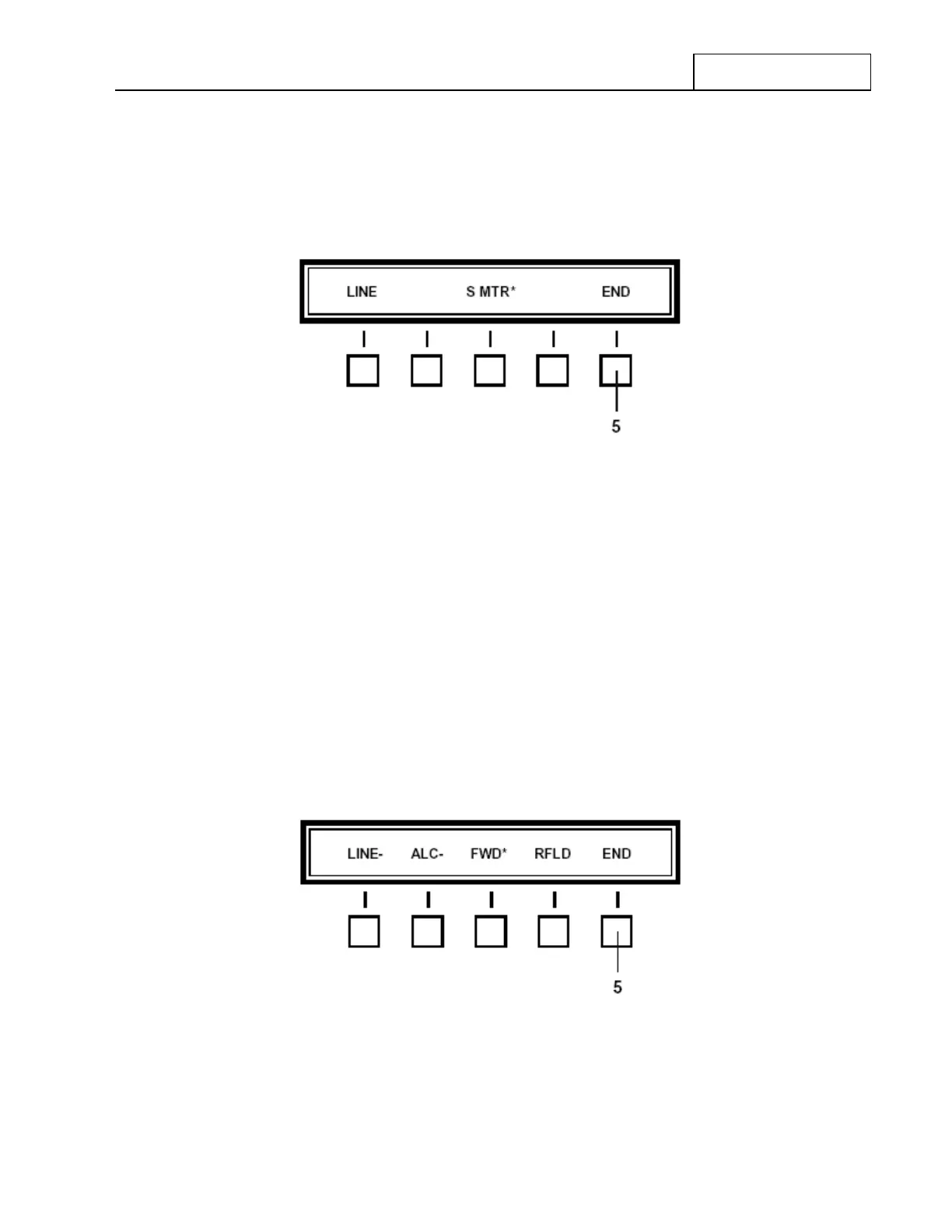
To select Receive-state Meter functions, depress the ‘MTR RCV’ (Meter Receive) key at 4. The Feature
Menu shown in Figure 7.3.3.5 will appear.
Figure 7.3.3.5 Receive Meter Feature Menu
Depress the Function key beneath the desired selection to select it. An asterisk (*) will appear next to the
selected choice to indicate it has been chosen.
When the RT-9000 B is displaying Receive-state activity, the selected Receive Meter will now display the
desired output type and values as shown at 1 in Figure 7.3.3.3.
Once the Receive Meter selection is made, depress the ‘END’ key at 5. The Feature Menu Display will
revert to that shown in Figure 7.3.3.4.
7.3.3.2.2 Transmit Meter Selection
To select Transmit-state Meter functions, depress the ‘MTR XMT’ (Meter Transmit) at 6. The Feature Menu
shown in Figure 7.3.3.6 will appear.
Figure 7.3.3.6 Transmit Meter Feature Menu
Depress the Function key beneath the desired selection to select it. An asterisk (*) will appear next to the
selected choice to indicate it has been chosen.



 To Next Page