Document No. 8128000560
Software Revision – N1B (07 Oct 04)
7-40
RT-9000 B
When the RT-9000 B is displaying Transmit-state activity, the selected Transmit Meter will now display the
desired output type and values as shown at 1 in Figure 7.3.3.3.
In addition to displaying the Transmit Meter readings while the Transmitter is keyed, the Transmit Meter
readings may also be viewed another way. Depressing the Read Transmit (‘READ XMT’) key at 5 in Figure
7.3.3.3 will cause all Transmit related Operational Display readings to briefly display without actually
keying
the Transmitter. The Transmit-state readings will appear for about four (4) seconds after the ‘READ XMT’ key
is depressed before reverting back to Receive-state readings.
Once the Transmit Meter selection has been made, depress the ‘END’ key at 5. The Feature Menu Display
will revert to that shown in Figure 7.3.3.4.
7.3.3.3 SPEAKER ON/OFF FUNCTION
The front panel speaker in the RT-9000 B is by default normally enabled at power-up. An asterisk present at
the right-hand side of the ‘SPKR’ Feature Menu selection indicates the speaker is enabled. To disable the
speaker, depress the Feature Menu ‘MORE’ key at 1 successively until the display shown in Figure 7.3.3.7
appears.
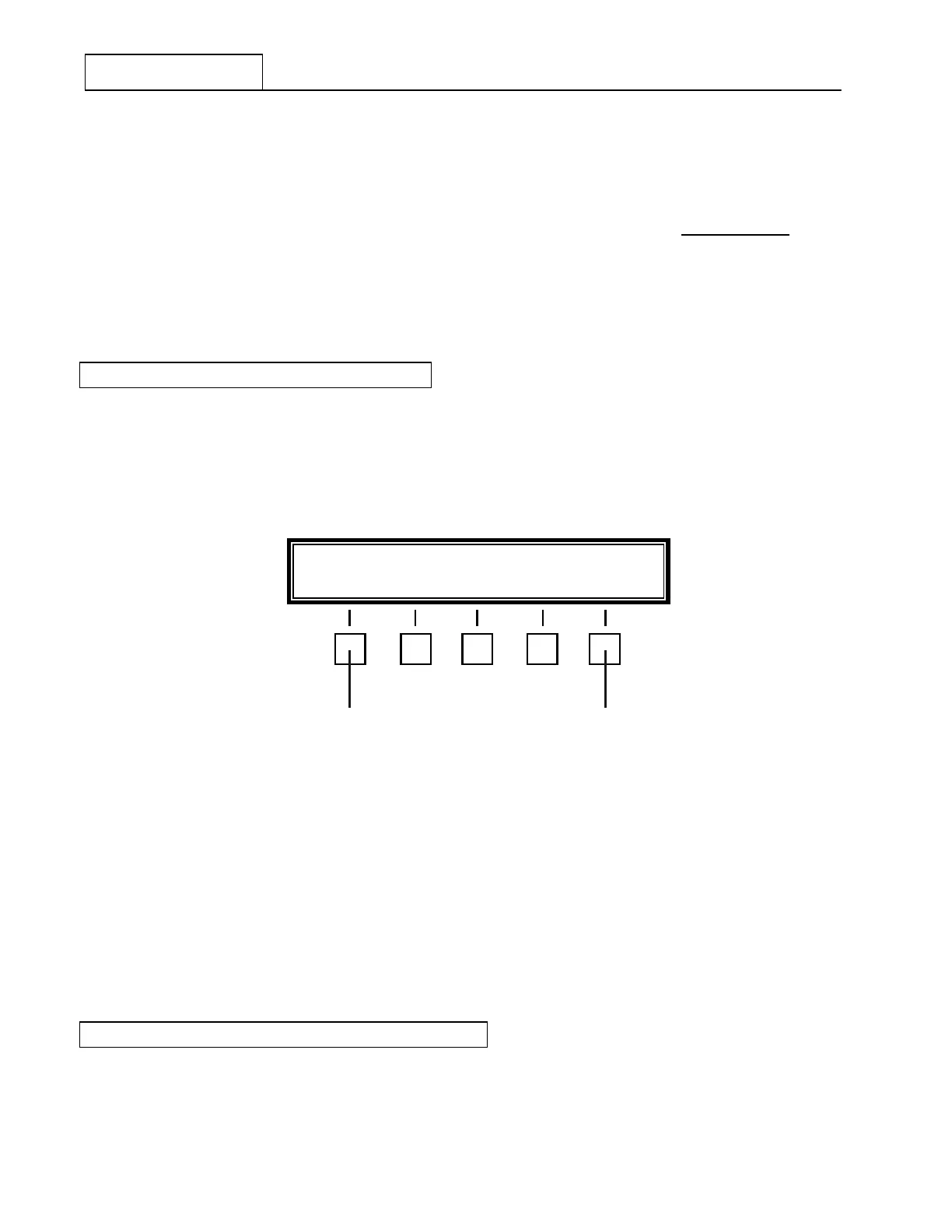
Figure 7.3.3.7 Main Menu containing Speaker ON/OFF Selection
Depress the Feature Menu ‘SPKR’ key at 2 . The asterisk next to the ‘SPKR’ selection will disappear. The
RT-9000 B speaker will be disabled. Depressing the feature menu ‘SPKR’ key once again will re-enable the
speaker.
NOTE: After the RT-9000 B has been powered-down or primary power has
been interrupted, the Speaker ON/OFF Selection function will
automatically revert back to its default state.
7.3.3.4 ‘MHz’ or ‘kHz’ FREQUENCY DISPLAY
The Operating Frequency display may be selected to display the frequency units expressed in Megahertz
(MHz) or Kilohertz (kHz).
SPKR METER SCAN MORE
2 1


 To Next Page
 Loading...
