EasyManua.ls Logo

Sunbeam FA7250 - User Manual

Sunbeam FA7250
16 pages
Print Icon
To Next Page IconTo Next Page
Loading...
SM8650 featured
Please read these instructions carefully
and retain for future reference.
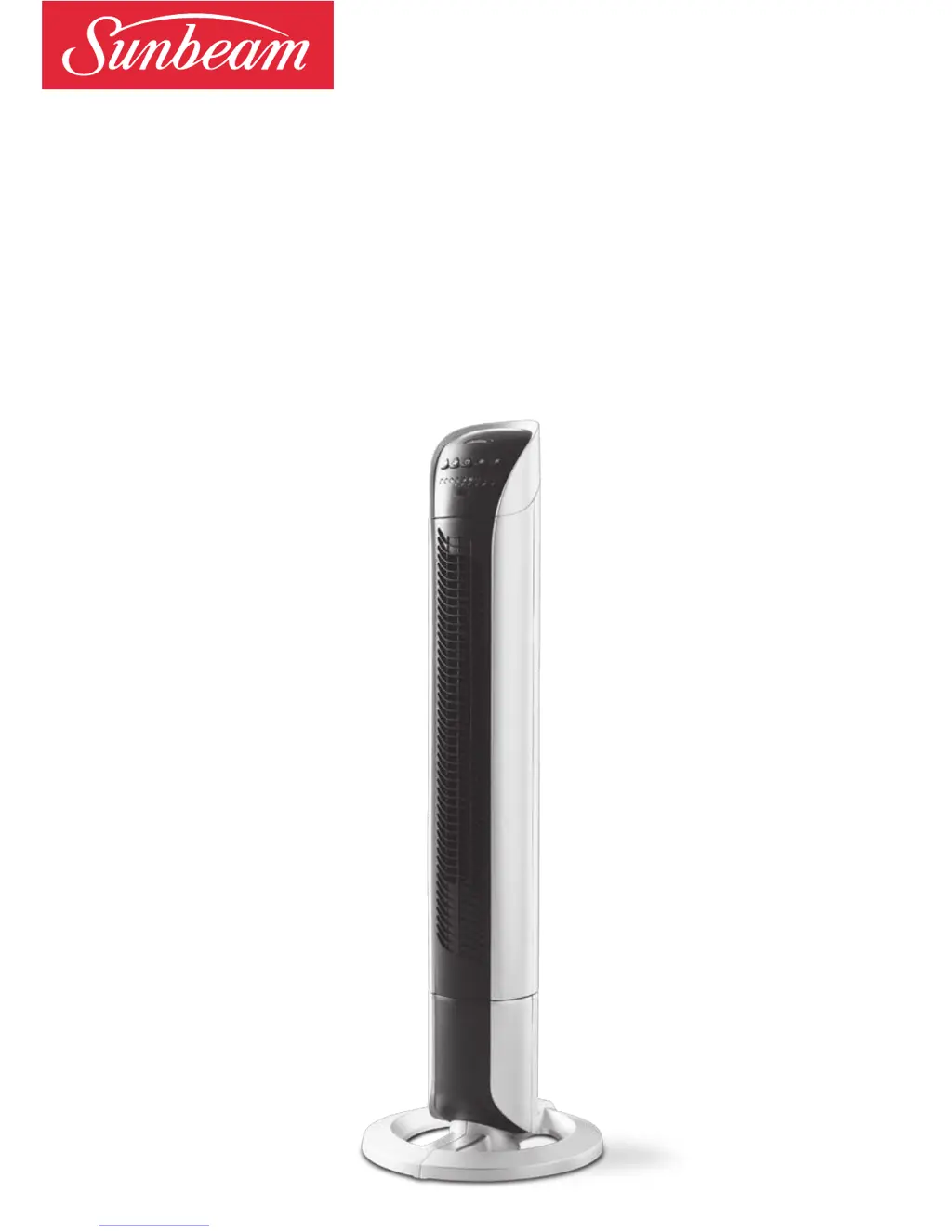
Sunbeam Tower Fan
with Night Mode
Instruction Booklet
FA7250 90cm Remote Controlled Tower Fan

Questions and Answers

  • E
    Eric MurrayJul 26, 2025
    Why my Sunbeam FA7250 does not turn on?
    • R
      robert74Jul 26, 2025
      If your Sunbeam Fan isn't turning on, it could be due to a couple of reasons. First, make sure that the fan isn't obstructed, so air can freely enter the fan through the intake grill. Remove any obstructions if necessary. Also, verify that the fan is properly receiving power by checking the electrical outlet or circuit breaker.
  • S
    Sarah GomezAug 10, 2025
    What to do if the remote control of Sunbeam FA7250 does not work?
    • S
      Samuel VaughnAug 10, 2025
      If the remote control for your Sunbeam Fan isn't working, ensure that you're pointing it towards the front of the fan. Also, check the batteries and replace them if they are worn out.

Summary

Sunbeams Safety Precautions

Safety Precautions For Your Tower Fan

Locating Your Tower Fan

Features of your Sunbeam Tower Fan

Remote control storage

Stores the remote control in a compartment on the rear of the fan body.

Carry handle

Allows easy carrying of the fan from room to room.

Power button

Used to turn the unit on.

Control panel

Easy to read panel showing selected functions.

Night mode

Turns off bright lights for a dark room at night.

Assembling Your Tower Fan

Remove the screws from beneath the tower

Steps to detach the base screws before assembly.

Join the two halves of the base together

Instructions for connecting the base components.

Using Your Tower Fan

Switching the fan on and off

Guidance on powering the fan on, off, and its memory function.

Selecting a fan speed setting

How to choose between low, medium, and high fan speeds.

Using the oscillation function

How to activate and deactivate the 70-degree oscillation.

Using the auto off timer

Setting the fan to automatically switch off after a set duration.

Night mode

Activating sleep mode to reduce light for nighttime use.

Using the remote control

Instructions for operating the fan with the remote control.

Changing the batteries

Procedure for replacing batteries in the remote control.

Troubleshooting

Care and Cleaning

2 Year Warranty

Need help with your appliance?

Sunbeam FA7250 Specifications

General IconGeneral
BrandSunbeam
ModelFA7250
TypePedestal Fan
Power50W
Speed Settings3
OscillationYes
Blade Size16 inches
Height AdjustmentYes
Tilt AdjustmentYes
Remote ControlNo
TimerNo
Weight4.5 kg

Related product manuals