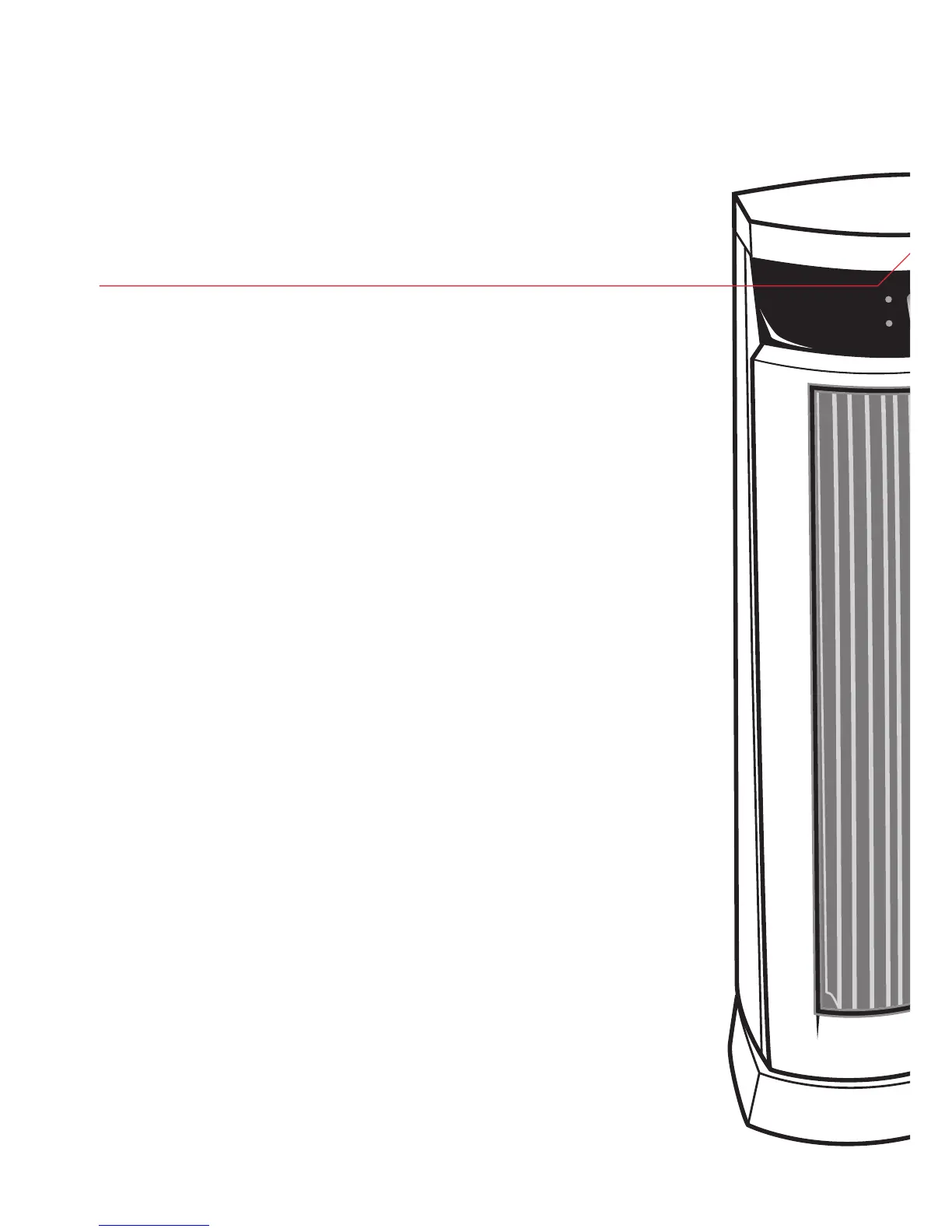
Control panel
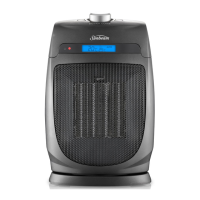
The compact control panel houses all of the buttons
required to operate the various functions of the
heater.
Mode button
Pres the mode button to select the desired operating
mode: Low Heat, High Heat or Auto mode.
Auto mode
Select the AUTO mode to operate the thermostat.
Use the Temp + and – buttons to select your desired
temperature. Once the set temperature is reached the
thermostat will cycle the heater on and off to
maintain it.
Timer function
The timer function allows you to set the heater to
switch itself off automatically after a specified period
of time, from 1 to 8 hours.
Oscillating function
The heater oscillates 120° on the base, providing
greater heat coverage to gradually warm the entire
room.
4
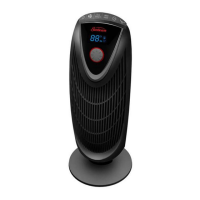
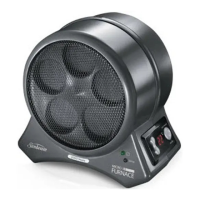
Features of your Oscillating Digital
Ceramic Heater



 To Next Page