Before use
Before assembling your mixer, be sure the
power cord is unplugged from the power
outlet and the speed control switch is in
the ‘0’ OFF position.
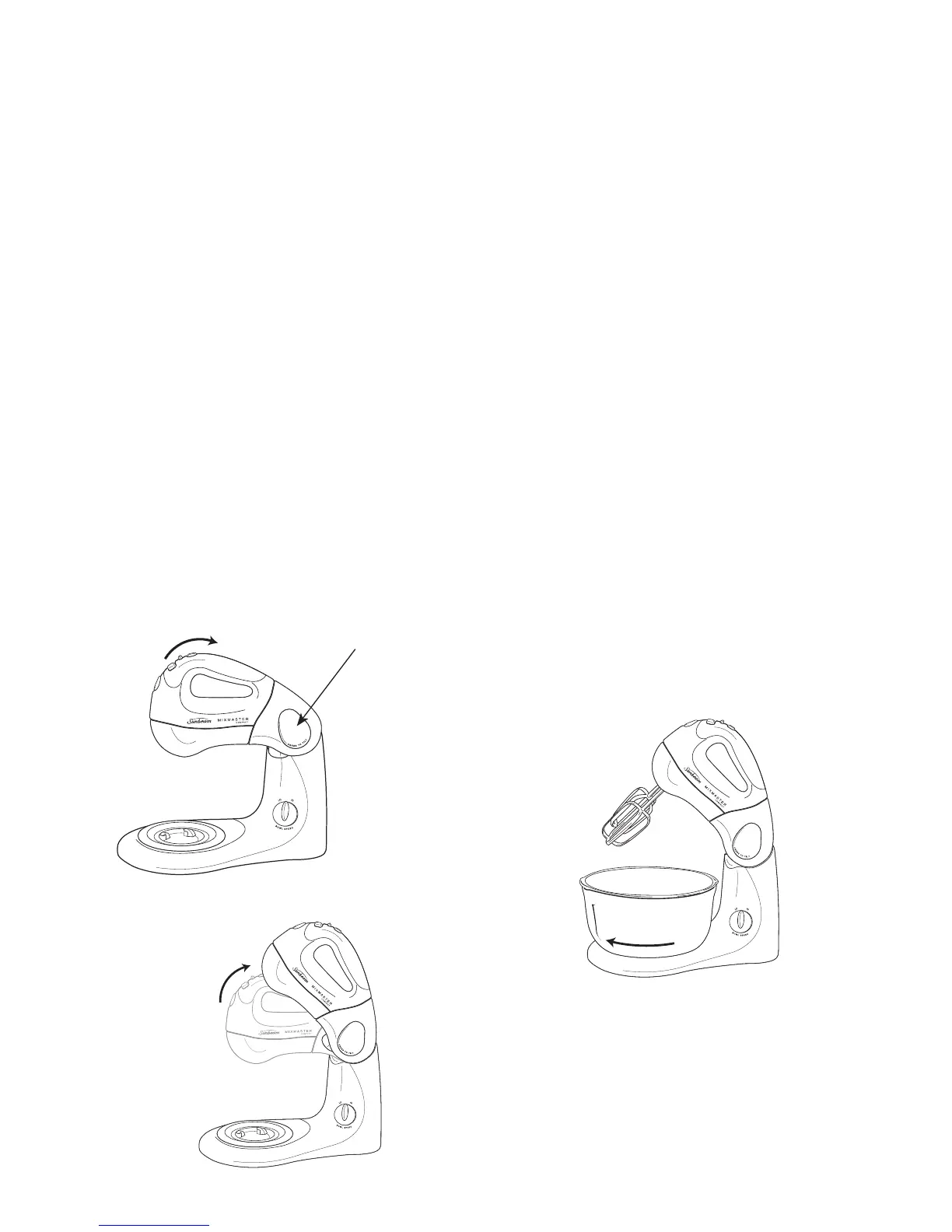
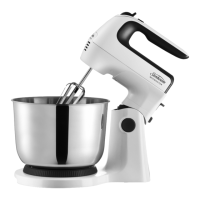
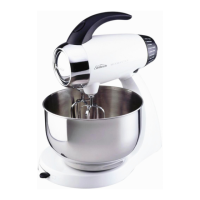
1. Press the ‘tilt’ button, located on top of
the neck of the mixer. While the button is
depressed, hold the handle and ease the
head of the mixer back, see figure 1. The
mixer head will lock into this tilt position,
see figure 2.
2. Select the desired attachments, depending
on the mixing task to be performed:
beaters for whisking, mixing and beating,
or dough hooks for kneading.
Inserting the beaters
3a. Beaters can be inserted in either socket,
as the beaters are identical.
Inserting the dough hooks
3b. To insert the dough hooks, place the
dough hook with the small washer into
the left socket. Place the other dough
hook into the right socket.
Note: Ensure both beaters or dough hooks
are fully inserted into the correct sockets
or your mixing results may be affected.
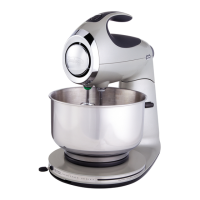
4. Place the 3 litre mixing bowl onto the
turntable and lock into place, see figure 3.
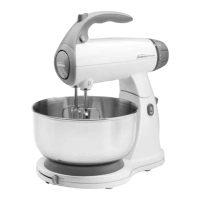
5. To lower the head of the mixer and
beaters/dough hooks into the bowl,
depress the ‘tilt’ button, hold the handle
with the other hand and ease the head
of the mixer down. A ‘click’ will indicate
when the head has reached the correct
position, see figure 4 over page.
6
Using your Sunbeam Mixmaster
®
Compact / Compact Pro
Figure 2
Figure 3
Press ‘tilt’
button and tilt
mixer head
backward
Figure 1



 To Next Page