7-inch Touch Screen
Step 3
Insert your SD card into the computer or laptop SD card slot.
Step 4
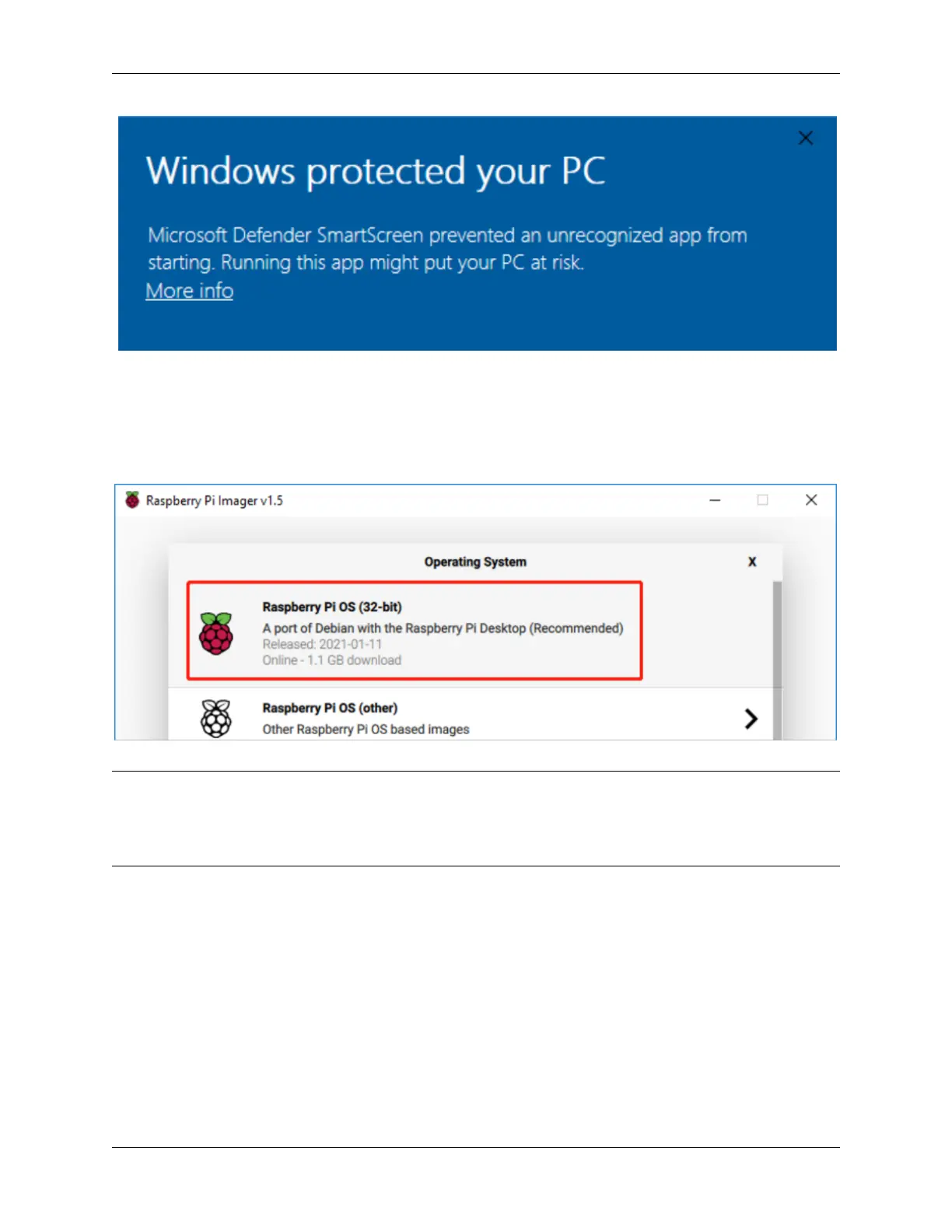
In the Raspberry Pi Imager, select the OS that you want to install and the SD card you would like to install it on.
Note: · You will need to be connected to the internet the first time.
· That OS will then be stored for future offline use(lastdownload.cache, C:\Users\yourname\AppData\Local\Raspberry
Pi\Imager\cache). So the next time you open the software, it will have the display “Released: date, cached on your
computer”.
Step 5
Select the SD card you are using.
6 Chapter 2. Install the Raspberry Pi OS



 To Next Page