7-inch Touch Screen
Step 6
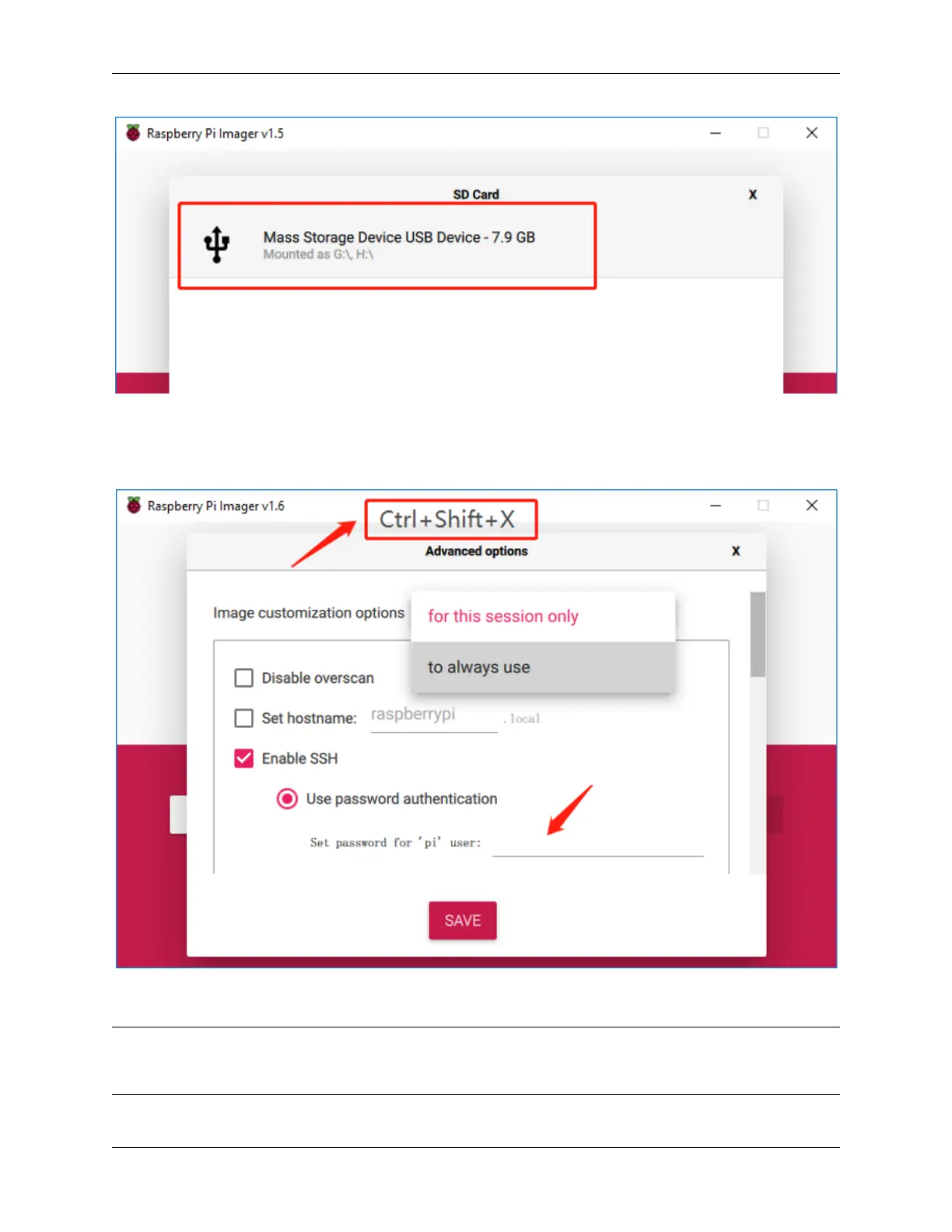
Press Ctrl+Shift+X to open the Advanced options page to enable SSH and configure wifi, these 2 items must be set,
the others depend on your choice . You can choose to always use this image customization options.
Then scroll down to complete the wifi configuration and click SAVE.
Note: wifi country should be set the two-letter ISO/IEC alpha2 code for the country in which you are using
your Raspberry Pi, please refer to the following link: https://en.wikipedia.org/wiki/ISO_3166-1_alpha-2#Officially_
assigned_code_elements
7



 To Next Page