TS7-Pro 7-inch Touch Screen
Code Explanation
led_val = GPIO.PWM(LED_PIN, 2000)
led_val.start(0)
Call the GPIO.PWM() function to define LED_PIN as PWM pin and set the frequency of PWM pin to 2000Hz, then
use the start() function to set the initial duty cycle to 0.
led_val.ChangeDutyCycle(value)
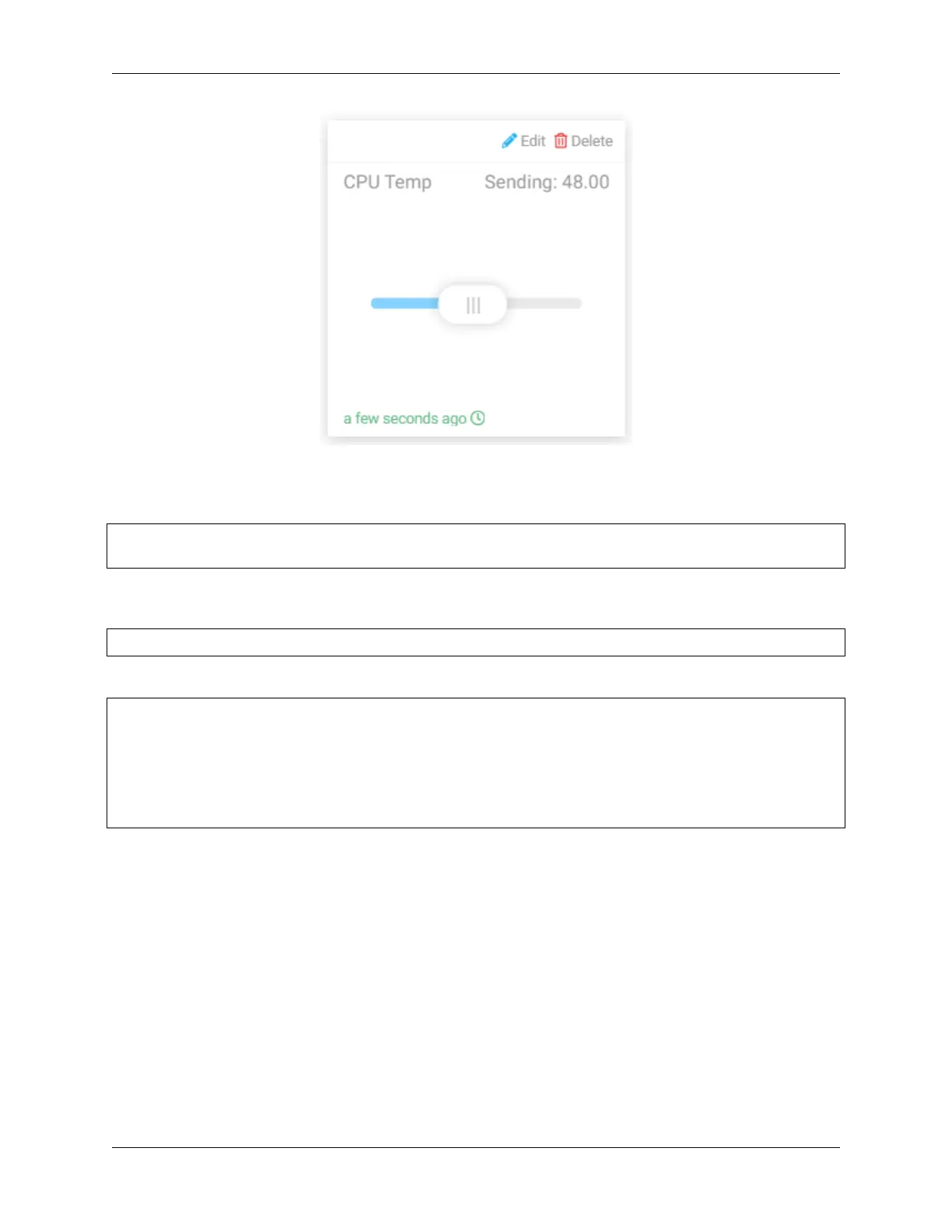
The value sent by Slider widget to Raspberry Pi is used as PWM duty cycle to change the brightness of the LED.
variables = {
'CPU Temp': {
'type': 'numeric',
'value': 0,
'bind': led_control
},
}
By setting the value of the 'value' key, we can set the initial value of the Slider widget, then always read the value
of the 'value' key and send the current level of LED_PIN (the value returned by the function led_control) to
Cloud4RPi.
Smart Curtain
In this project, we will simulate a scenario where the curtains are automatically opened or closed according to the
brightness of the room. When the photoresistor detects that the room brightness is too bright, Raspberry Pi will drive
the motor to close the curtain; when the room brightness is too dark, the curtain will be opened.
Also you can view the indoor brightness change through text widget on Cloud4RPi, or control the lamp with Switch
widget (for electricity safety, this experiment uses LED instead).
5.5. Cloud4RPi 119



 To Next Page