CHAPTER
THREE
QUICK USER GUIDE
This chapter includes installing the Raspberry Pi OS, installing the virtual keyboard, setting the right-click function
and calibrating the rotating screen function.
3.1 Install the Raspberry Pi OS
An operating system needs to be installed onto the Micro SD card before inserting it into the Raspberry Pi.
Note: Skip this chapter if the Raspberry Pi already has an operating system installed.
Raspberry Pi Imager is a quick and easy way to install the Raspberry Pi operating system to a Micro SD card from a
computer or laptop.
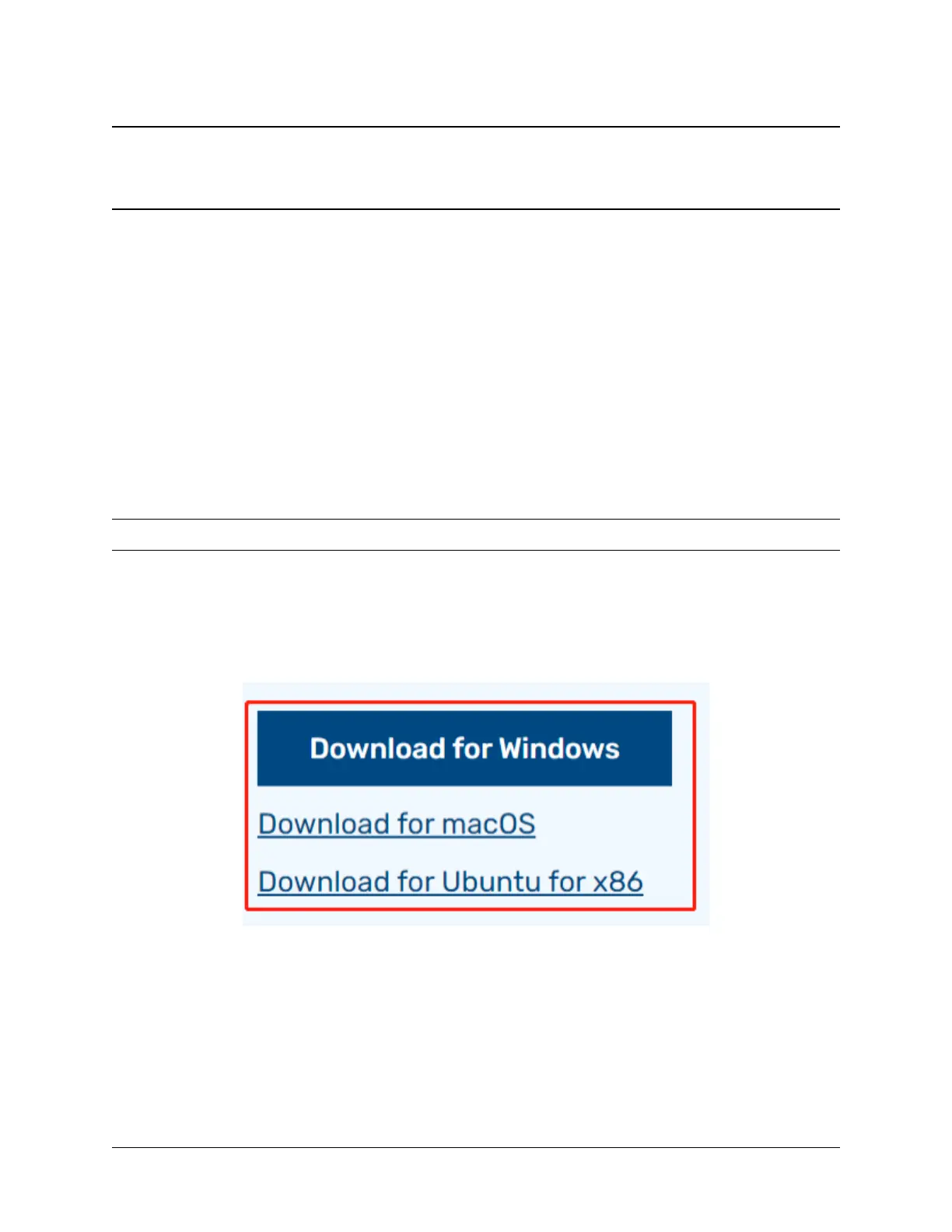
Browse to the Raspberry Pi Imager site and download the version that matches the computer or laptop’s operating
system (www.raspberrypi.org/software). When the download is complete, launch the installer program and follow the
prompts to install the Raspberry Pi Imager.
If the Windows operating system prevents the application from launching, click on More info and then click on Run
anyway to install the Raspberry Pi Imager.
9



 To Next Page