TS7-Pro 7-inch Touch Screen
7.2 No Sound
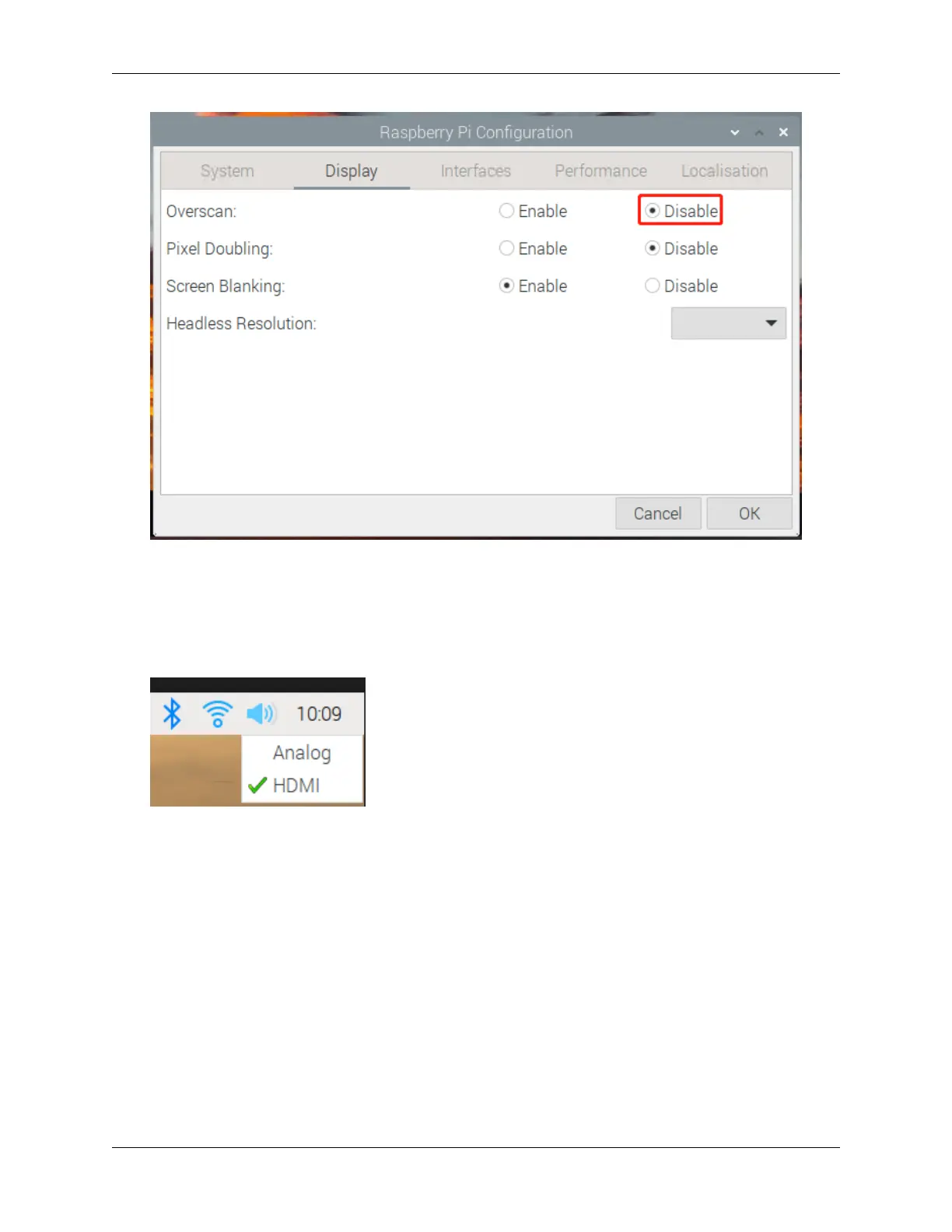
• If your display has no sound, you need to confirm the current Audio output mode. Analog mode is
used to output to the headphones, and HDMI mode is output to the speakers.
• Make sure that the speaker wires are well connected.
• Adjust the volume level by using the buttons on the driver board. If there is still no sound, please
contact us.
7.3 The screen shows No Signal after the device is turned on?
• Please check if all the cables are plugged in properly.
• Check if the control board (Raspberry Pi) is on.
• Check if the SD card has the correct system installed.
228 Chapter 7. FAQ



 To Next Page