TS7-Pro 7-inch Touch Screen
Open the code.
cd /home/pi/cloud4rpi-raspberrypi-python
sudo nano attendance_system.py
Find the line below and fill in the correct device token.
DEVICE_TOKEN = '__YOUR_DEVICE_TOKEN__'
Run the code.
sudo python3 attendance_system.py
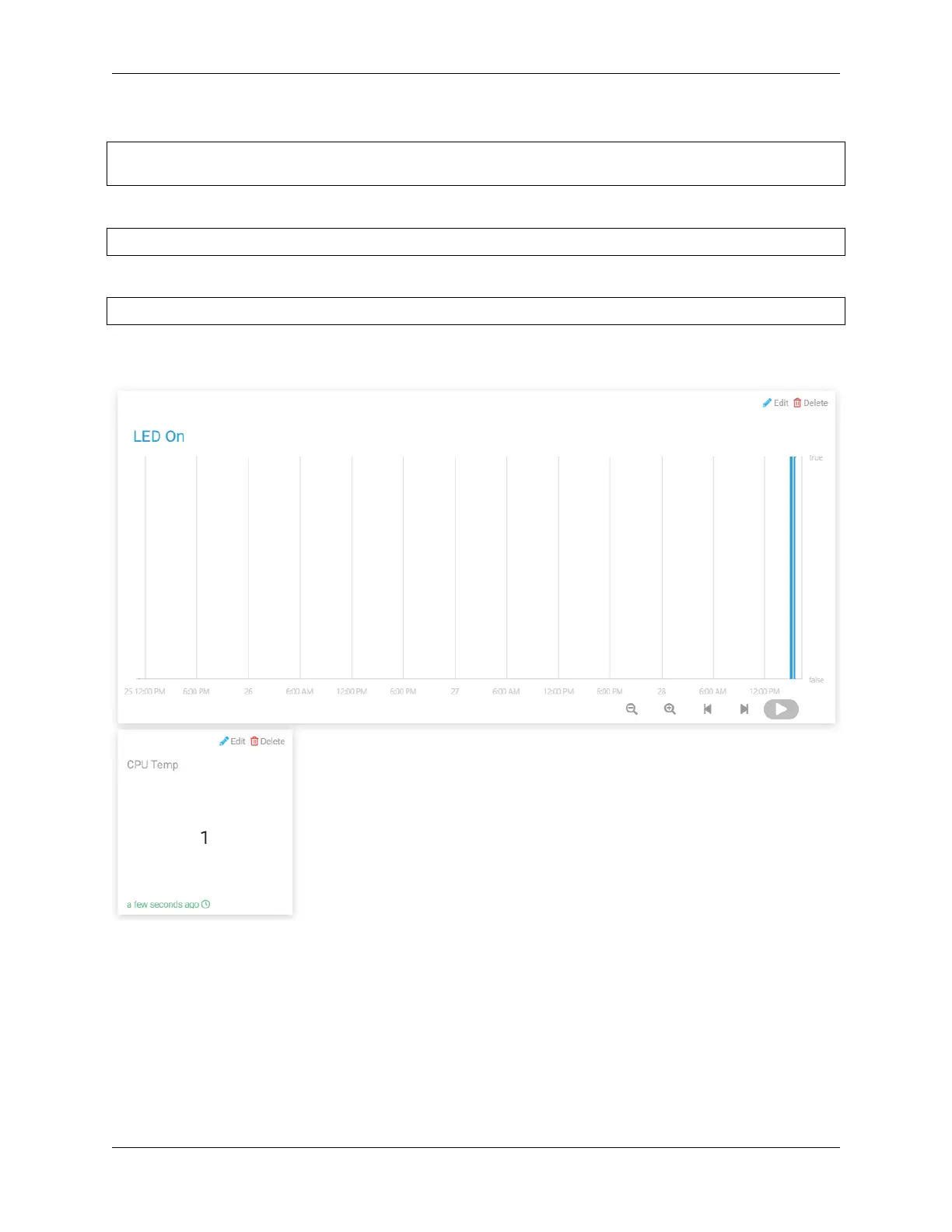
Go to Cloud4RPi, add a new control panel named project5 and add 2 widgets (text and chart widgets) via the Add
widget button.
Once added, you can view the clock-in records for different time periods on the Chart widget (when the value of LED
ON is True, it means someone clocked in), and then view the number of people who clocked in on the Text widget.
Also you can find the .csv file with the date under the path /home/pi/cloud4rpi-raspberrypi-python.
5.5. Cloud4RPi 123



 To Next Page