TS7-Pro 7-inch Touch Screen
A can change its color.
Click on the Glow-A sprite and let’s write a bit of code for it.
When A is clicked, it changes its color.
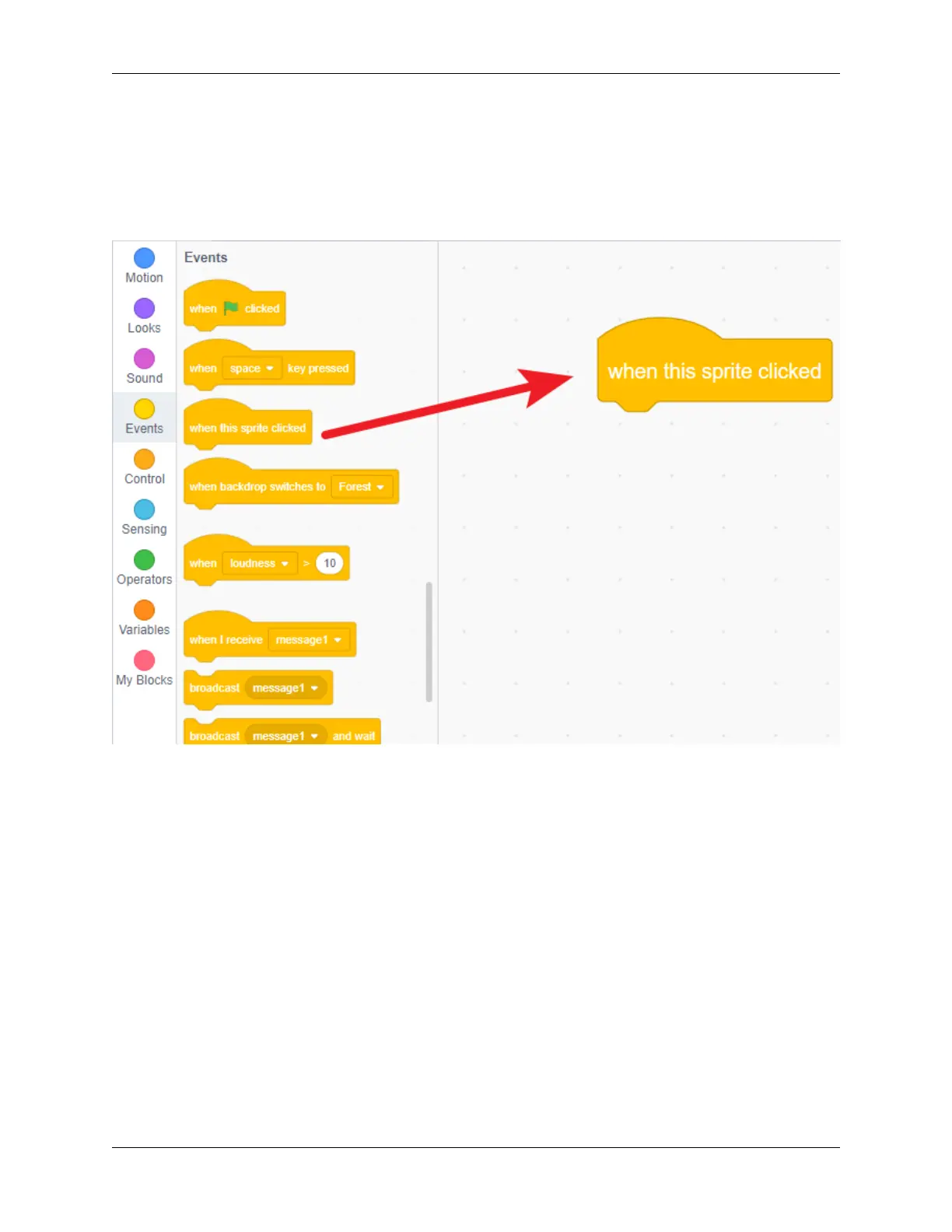
Click on the sprite, find when this sprite cliked in Events, and drag it to the right coding area.
Drag change color effect by. . . from Looks to the bottom of when this sprite cliked.
132 Chapter 5. PROJECTS AND ACTIVITIES



 To Next Page