TS7-Pro 7-inch Touch Screen
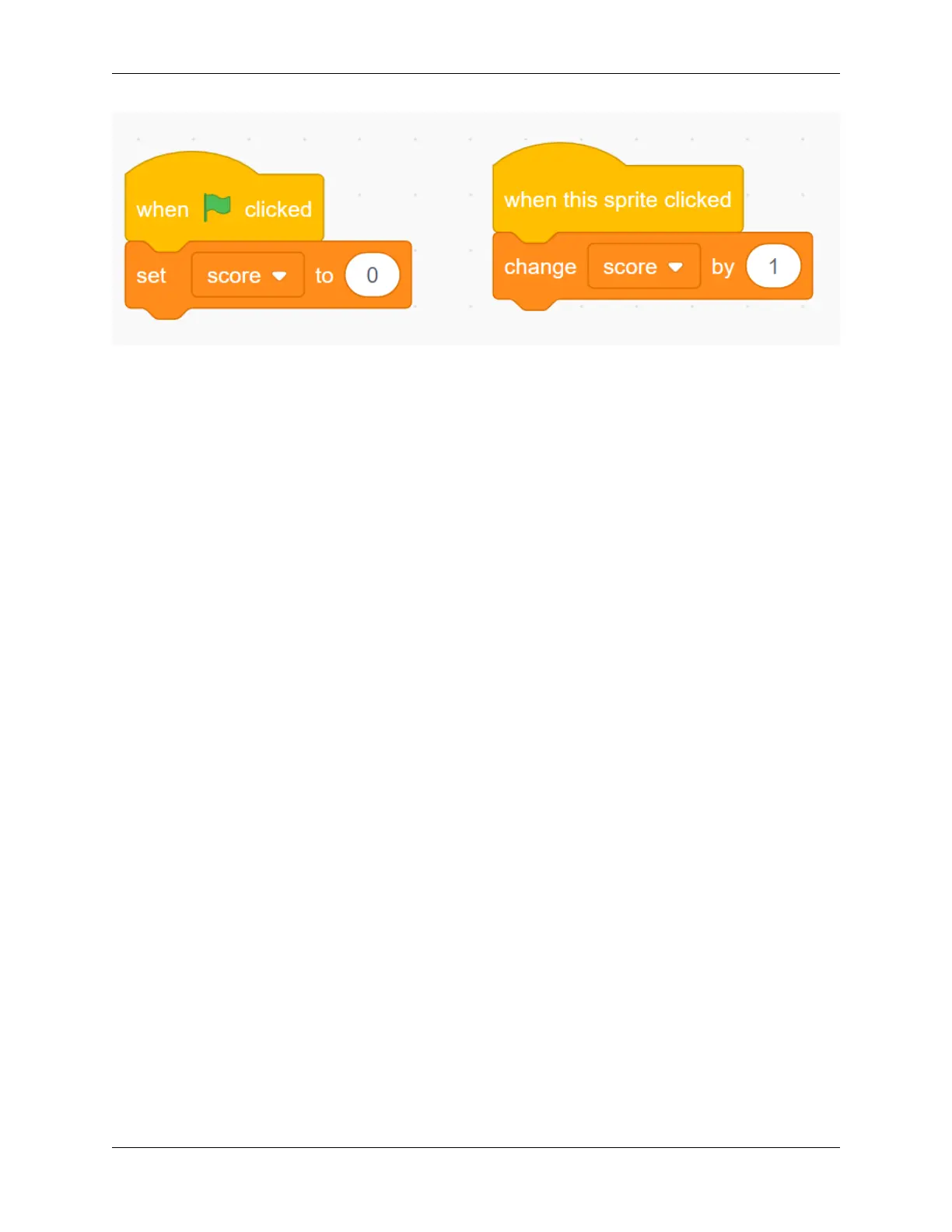
Now, click the green flag above the stage area to start the game, and click the balloon to increase your score!
Challenge
I believe that you will be smart enough to program and implement this game soon. Next, we will add some challenges
to enrich our game content.
• When the balloon is clicked, the sound effect of “POP” is emitted.
• Let the Pufferfish sprite appear randomly on the stage as well, if you click on it, you will lose score!
5.7.5 Shooting Game
Description
Have you seen those shooting games on TV? The closer a contestant shoots a bullet on the target to the bullseye, the
higher his score.
Today we are also doing a shooting game in Scratch. In the game, let the Crosshair shoot as far as possible to the
bullseye to get a higher score.
Click on the green flag to start. Use the space bar to shoot an bullet.
Or click Shooting Game, and then learn online tutorial on the Scratch official website.
Required Components
• A Screen
• Scratch 3 (either online or offline)
• Crosshair Sprite
• Target Backdrop
5.7. Scratch Projects 155



 To Next Page