TS7-Pro 7-inch Touch Screen
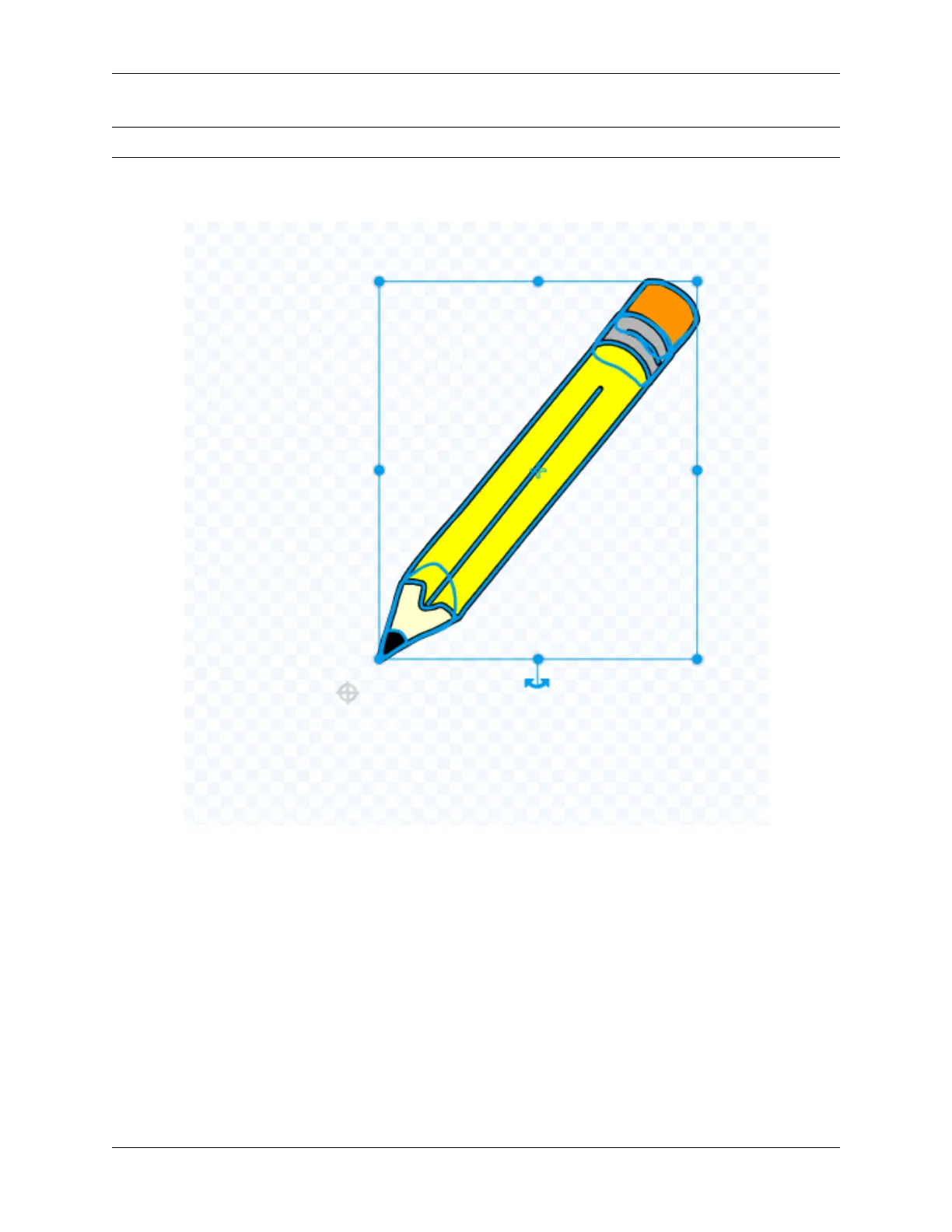
Note: Since the cursor is not on the Pencil tip, the line drawn is drawn from the middle of the Pencil sprite.
We click on the Costumes, select the entire Pencil sprite and move it until the Pencil tip is aligned with the cross
cursor.
Let the Pencil sprite change the painting color.
How to achieve that when we click on the color option below the stage, the Pencil sprite will switch the corresponding
color?
First we write code for the Red sprite, when it is clicked, we broadcast a new “red” message.
196 Chapter 5. PROJECTS AND ACTIVITIES



 To Next Page