TS7-Pro 7-inch Touch Screen
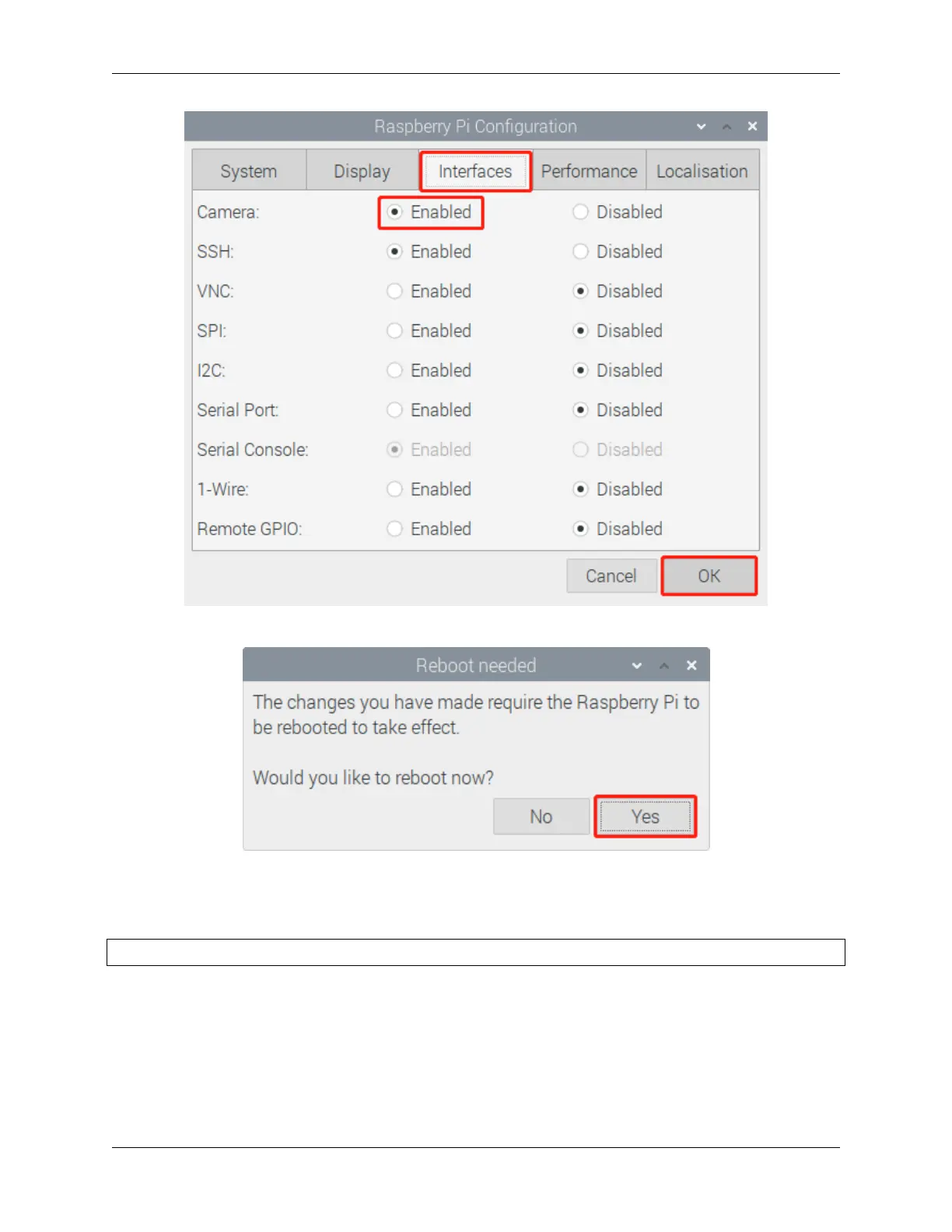
In the pop-up prompt box, choose to restart now.
After the restart is complete, use the following command line to check whether the camera is available.
If the camera screen appears it means that the camera is installed successfully. Otherwise the FFC cable needs to be
unplugged and plugged in again.
raspivid -o vid.h264
38 Chapter 4. ADDING PERIPHERAL DEVICES



 To Next Page