TS7-Pro 7-inch Touch Screen
5.3.3 Print 3D Model
After the .stl file has been sliced, the 3D model file can be sent to the 3D printer through OctoPrint to be printed.
Open the Raspberry Pi’s browser, and enter http://192.168.18.179/?#temp to log in to OctoPrint.
Note: Before logging in to the OctoPrint’s web UI, OctoPrint will first need to have been successfully installed on
the Raspberry Pi.
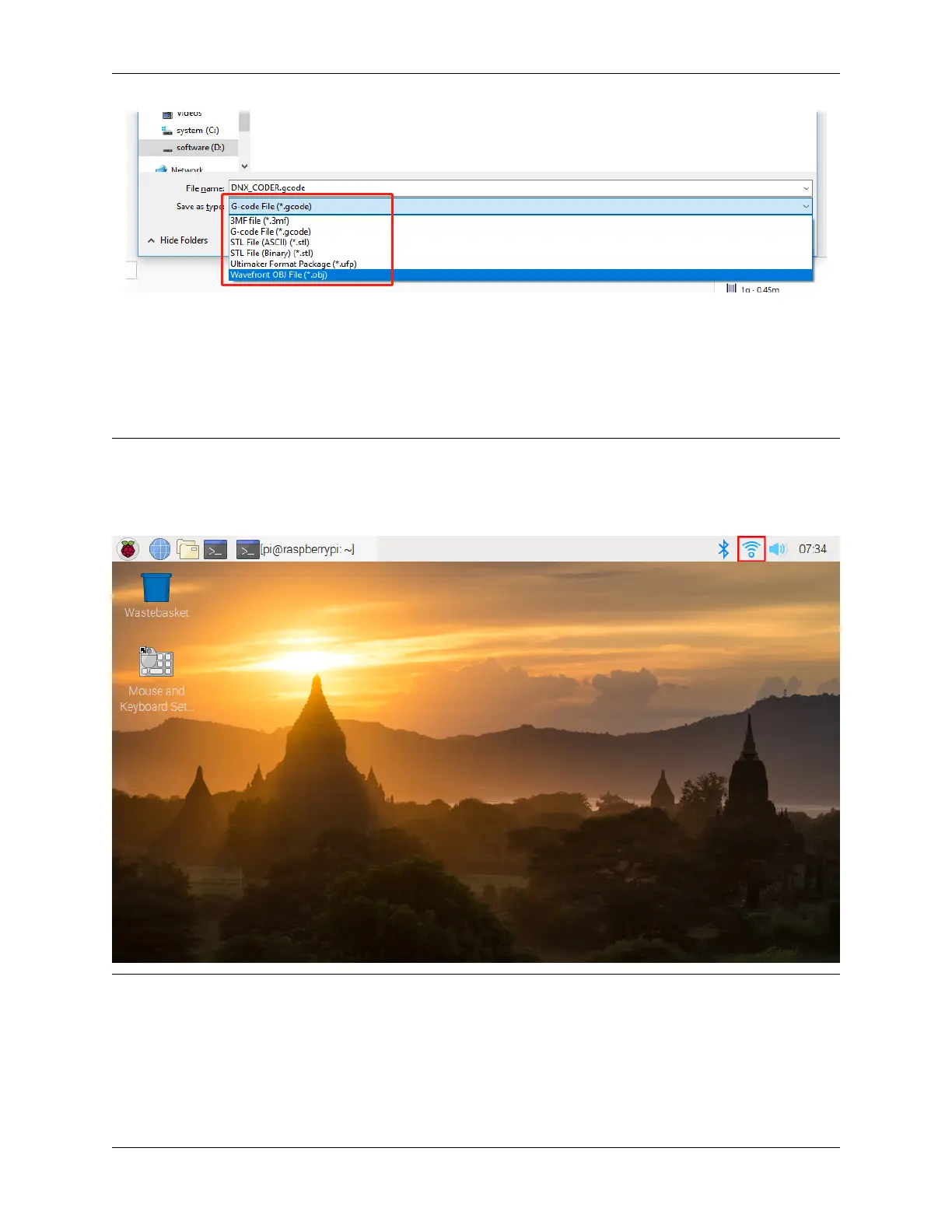
The IP address 192.168.18.179 will need to be replaced with the local IP address of the Raspberry Pi. Hover the cursor
over the WiFi icon on the Raspberry Pi desktop, and the local IP address will be displayed.
Now you have entered OctoPrint.
74 Chapter 5. PROJECTS AND ACTIVITIES



 To Next Page