TS7-Pro 7-inch Touch Screen
esphome dashboard config/
Configure ESPHome
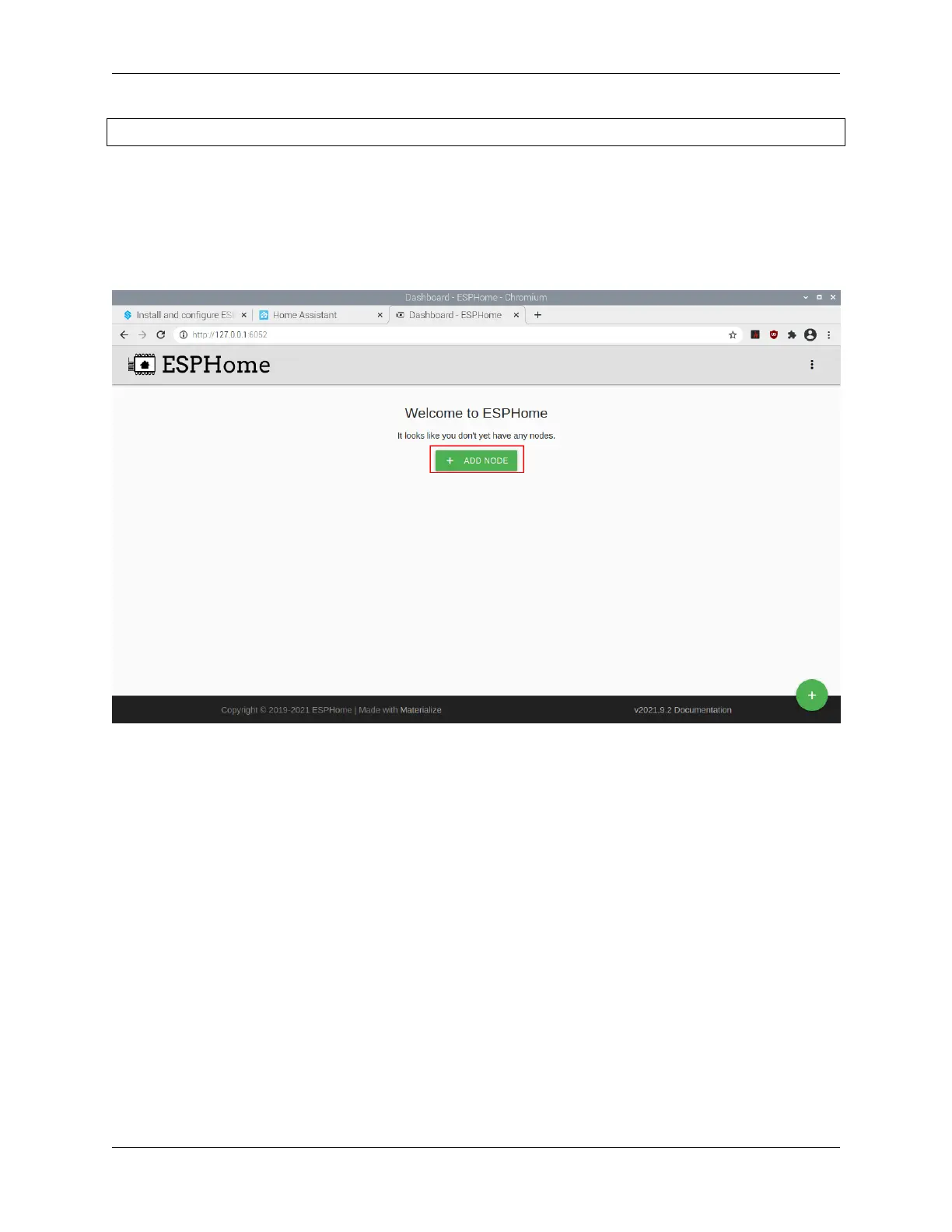
1. Open a browser and enter ESPHome Dashboard through http://localhost:6052 or http://X.X.X.X:6052 (replace
X.X.X.X with your Raspberry Pi’s IP address).
2. Create configuration.
Click on the “+” to start adding configurations.
Enter a name and the WiFi and password that you need to have your device connect to and then click NEXT.
80 Chapter 5. PROJECTS AND ACTIVITIES



 To Next Page