Photos
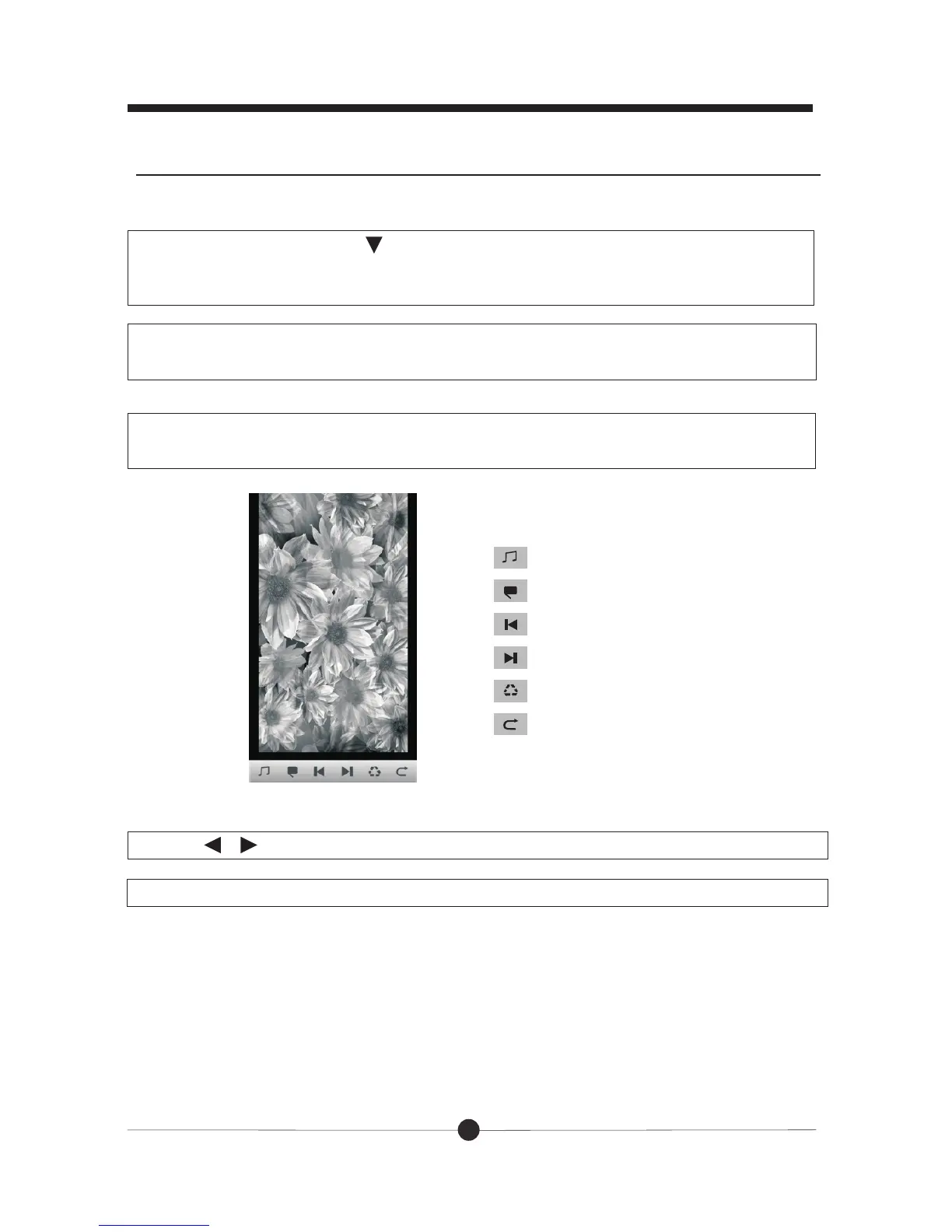
:Add or close background music
:full screen slideshow
:last picture
:next picture
:rotate photos
:return
1. ress to move the underline to “Photos” and press OK,
you will find “Internal memory” or also with SD/MMC card listed. Press OK to
enter. There will be files listed. Press OK to start playing pictures.
In the main menu, p
Press / to select the 6 icons above and press OK to confirm you selection.
Press “Exit” button to exit.
There will be several icons at the bottom of the screen, there functions are as
follow:
11
Basic functions
2. Press “Photo” button and the pictures names will be listed on the screen.
Press OK to start playing pictures.
There are two ways to go to photos.



 To Next Page