Basic functions
Music
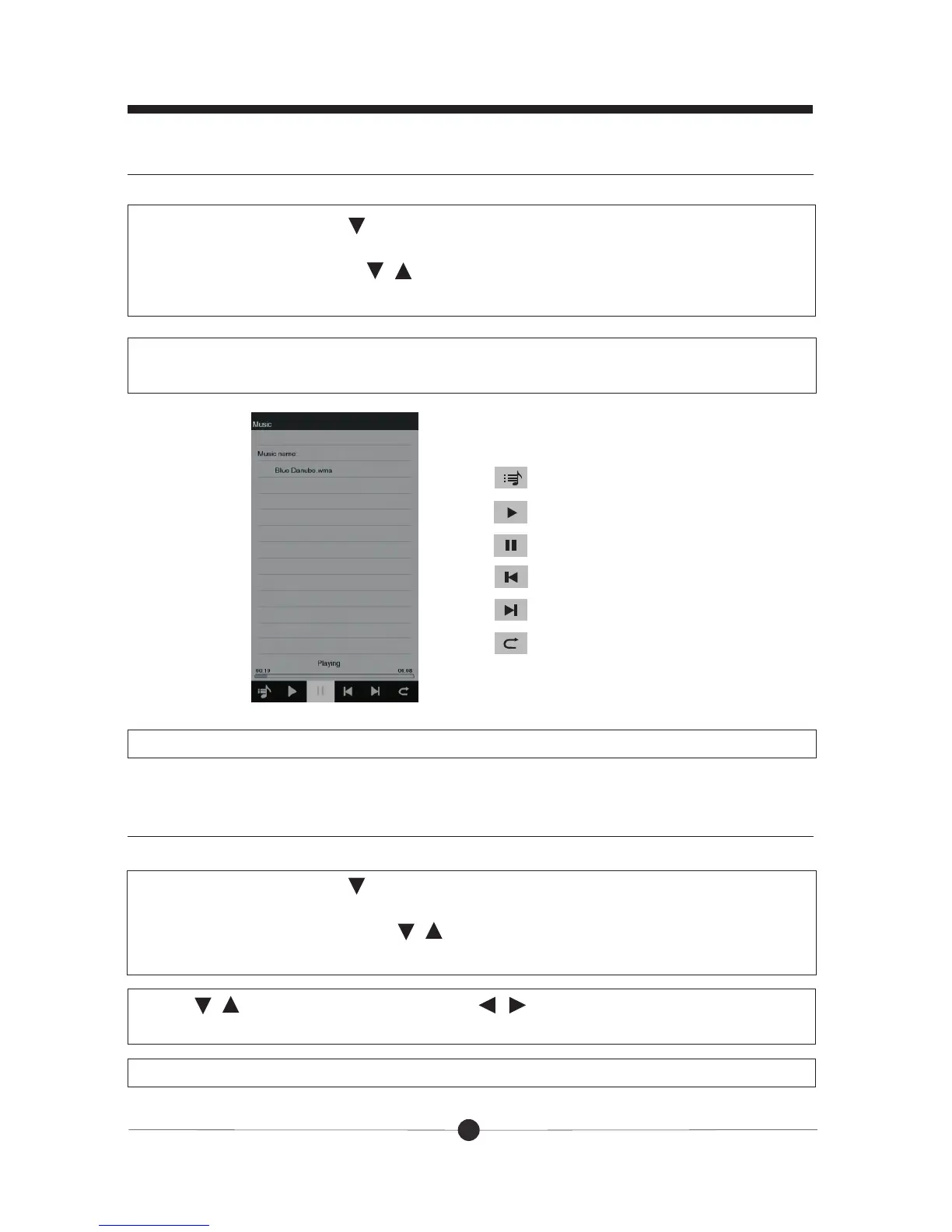
:show songs list
:Last song
:Play
:Pause
:Next song
:Return
12
In the main menu, press to move the underline to “Music” and press OK, you
will see “Internal memory” or also with SD/MMC card listed. Press OK to enter
the songs list. Then press / to select the song you want to play. And then
press OK to play.
There will be several icons at the bottom of the screen, there related functions
are as follow:
Press “Exit” button to exit.
Video
In the main menu, press to move the underline to “Video” and press OK, you
will see “Internal memory” or also with SD/MMC card listed. Press OK to enter
the video files list. Then press / to select the video you want to play. And
then press OK to play.
Press “Exit” button to exit.
Press / to adjust volume and press / to play the last or next video.
Press OK to pause or continue play.



 To Next Page