Dictionary
In the main menu, press to move the underline to “Dictionary” and press OK
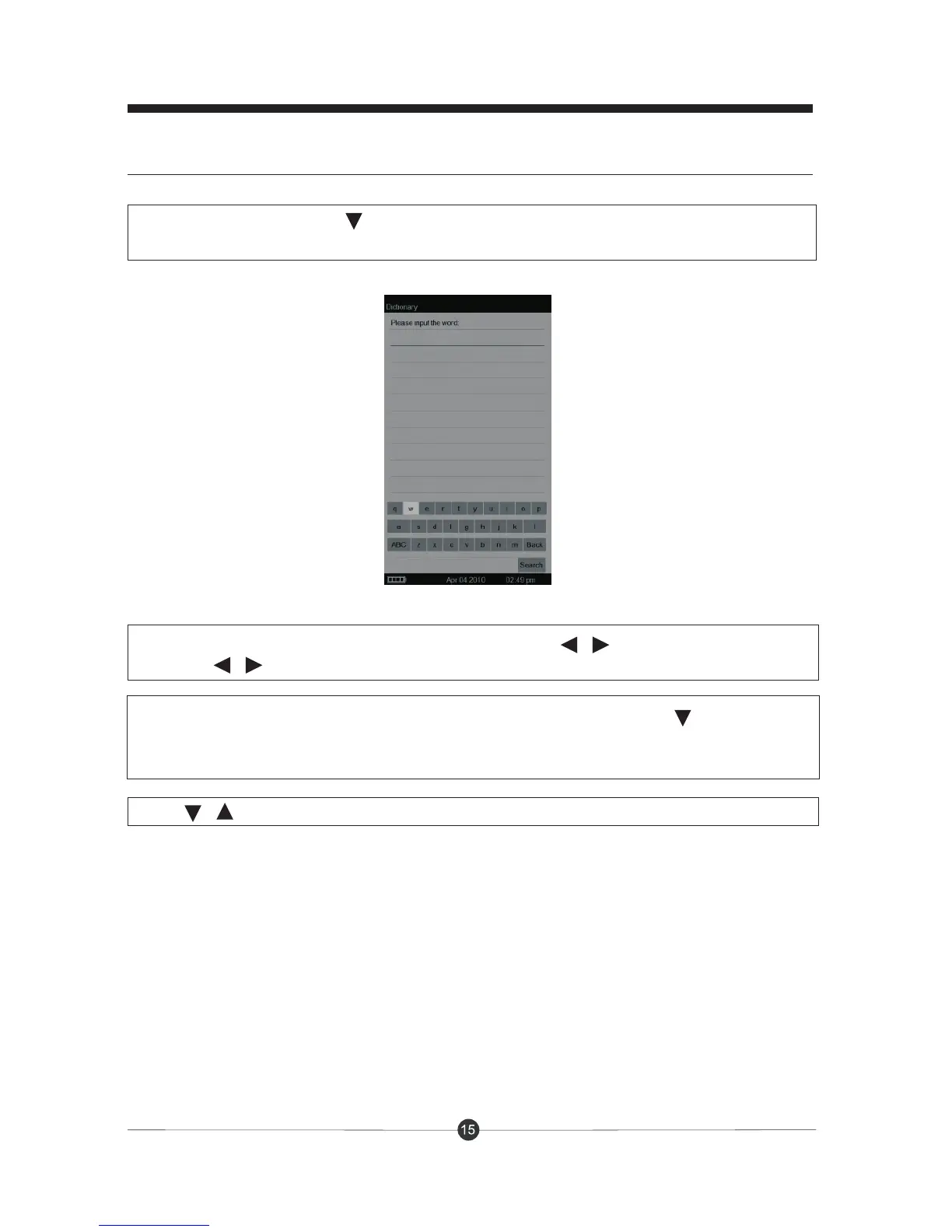
to enter the interface as follow:
Input the words by using the on-screen-keyboard. Press / to move cursor left or right
and press / to move cursor up and down.
Basic functions
Press / to turn rows and press “Exit” button to exit.
When you finished inputting, move the cursor to “Back” and then press to move cursor
to “Search”, then press OK to search the word. The related word explanation will appear on
the screen.



 To Next Page