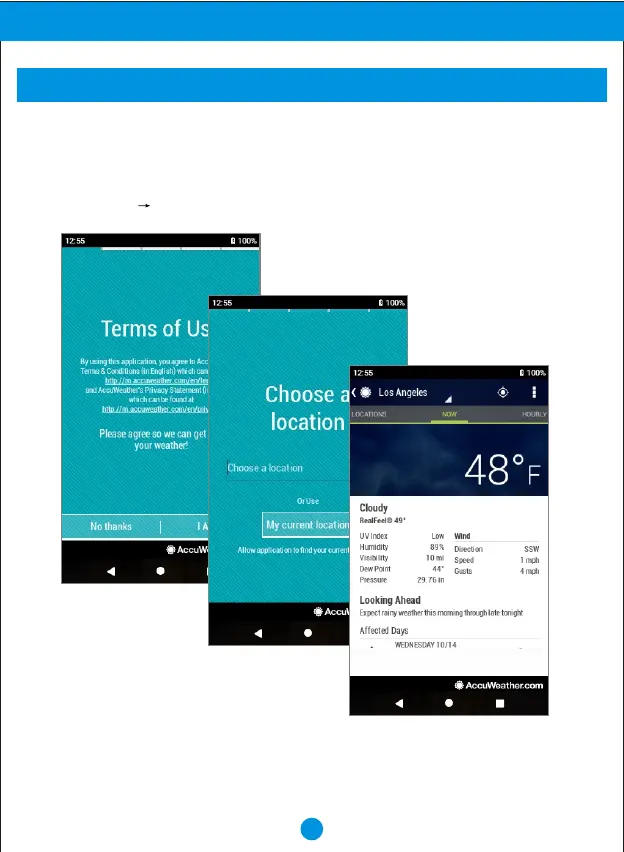
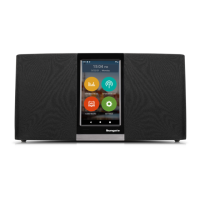
If you are using the your device for the first time, please follow below instruction on how
to set the weather of the city to be displayed.
1. From Home screen, touch "SETTINGS" then touch "WEATHER".
2. Touch "I Agree".
3. Touch "next" "next", and touch "Do it", then type the city name.
16
Advanced Operation
WEATHER


 To Next Page