If you are using the your device for the first time, please follow below instructions on how to
set alarms on the device.
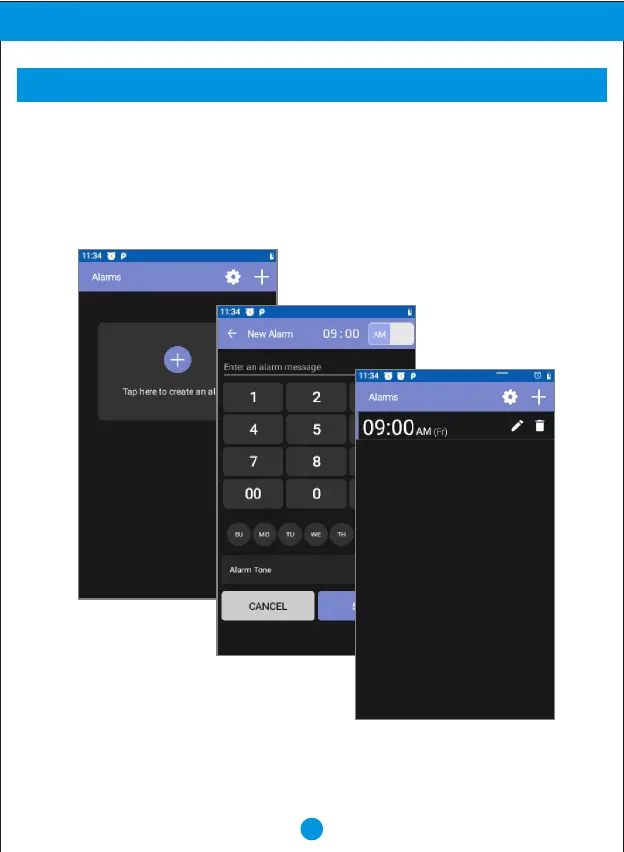
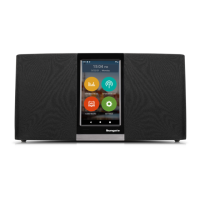
1. From home scree, press the "Voice command/Alarm" button on the top of the device,
or touch "SETTINGS" then touch "ALARM" on the screen, to go into ALARM setting.
2. Touch "+" to create an alarm.
3. Select time to set the desired time and touch "SAVE".
17
Advanced Operation
ALARM


 To Next Page