EasyManua.ls Logo

Sungrow SG250HX - User Manual

Sungrow SG250HX
119 pages
Print Icon
To Next Page IconTo Next Page
Loading...
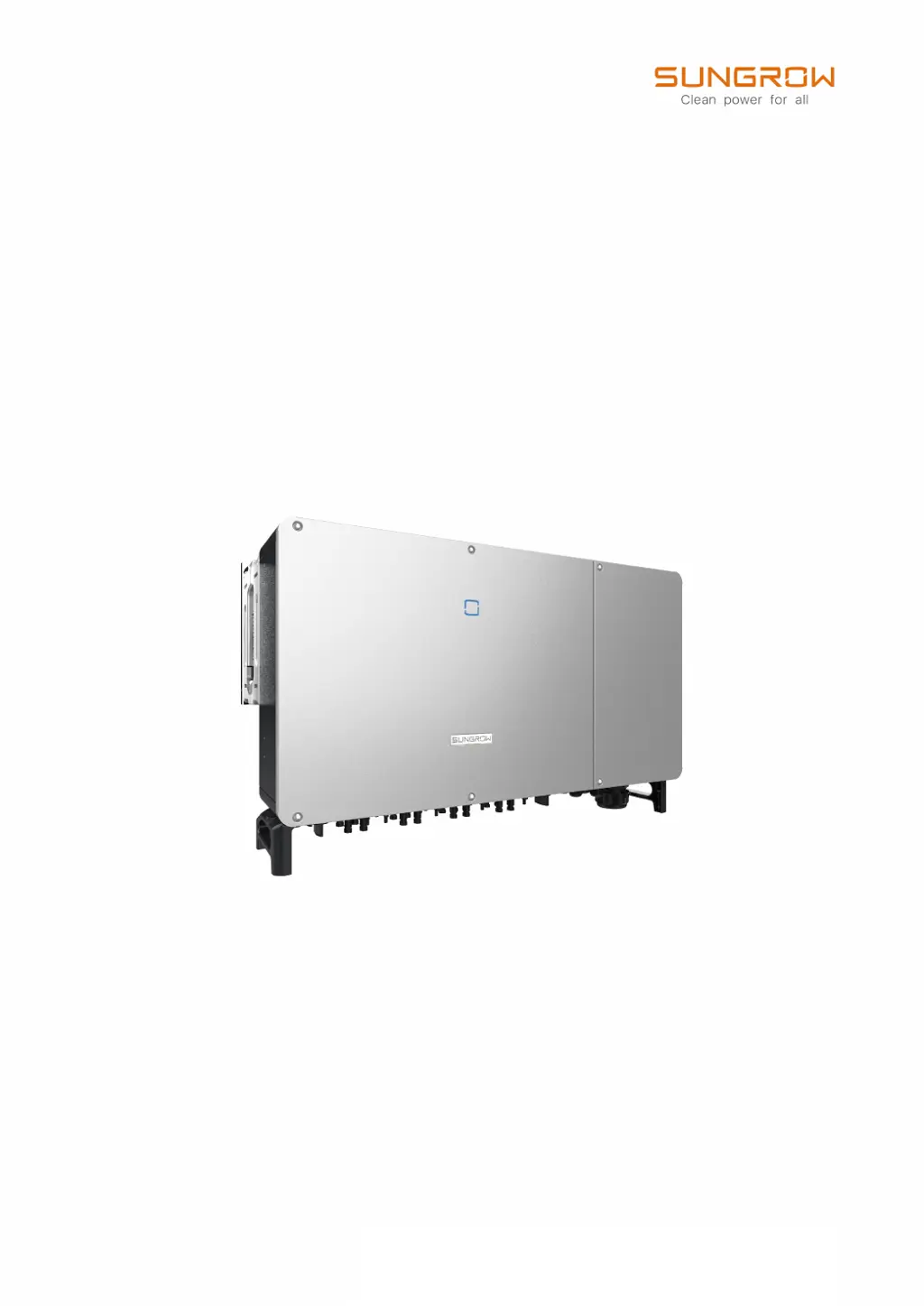
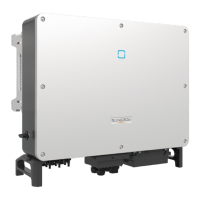
SG250HXPV Grid-Connected InverterUser ManualSG250HX–UEN-Ver26-202306
User Manual
PV Grid-Connected Inverter
SG250HX
SG250HX–UEN-Ver26-202306

Table of Contents

Questions and Answers

  • T
    Tyler McmillanSep 23, 2025
    What does 'PV Input Configuration Abnormal' mean on my Sungrow SG250HX and how to resolve it?
    • A
      Andrew CalderonSep 23, 2025
      If your Sungrow Inverter shows 'PV Input Configuration Abnormal', stop and disconnect the inverter. Then, reset the input mode of the PV array.
  • C
    Christopher LynchAug 25, 2025
    Why does my Sungrow Inverter show Grid Overvoltage?
    • E
      Elizabeth StrongAug 25, 2025
      Your Sungrow Inverter will automatically reconnect to the grid once the voltage returns to normal levels. If the problem continues: 1. Measure the grid voltage and contact your local utility if it's higher than expected. 2. Check the protection parameters in your APP or on the LCD to ensure they are set correctly. 3. Verify the AC cable's cross-sectional area meets requirements. If the issue persists, contact Sungrow Service.
  • D
    Denise KimAug 25, 2025
    What to do if my Sungrow SG250HX Inverter displays a 'Low System Insulation Resistance' error?
    • J
      Joshua BakerAug 26, 2025
      The Sungrow Inverter should return to normal operation automatically. If the problem persists: 1. Check that the ISO resistance protection value is not set too high in the APP and complies with local regulations. 2. Inspect the string and DC cable for resistance to ground, addressing any shorts or insulation damage. 3. If the error occurs on rainy days, re-check when the weather is dry. 4. Perform a Megger test on the DC cables. If the problem continues, contact Sungrow Service. This issue is often caused by poor insulation of the module/cable or damp conditions.
  • S
    sheenacainAug 26, 2025
    What to do if my Sungrow SG250HX shows Grid Undervoltage?
    • C
      cmillerAug 27, 2025
      Your Sungrow Inverter will automatically reconnect to the grid once the grid voltage returns to normal. If the fault continues: 1. Measure the actual grid voltage, and if it is lower than expected, contact the local utility company. 2. Check the protection parameters via the APP. 3. Ensure the AC cables are firmly connected. If the issue persists, contact Sungrow Service.
  • D
    David LynchAug 27, 2025
    What does 'Grid Abnormal' mean on my Sungrow Inverter and how to fix it?
    • M
      Martin HamiltonAug 27, 2025
      The Sungrow Inverter will automatically reconnect to the grid after the grid returns to normal parameters. However, if this fault continues: 1. Measure the grid frequency and voltage, and contact your local utility company if these parameters exceed set values. 2. If the issue persists, contact Sungrow Service.
  • J
    Joann WagnerSep 13, 2025
    What does 'Electric Arc Detection Module Abnormal' mean on my Sungrow SG250HX Inverter and how to fix it?
    • W
      wtaylorSep 13, 2025
      To address an 'Electric Arc Detection Module Abnormal' error: 1. Check the related cable connections and terminals of the Arc Fault Module for any abnormalities, and inspect the surrounding environment. Correct any issues found. If the problem continues, contact Sungrow Service.
  • T
    Teresa StephensSep 12, 2025
    What does 'AC-Side SPD Alarm' mean on my Sungrow SG250HX Inverter and how to resolve it?
    • S
      Sharon WilliamsSep 12, 2025
      To resolve an AC-Side SPD Alarm, check the AC and DC SPDs (Surge Protection Devices) and replace them if necessary.
  • V
    Victor OwensSep 12, 2025
    What does 'Grid Transient Overvoltage' mean on my Sungrow Inverter and how can I fix it?
    • M
      Margaret JonesSep 12, 2025
      The Sungrow Inverter will reconnect to the grid once the grid returns to normal. If the fault continues: 1. Check whether the protection parameters are appropriately set via the APP. If the issue persists, contact Sungrow Service.
  • R
    Robert KimSep 4, 2025
    What does 'Grid Voltage Unbalance' mean on my Sungrow SG250HX and how can I fix it?
    • J
      Jennifer StevensonSep 4, 2025
      Your Sungrow Inverter will reconnect to the grid once the grid returns to normal. If the fault persists: 1. Measure the actual grid voltage. If the grid phase voltages differ greatly, contact the utility company for solutions. 2. If the voltage difference between the three phases is within the permissible range of the local power company, modify the grid voltage imbalance parameter through the APP. If the issue persists, contact Sungrow Service.
  • B
    Briana BensonSep 2, 2025
    What to do if my Sungrow Inverter displays 'Grid Low Voltage'?
    • J
      James WhiteSep 2, 2025
      The Sungrow Inverter will reconnect to the grid once the grid voltage returns to normal. If the fault continues: 1. Measure the actual grid voltage and contact the local utility company if the grid voltage is lower than the set value. 2. Check whether the protection parameters are appropriately set via the APP. 3. Check whether the AC cables are firmly in place. If the fault persists, contact Sungrow Service.

Summary

About This Manual

Manual Scope and Target Audience

Covers manual validity, intended audience, and usage guidance.

Warning Symbols Explained

Explains the meaning of warning symbols used throughout the manual for safety.

Safety Instructions

Unpacking, Installation, and Electrical Safety

Covers safety for unpacking, installation, and electrical connections.

Operation, Maintenance, and Disposal Safety

Safety guidelines for operation, maintenance, and product disposal.

Product Description

System and Product Overview

Describes the inverter's role and provides a general introduction to the product.

Component Identification and Indicators

Identifies key components, symbols, and LED indicators of the inverter.

Functional Features

Details the inverter's functional features, including DC switch and circuit.

Unpacking and Storage

Unpacking, Inspection, and Contents

Steps for unpacking, inspecting, and listing package contents.

Inverter Storage Requirements

Guidelines for proper storage of the inverter if not installed immediately.

Mechanical Mounting

Mounting Safety and Location

Safety measures and environmental considerations for inverter mounting.

Installation Tools and Procedures

Lists tools and procedures for mounting, moving, and installing the inverter.

Electrical Connection

Electrical Connection Safety

Crucial safety guidelines before performing any electrical connections.

Terminal, Cable, and Grounding Requirements

Details terminals, cable types, grounding, and connection overviews.

AC;DC and Communication Wiring

Procedures for connecting AC/DC cables and communication interfaces.

Commissioning

Pre-Commissioning Inspection

Checks to perform before initiating the commissioning process.

Commissioning Procedure Steps

Step-by-step guide for commissioning the inverter.

iSolarCloud App

App Installation, Login, and Overview

Instructions for installing, logging in, and overview of app features.

Parameter Configuration and Updates

Guides on configuring parameters, updating firmware, and managing passwords.

System Decommissioning

Disconnecting, Dismantling, and Disposal

Steps to safely disconnect, remove, and dispose of the inverter.

Troubleshooting and Maintenance

Troubleshooting Common Faults

Lists common fault codes and their corrective measures for troubleshooting.

Routine Maintenance and Cleaning

Important notices and steps for performing routine maintenance and cleaning.

Appendix

Technical Data and Specifications

Contains detailed technical specifications and parameters of the inverter.

Wiring Distance, Quality Assurance, and Contact

Covers wiring distances, warranty, and contact information.

Sungrow SG250HX Specifications

General IconGeneral
Max. DC Voltage1500 V
Rated AC Power250 kW
Max. Efficiency99%
Number of MPPTs12
Cooling MethodSmart forced air cooling
Max. AC Output Power275 kVA
Rated AC Output Power250 kW
Rated AC Voltage400 V
Rated Grid Frequency50 Hz / 60 Hz
Grid Frequency Range45 Hz - 55 Hz / 55 Hz - 65 Hz
Power Factor at Rated Power1
Adjustable Power Factor Range0.8 leading - 0.8 lagging
THDI<3%
DC SwitchYes
Protection DegreeIP66
Operating Temperature Range-25°C to +60°C

Related product manuals