ANDROID CONTROL PAD & SUNLIGHTEN APP GENERAL OPERATING INSTRUCTIONS
9
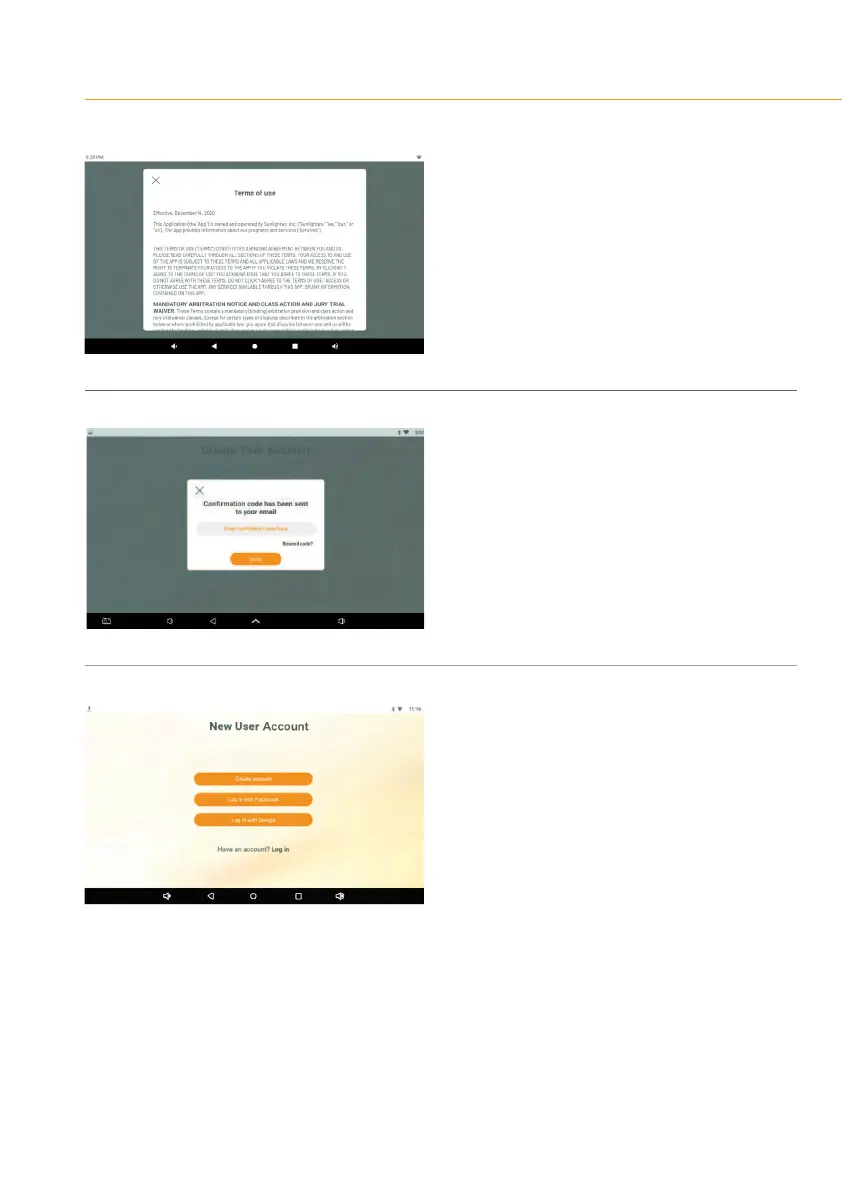
SCREEN 7
•
Tap the phrase ‘Terms of Use’ to read them
•
Tap the box to agree to them
•
Tap Create Account to complete the process.
SCREEN 8
Avericationcodewillbesenttothee-mail
address you used for registration.
•
Enter your code
•
Press the down-pointing arrow to dismiss
the keyboard.
•
Tap ‘Verify’.
SCREEN 9
You’ll be returned to the login screen.
•
Enter the information you’ve just used
for registration.
•
Tap ‘Verify’.









 To Next Page