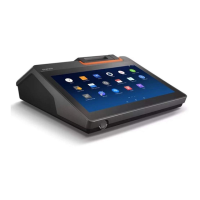
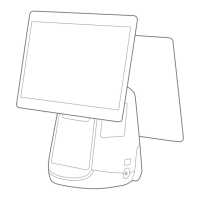
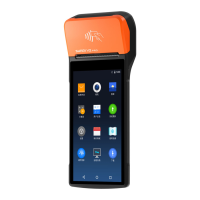
Quick Start Guide
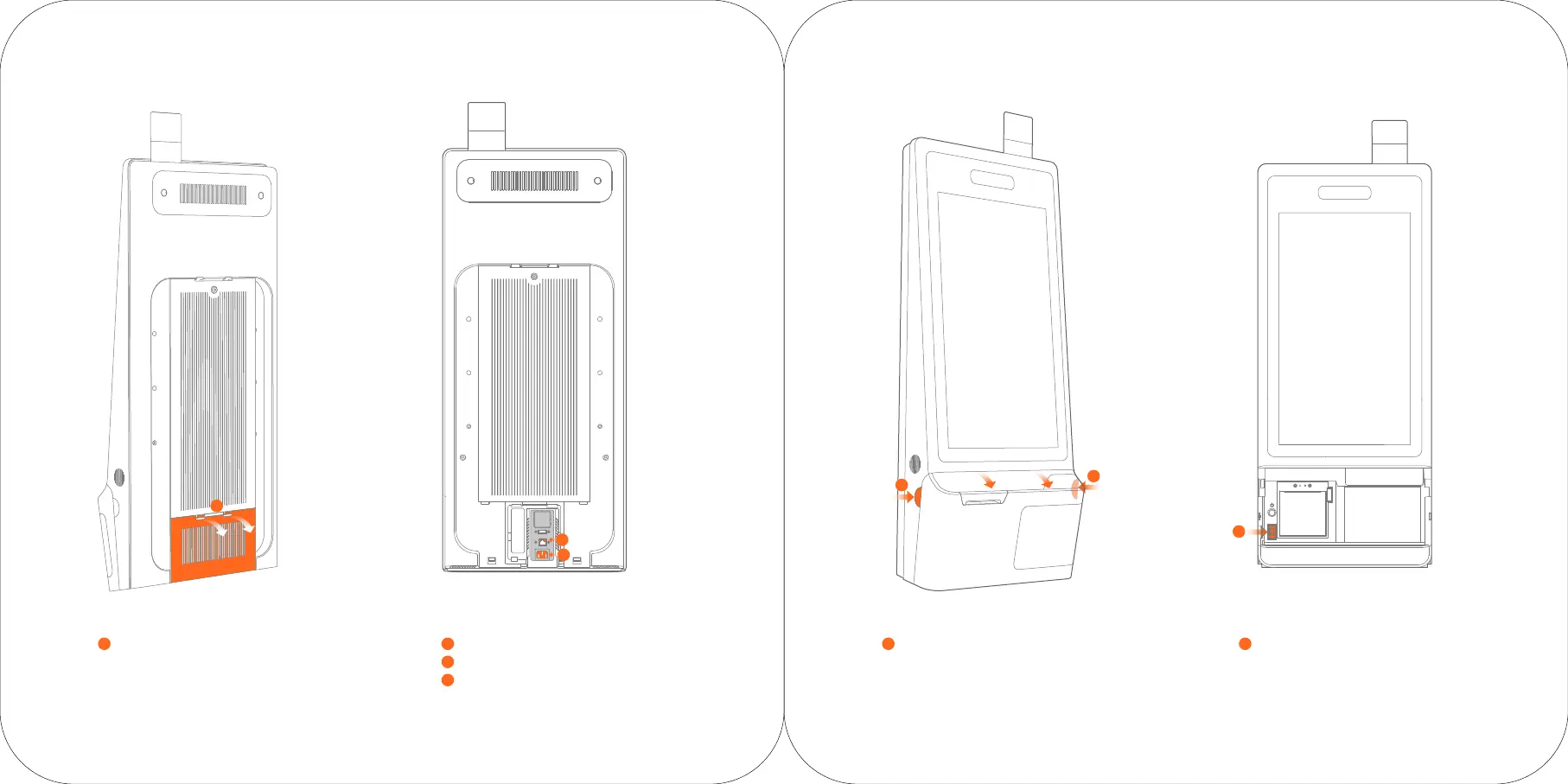
Plug the power line into the power interface.
2
Plug the network cable into the network interface.
3
Close the back plug cover.
4
Press the buttons on both side of the host
at the same time to open the flip panel.
5
Press the power switch to turn on the host.
6
Open the back plug cover.
1
2
3
1
5
5
6


 To Next Page