Shanghai Sunmi Technology Co., Ltd. Sweeping Development
- 2 -
1. Introduction
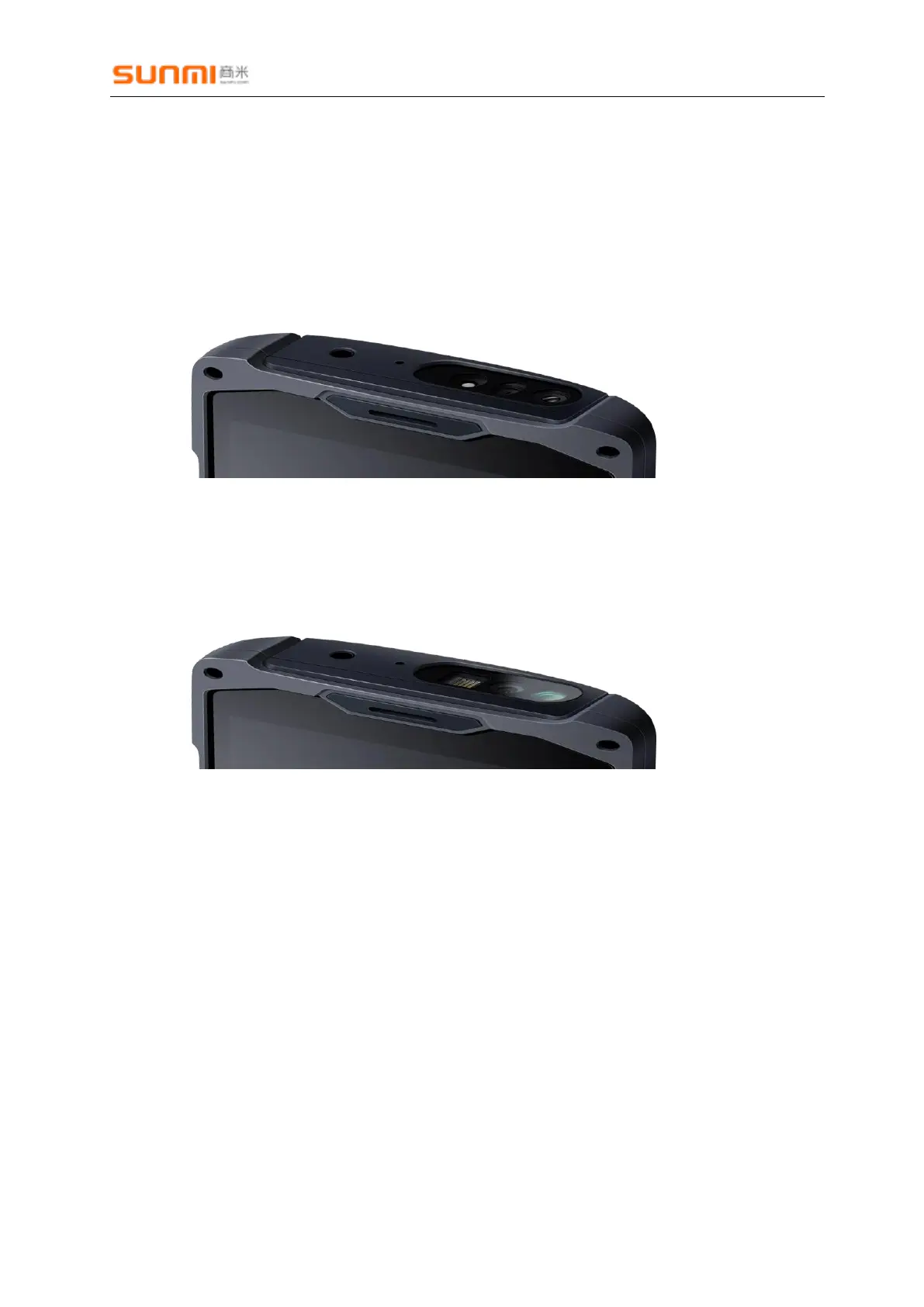
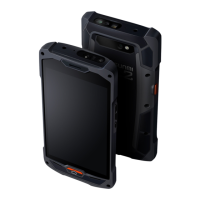
Sunmi L2, P2Lite and other scan code special equipment, can be used for commercial
super, industrial, medical, agricultural trade, law enforcement, etc., L2 has two kinds of scan
specs:
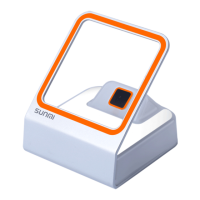
NewLand:New NewLand Sweeping Pier, support code see Schedule 1;
Zebra:Zebra Sweeping Pier, support code see Schedule 1;
Honeywell: Honeywell Sweeping Pier, support code see Schedule 1;
Scan Engine is a development-free scanning device. By default, the side key triggers the
scan code function. There are three scan code output results. The default is the analog
keyboard output. The user opens any edit box. After the scan is successful, the scan result is
automatically entered in the edit box.
If the user needs the software to trigger the scan code or needs to customize the scan
code button, it can be set through the interface provided by the scan code service.
The following describes the interface documentation related to the scan code service
(currently support Aidl way and service connection).


 To Next Page