Shanghai Sunmi Technology Co., Ltd. Sweeping Development
- 8 -
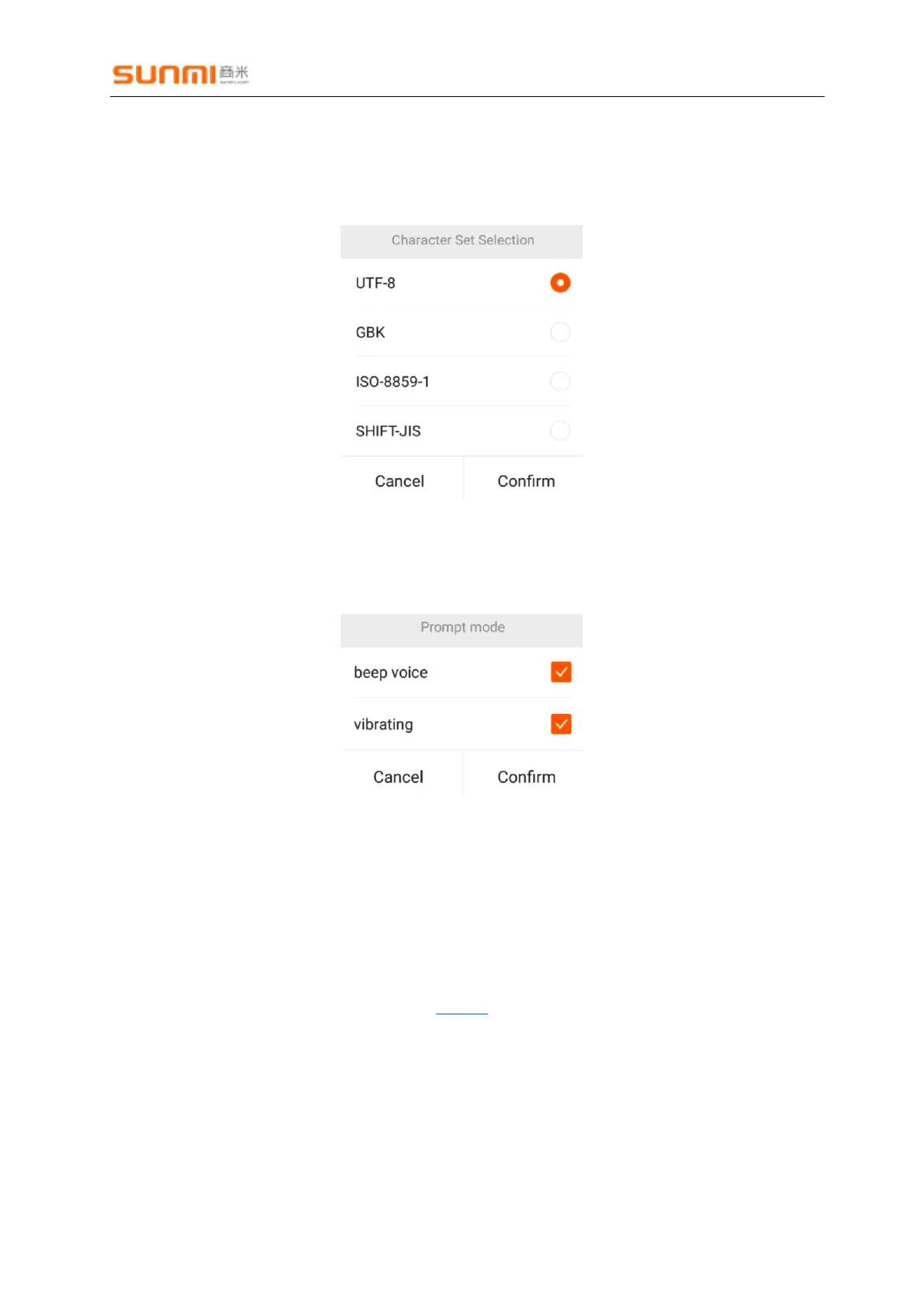
3.2. Character set selection
Default:UTF-8
Options:UTF-8,GBK,ISO-8859-1,SHITF-JIS
3.3. Prompt mode
Acoustic and vibration alerts are turned on by default.
3.4. Data Output mode
1. Setting
Simulated keyboard output is selected by default.
Broadcast output is turned on by default.
Barcode type is not output by default. Refer to CodeID for details.


 To Next Page