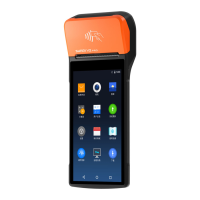
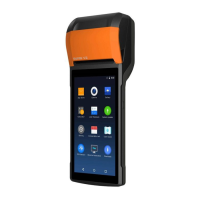
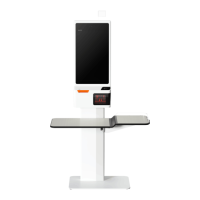
“Take main screen as sample”
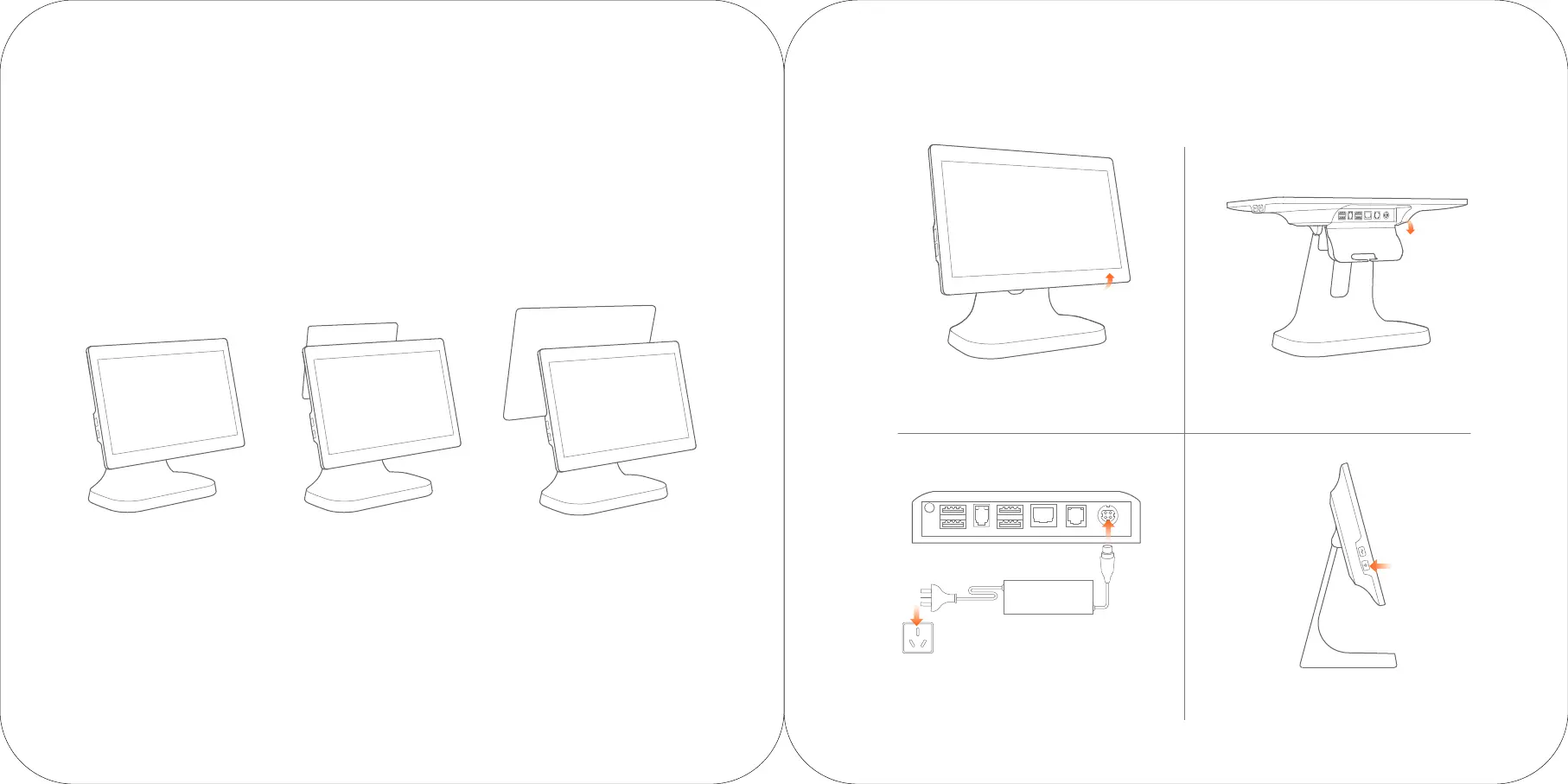
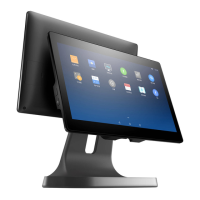
Three options for sub screen of intelligent POS machine
15.6
〃
main screen only
(T3521)
15.6
〃
main screen+10.1
〃
customer screen
(T3522)
15.6
〃
main screen+15.6
〃
customer screen
(T3523)
1. Rotate the display to horizontal 2. Open the port cover
3.
Connect the power interface of the adapter
to the power port at the bottom of the
mainframe. And insert the other side of the
adapter to electric supply sockets
4. Press the power button for
two seconds to turn on
Quick Installation Guide


 To Next Page