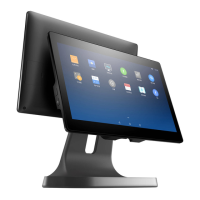
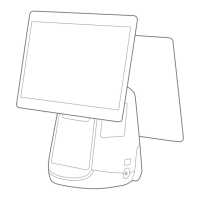
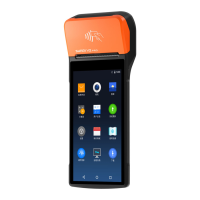
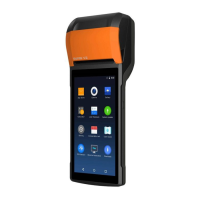
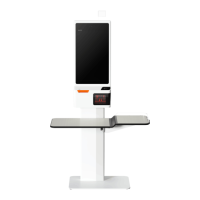
POS Machine Installation
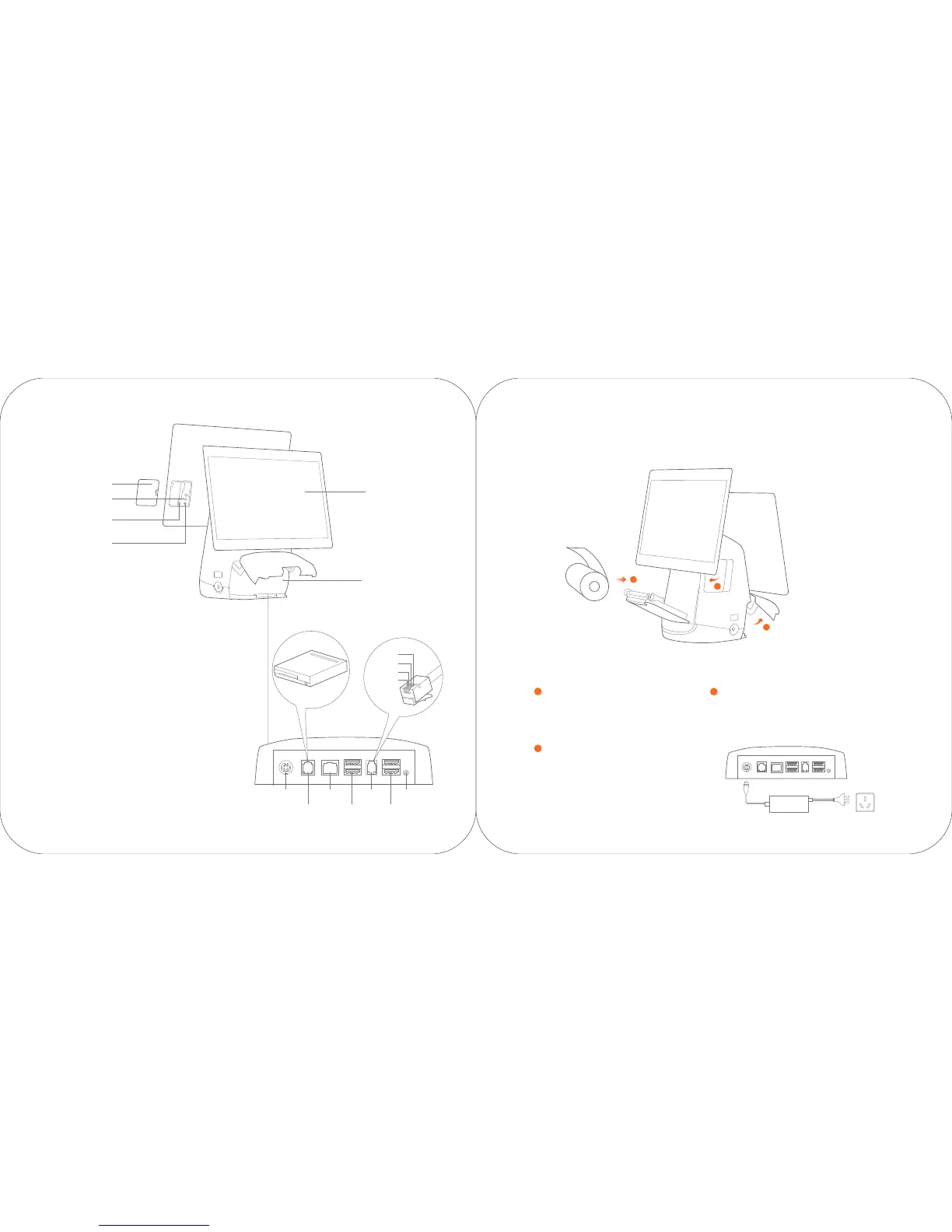
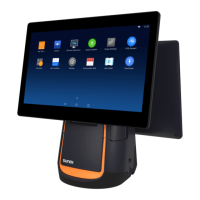
Secondary display
Cable cover
Interface cover
TF card slot
Micro USB
debugging port
Debugging
function button
Open the paper roller cover
1
Install printing paper
2
Connect the power cable
3
1
2
3
GND
RXD
TXD
5V
Power port
Cashbox port
LAN port
USB port USB port
Headset jackSerial port
TF card slot
For connecting an external TF memory card.
Micro USB debugging port, debugging
function button
For debugging the POS.
Cashbox Port
This port can only supports 24V/1A cashbox.If you use a
12V cashbox, there maybe has a potential risk of circuit burns.
Pull the printer handle out, and the
paper roller cover pops out
automatically.
Connect the power interface of the adapter to the
power port at the bottom of the POS. Connect the
other end of the adapter to the power socket.
Place 80mm thermo-sensitive paper,
pull out a section from the paper exit,
and then close the paper roller door.


 To Next Page