8
Baud Rate Setting (for computer)
For the COM port printer, the baud rate must be set correctly before using it. (The current baud rate you
can get from the printer’s self-testing page.)
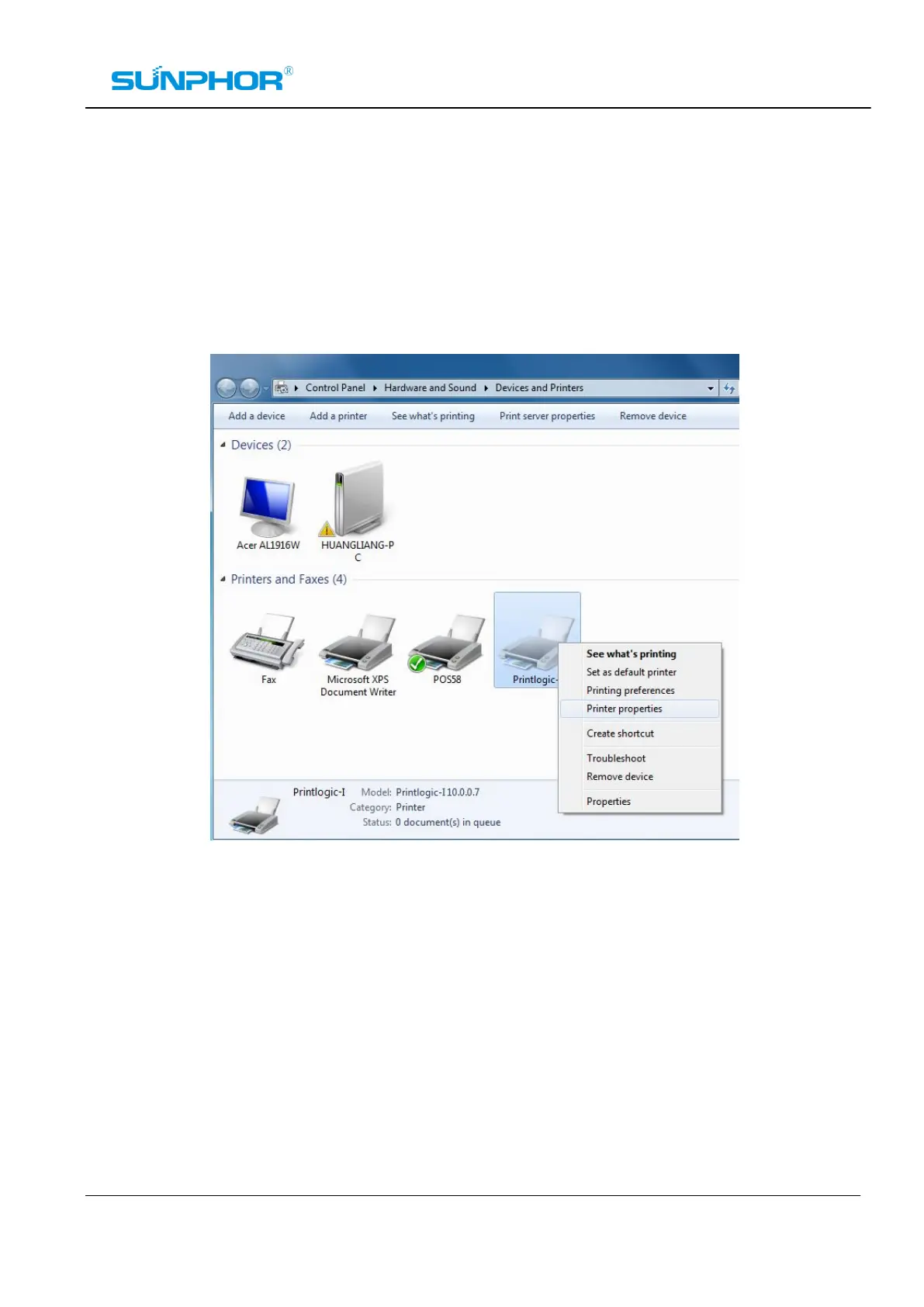
1. Select Control PanelèHardware and SoundèDevices and Printers. Right click on your printer Icon,
choose“Printer properties”.



 To Next Page