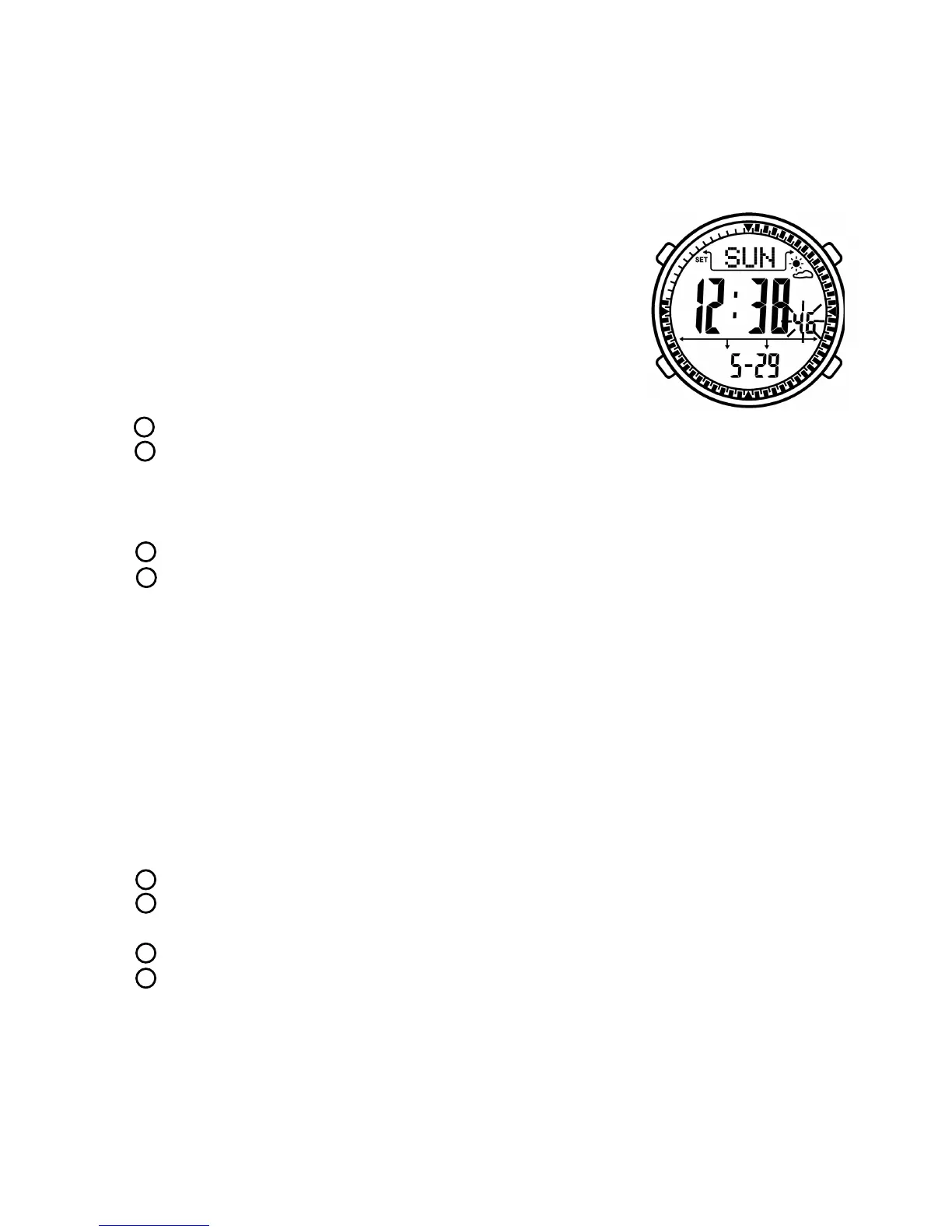
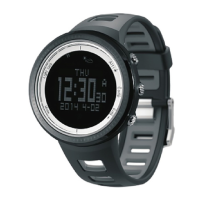
Time setting mode
- Upper: SET
Week
Weather forecast
- Middle: Time
- Below: Date
Button function:
- Press
- Press to
to
- Press to to
- Press to ress it to
- I
Under time mode, long press button B to enter setting mode.
EL backlight will be turned on 6 seconds
switch among hour, minute, second, year, month, date, MMDD/
DDMM, 12/24H, LCD contrast, button tone, temperature unit, altitude unit, air
pressure unit, pedometer weight. Selected item will be flashed, long press it save and exit setting
mode. SET icon will be disappeared.
decrease data, long press it decrease data quickly
increase data, long p increase data quickly
f there is no operation in 30 seconds. It will save and exit setting mode,
SET icon will be disappeared.
LCD display:
B
A
B
C
D
3.2 Pedometer
Under time mode, press button B to enter pedometer mode. Then press button
D to turn on pedometer. “RUN” icon will be displayed on LCD screen.
LCD display:
- Upper: STEP
Weather forecast
- Middle: Steps
- Below: Sports time
Button function:
- Press
mode
EL backlight will be turned on 6 seconds.
A
5
enter alarm clock mode, pedometer is turned off at the same time.
Long p enter pedometer setting mode.
switch between steps mode and calorie mode.
turn on or off pedometer. When turn off pedometer, long press it to
clear zero.
- Press to
ress it to
- Press to
- Press to
B
B
C
D


 To Next Page