3.3
Under time mode, press button B two times to enter alarm clock mode.
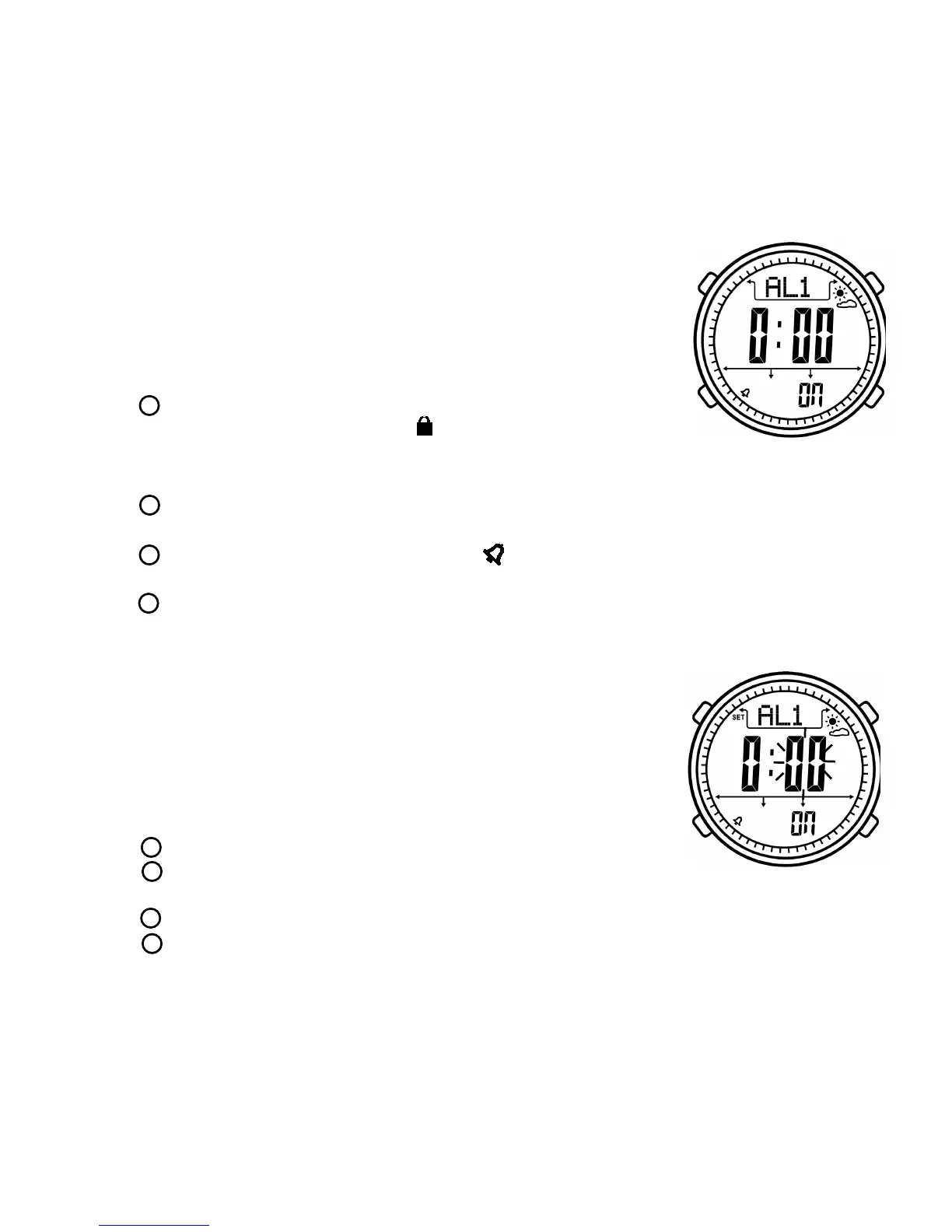
LCD display:
- Upper: AL1 (alarm clock group)
Weather forecast
- Middle: Alarm time
- Below: ON/OFF
Button function:
- Press ,
to
ess button A
- Press to ress it to
- Press to
- Press to
Alarm clock mode
EL backlight will be turned on 6 seconds,
long press it enter lock mode. “ ” icon will be displayed on
LCD. When system is locked, it will not exit to time mode automatically after 30
seconds. Long pr again to exit lock mode.
enter stop watch mode, long p enter alarm clock setting
mode to set current alarm clock.
turn on or off alarm clock. “ ” icon will be displayed on LCD
when turn on alarm clock.
switch alarm clock group among AL1(1st group),AL2(2nd group),
Chime(hourly alarm)
A
B
B
C
D
Alarm clock setting mode
Button function:
- Press
- Press to
ress it to
- Press to to
- Press to
- I
Under alarm clock mode, long press button B
to enter alarm clock setting mode.Under hourly
alarm mode, long press button B can not enter
setting mode.
EL backlight will be turned on 6 seconds
switch hour and minute,
long p save and exit setting mode. “SET” icon will be disappeared.
decrease data, long press it decrease data quickly
increase data, long press it to increase data quickly
f there is no operation in 30 seconds. It will save and exit setting mode,
“SET” icon will be disappeared.
A
B
C
B
D
7



 To Next Page