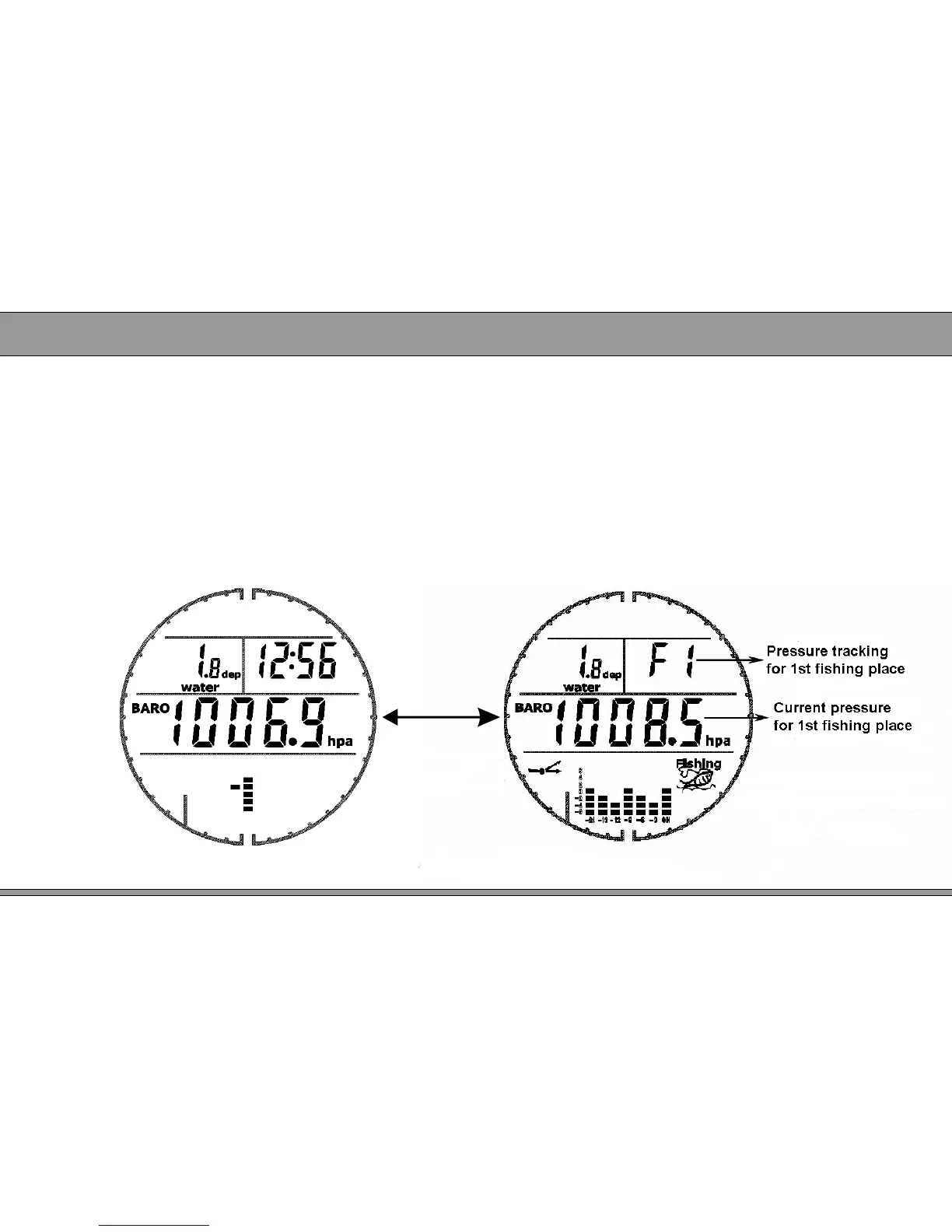
2. 7.2 Pressure tracking for fishing place
● Step 1 Link fishing place
At fishing place, recording the initial air pressure base on method of item 2.6.1.
When coming back usual staying place (such as home or company), please long
press MODE to link fishing place under time mode.
● Step 2 Checking current air pressure of fishing place when we are staying at
usual place (such as home or company), steps are as below,
1. Under time mode, press SET two times to enter pressure tracking mode.
2. Press MODE to switch fishing place code.
12
Initial pressure mode Pressure tracking mode
Press SET


 To Next Page